
Copyright 2026 © swekartor. All Rights Reserved.


Information about File Manager
App Feature
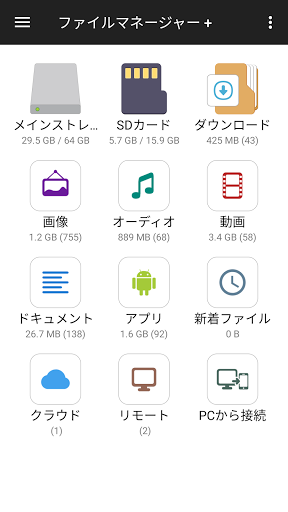
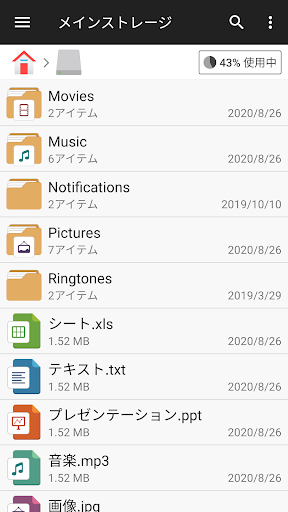
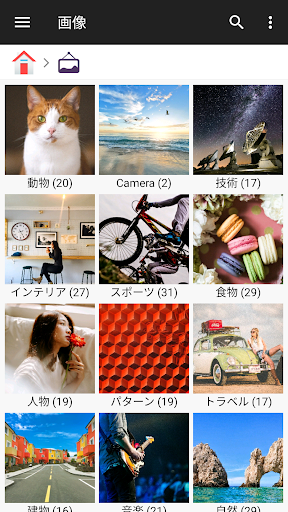
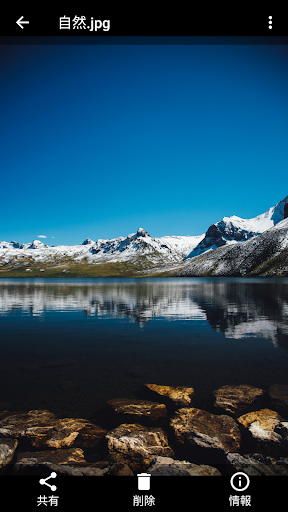
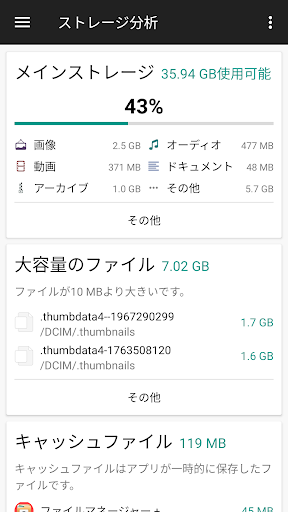
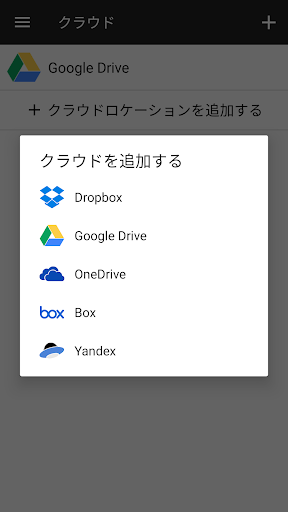
A fast, full-featured Android file explorer that manages local, SD card, USB OTG, and network/cloud storage (Google Drive, OneDrive, Dropbox, Box, Yandex). It covers core actions (copy/move/rename/delete, compress/decompress), offers built‑in viewers/editors, storage analysis/cleanup, archive support (zip/gz/xz/tar), and PC access via FTP. Works on phones, tablets, and Android TV.
Verdict
Verdict: A polished, powerful file manager that balances ease of use with pro‑level features, ideal for everyday and heavy file workflows.
Who is it for
Best for:
- Users who want a clean, intuitive file manager with reliable local/SD/USB organization
- People juggling cloud/NAS storage who need seamless cross‑location transfers
- Anyone needing built‑in viewers and quick storage analysis to free up space
Not ideal for:
- Power users requiring advanced protocols/workflows (e.g., robust SMB/WebDAV tuning, root features)
- Those who need ad‑free by default or highly granular cloud directory pagination
Real-world User Experience
Users like it:
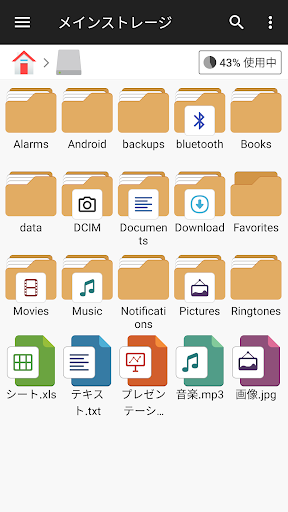
Minimal, non-intrusive ads; fast, stable performance across large libraries; very intuitive UI reminiscent of desktop file explorers; excellent for organizing and moving files (including SD/OTG); built-in audio/video/text viewers; smooth cloud integration; dependable over updates; simple PC access via FTP; helpful storage visualization.
Users complain about:
Network/remote connections can be confusing or fail (SMB/WebDAV, phone-to-tablet, Windows 11 sharing); cloud directory loading can be slow without chunked pagination; cache size visibility tied to the clear action; confirmations feel excessive (though configurable); occasional ad content may not be family-friendly.
Is it Worth Paying For?
Yes. The free version is fully capable with light banner ads. Multiple users report upgrading to premium due to daily usefulness, stability, and convenience; if you often manage files across cloud/NAS or want an ad-free experience, the IAP offers good value.
How it Compares to Alternatives
Compared to Google Files, it offers deeper file operations, clearer folder views, and better multi-storage support. Versus Solid Explorer or MiXplorer, it’s more approachable and cheaper to start, though those may edge it out for niche power features (root, advanced plugins, richer archive formats). It rivals X-plore for network browsing but some users find SMB/WebDAV setup less straightforward here. Overall, it strikes one of the best ease‑of‑use vs. capability balances on Android.
Summary
File Manager (File Manager +) is a standout Android file explorer with a rare mix of speed, simplicity, and breadth: local/SD/USB, cloud, and NAS/FTP all in one UI, plus built‑in viewers, smart search, storage analysis, and zipping. Real users praise its reliability, minimal ads, and desktop-like organization, noting it becomes a first‑install essential across devices. The main trade-offs are occasional friction with SMB/WebDAV and cloud list loading, and some ad content concerns. If you want a dependable daily driver that covers nearly every file task without overwhelming complexity, this is an easy recommendation; premium is worth it for frequent use or to remove ads.

Ratings
Trending APP












Alternative to this app









