
Copyright 2026 © swekartor. All Rights Reserved.



Information about AndrOpen Office
App Feature
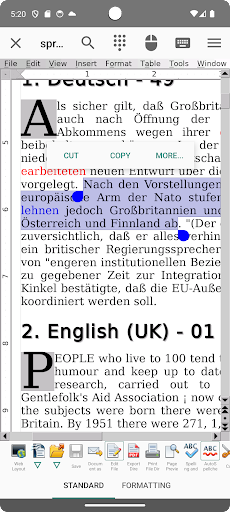
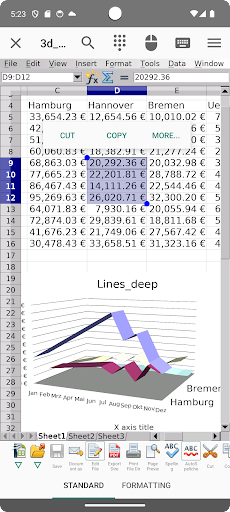
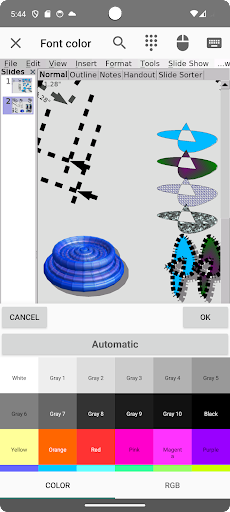
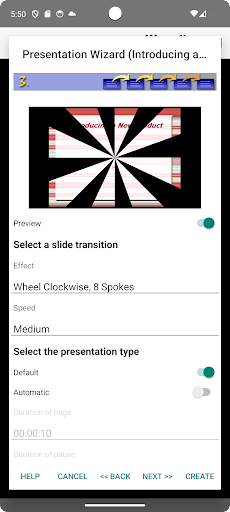
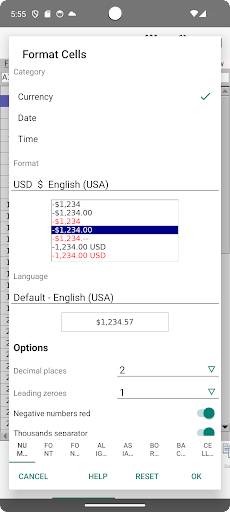
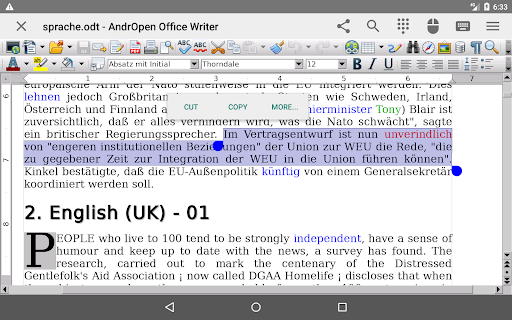
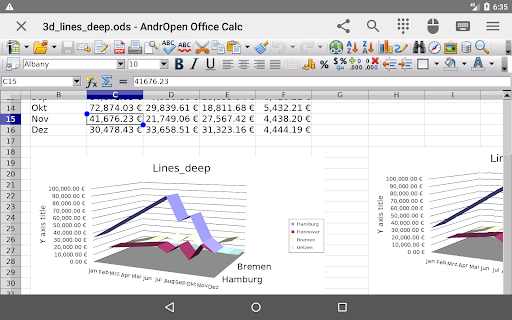
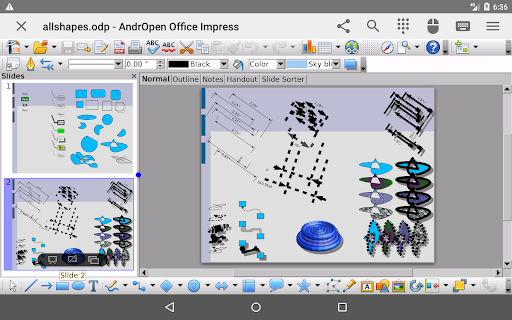
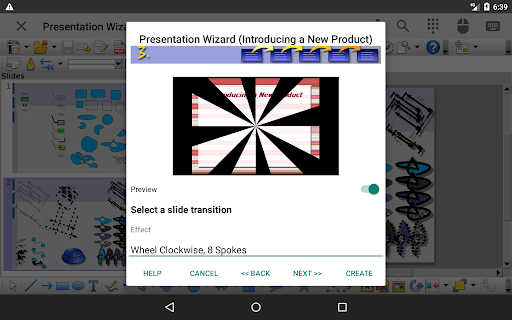
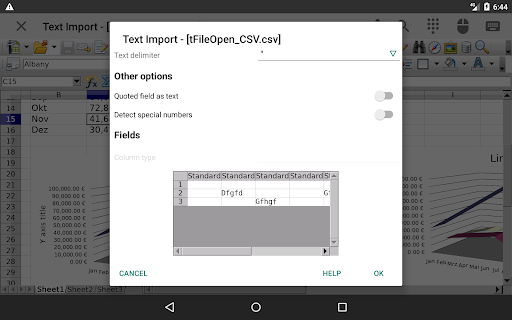
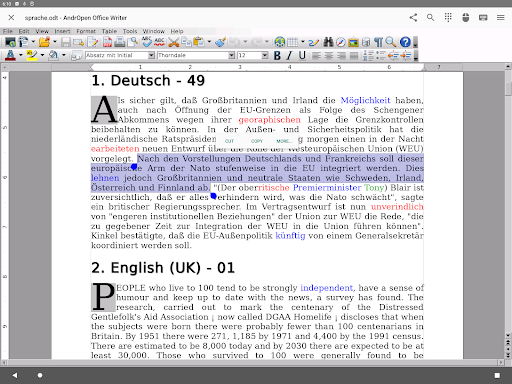
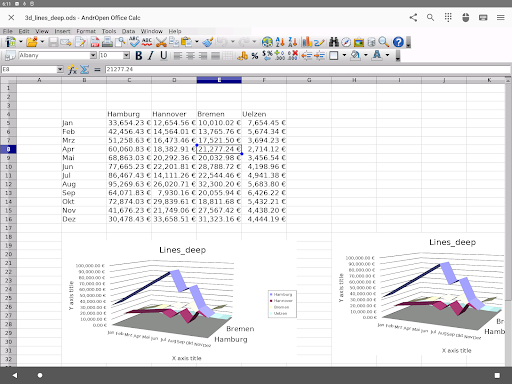
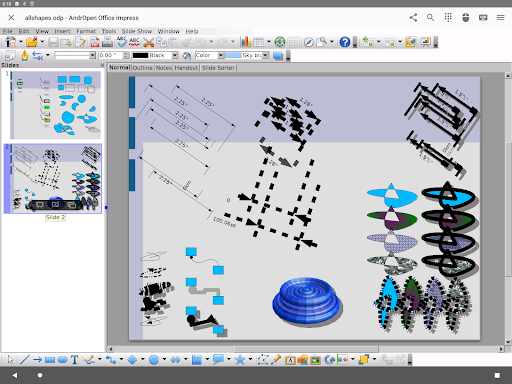
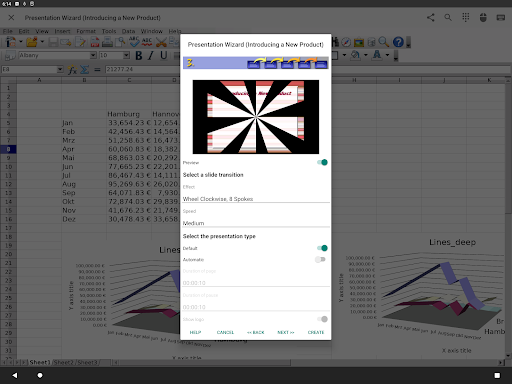
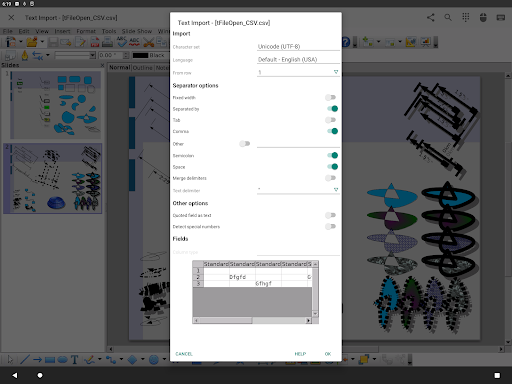
AndrOpen Office brings a full desktop-style OpenOffice/LibreOffice suite to Android, letting you view, create, and edit documents, spreadsheets, presentations, drawings, and math formulas with broad file compatibility (ODF, many Microsoft formats, PDF import/export) and power-user features like styles, charts, and limited macros.
Verdict
Verdict: A powerful, desktop-like office suite on Android, best for feature-heavy editing but clunky for casual, touch-first use.
Who is it for
Best for:
- Power users who need desktop-grade ODF editing on mobile
- Students and professionals handling complex formatting, charts, and long documents
- Offline editors who value broad file import/export support
Not ideal for:
- Users who want a slick, touch-first mobile UI with real-time collaboration
- People working mainly in Microsoft 365/Google Workspace clouds
- Older or low-powered devices handling very large files
Real-world User Experience
Users like it:
Robust desktop-level features on Android; wide format support (ODF, DOCX/XLSX/PPTX) with generally faithful layout; reliable PDF export; no ads; capable for serious writing, spreadsheets, and presentations.
Users complain about:
UI feels dense and desktop-oriented with small touch targets; performance can lag or occasionally crash on large/complex files; cloud connectors require a paid upgrade; learning curve is steeper than mobile-first office apps.
Is it Worth Paying For?
The core suite is free and ad-free; paying mainly unlocks cloud connectors (Google Drive/Dropbox/OneDrive/Box/NAS/WebDAV). If your workflow depends on cloud storage integration or remote files, the IAP is worthwhile. If you work locally and share via PDF or system file pickers, the free version suffices.
How it Compares to Alternatives
Compared to Microsoft Office, AndrOpen Office offers broader ODF fidelity and deeper offline editing but lacks best-in-class DOCX/XLSX compatibility, real-time collaboration, and seamless OneDrive/SharePoint integration. Versus Google Docs/Sheets/Slides, it is far more feature-complete offline but misses live collaboration and cloud-first simplicity. Against WPS Office, it avoids ads and supports ODF better, but WPS has a more polished mobile UI. Collabora Office (LibreOffice-based) provides a more touch-adapted interface and strong ODF support, but AndrOpen may expose more traditional desktop features and filters; pick based on UI preference vs. maximum feature parity.
Summary
AndrOpen Office is a rare, full desktop-style office suite on Android that faithfully handles ODF files and many Microsoft formats while offering serious tools across Writer, Calc, Impress, Draw, and Math. Its strengths are power and compatibility, including PDF import/export and complex formatting, all without ads. The trade-offs are a dense, mouse-first UI that can feel awkward on touchscreens, occasional performance hiccups with large documents, and a paid tier for cloud connectors. If you need robust, offline, desktop-grade editing on the go—especially for ODF—this is a strong pick. If you prioritize collaboration, cloud-first workflows, or a streamlined mobile experience, Microsoft Office, Google Workspace, or Collabora/WPS may suit you better.
Ratings
Trending APP












Alternative to this app









