Copyright 2026 © swekartor. All Rights Reserved.


Information about AnyDesk plugin ad1
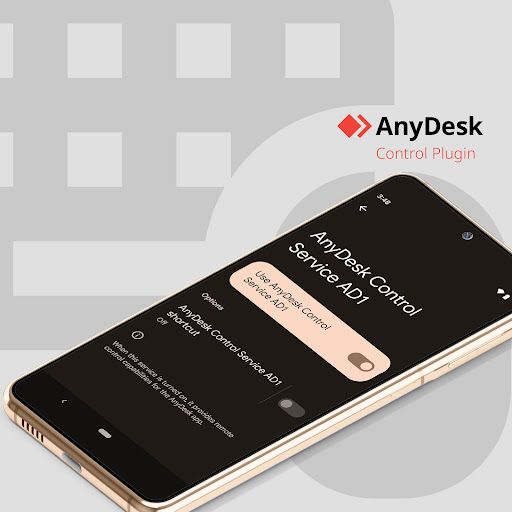
App Feature
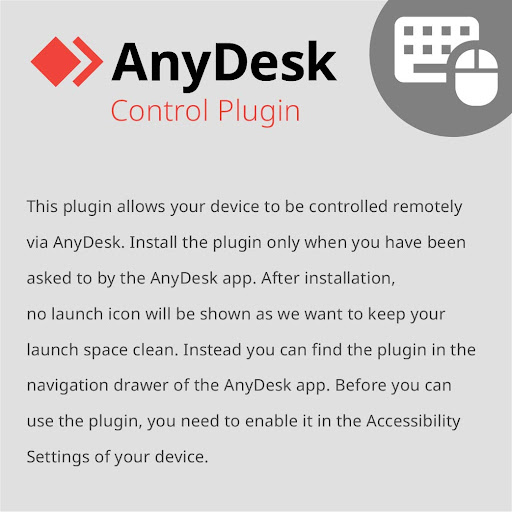
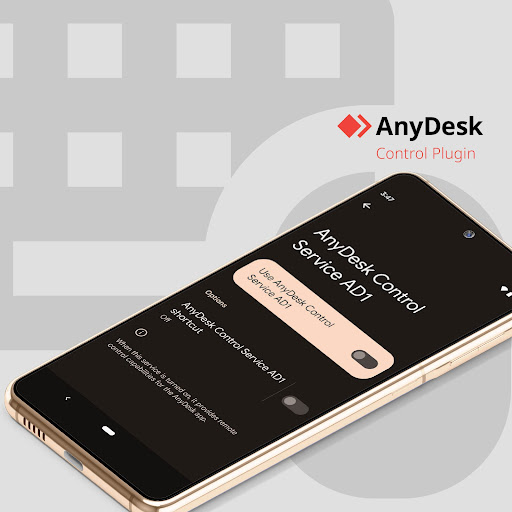
A device-specific AnyDesk control plugin that enables full remote control on supported Android devices via Accessibility. It installs alongside the main AnyDesk app (no launcher icon), adding secure, low-latency input control for remote sessions.
Verdict
Verdict: Effective if your device is supported and you know you need it, but inconsistent compatibility and limited support make it a niche add-on.
Who is it for
Best for:
- AnyDesk users who were prompted to install this exact plugin (ad1) for remote control
- IT admins and power users needing secure, smooth Android or desktop control from mobile
Not ideal for:
- Casual users expecting a standalone remote desktop app or a visible launcher
- Users on unsupported devices or those unwilling to tweak Accessibility settings/reboot
Real-world User Experience
Users like it:
Smooth, responsive remote control once enabled; works reliably across multiple PCs and phones; secure by design when used with trusted parties; simple setup for experienced users (enable in Accessibility, then control via AnyDesk).
Users complain about:
Confusion that it’s a plugin with no icon; occasional need for a device reboot before it works; spotty device compatibility (e.g., some Samsung tablets); slow or absent developer support responses; reports of scammers misusing remote tools leading to negative perceptions.
Is it Worth Paying For?
Free with no ads or IAP. If you already use AnyDesk and this plugin is required for your device, it’s worth installing; there’s no cost barrier.
How it Compares to Alternatives
Against TeamViewer QuickSupport add-ons, AnyDesk’s plugin is similarly device-specific and relies on Accessibility for full control, with comparable performance and security. Compared to Chrome Remote Desktop or Microsoft Remote Desktop, this plugin targets Android control enablement rather than being a standalone client, making it more specialized but also more confusing if installed without the main app. AnyDesk is praised for speed, but mixed compatibility and support feedback can lag behind TeamViewer’s broader device support ecosystem.
Summary
AnyDesk plugin ad1 is a necessary add-on for enabling full Android remote control within the AnyDesk ecosystem on certain devices. It doesn’t function on its own and won’t show a launcher icon; instead, it integrates into the AnyDesk app and requires enabling Accessibility permissions. Users report smooth performance and secure control when everything aligns, but some encounter hiccups like needing a reboot, inconsistent device compatibility, and limited support. It’s free and valuable for existing AnyDesk users who are prompted to install it, but not suited to those seeking a standalone remote desktop app or on unsupported devices. Use only with trusted parties to avoid misuse.
Ratings
Trending APP











Alternative to this app