
Copyright 2026 © swekartor. All Rights Reserved.



Information about QR Scanner - Barcode Scanner
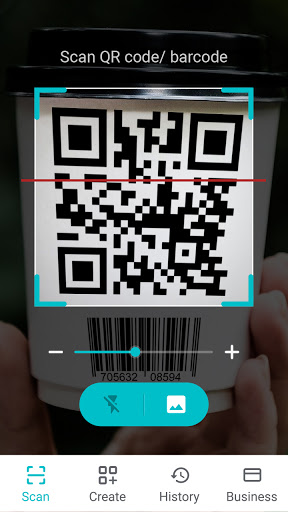
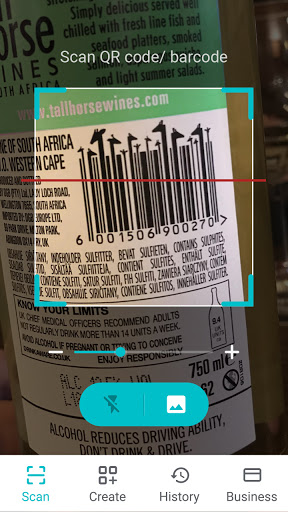
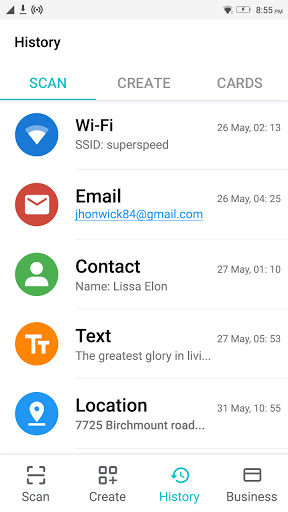
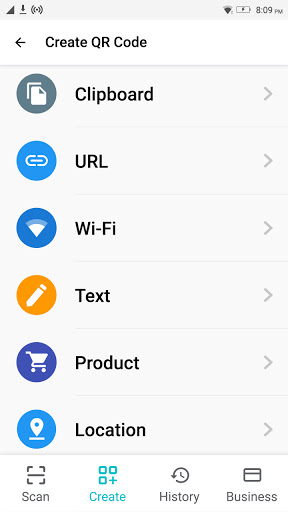
App Feature
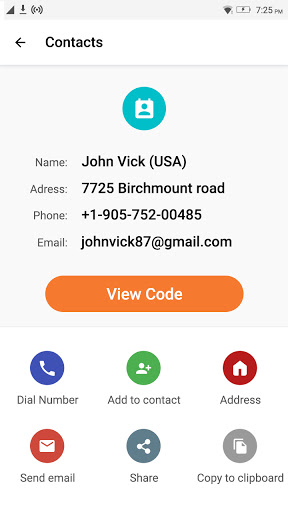
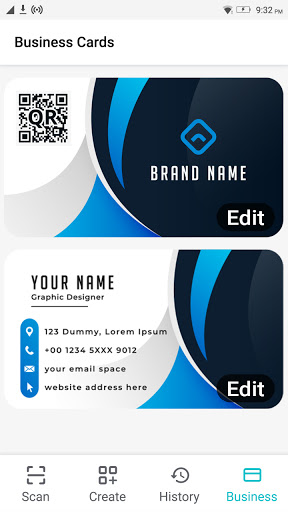
QR Scanner - Barcode Scanner is a free Android tool for quickly scanning QR codes and barcodes, supporting auto-recognition from camera or gallery, batch scanning, flashlight assistance, scan history, and generating custom QR/barcodes (including business cards). It also offers price lookups via barcode, Wi‑Fi credential parsing from QR, and light/dark modes, claiming minimal permissions (camera only).
Verdict
Verdict: A fast, versatile QR/barcode utility with handy extras, best if you want scanning plus generation, but ad interruptions may annoy power users.
Who is it for
Best for:
- Users who want quick, reliable QR/barcode scans in varied lighting
- People who need built‑in QR/barcode generation (e.g., contacts/business cards)
- Shoppers comparing product info and prices via barcode lookups
Not ideal for:
- Users who need a completely ad‑free experience by default
- Enterprises requiring advanced inventory features or POS integrations
Real-world User Experience
Users like it:
Consistently praised for fast, accurate scanning of both QR and barcodes, even when codes are small, moving, or in dim light thanks to the flashlight. Many highlight that it works when default phone scanners fail, reads embedded data clearly, supports history and easy sharing, and can extract Wi‑Fi passwords from QR codes. Accessibility wins include tolerance to shaky hands and quick auto‑recognition without manual focusing.
Users complain about:
Several mention intrusive ads or promotional pages appearing on launch before scanning can begin, causing initial confusion. A few report odd first‑run flows or needing to restart the app to bypass ad screens.
Is it Worth Paying For?
The app is free with ads and offers in‑app purchases (likely for ad removal or premium features). For casual scanning, the free version seems sufficient. If you scan frequently or dislike interruptions, paying to remove ads is likely worth it given the app’s speed and features.
How it Compares to Alternatives
Compared to built‑in camera scanners or Google Lens, this app adds batch scanning, history, and a robust code generator (including business cards), which many stock tools lack. Against popular third‑party options like “QR & Barcode Scanner” by TeaCapps or Kaspersky QR Scanner, it’s competitive on speed and features; privacy‑focused users may prefer tools emphasizing local/offline parsing and explicit safety checks, while this one balances features and ease of use with ads in the free tier.
Summary
With 50M+ installs and a strong rating, QR Scanner - Barcode Scanner delivers quick, dependable scans for both QR codes and barcodes, plus practical extras like batch mode, gallery scanning, history, and a capable code generator for sharing links, contacts, and Wi‑Fi credentials. User feedback highlights its speed, accuracy, and low‑light performance, though ad screens at launch can be disruptive. If you want a single app that scans well and also creates professional QR codes, it’s an excellent pick; consider the paid option if you want an uninterrupted, ad‑free workflow.
Ratings
Trending APP












Alternative to this app









