
Copyright 2026 © swekartor. All Rights Reserved.


Information about Wordpad
App Feature
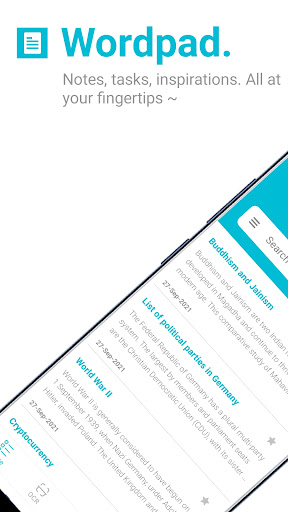
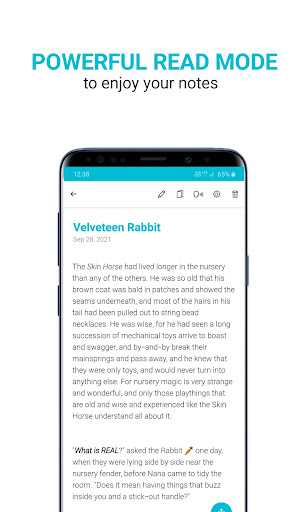
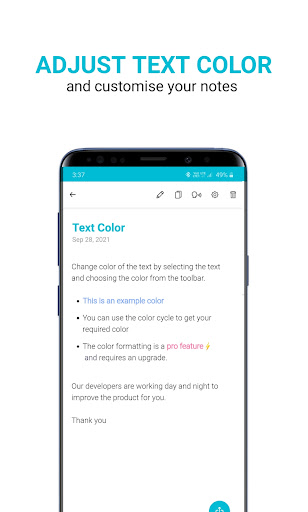
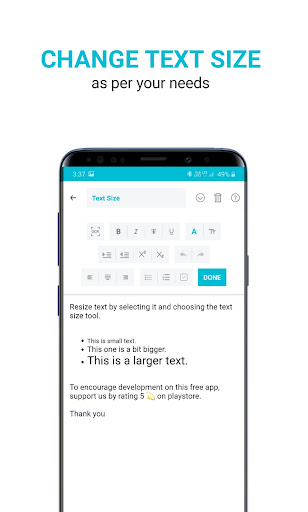
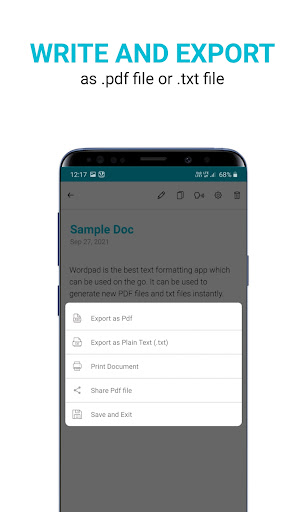
Wordpad is a free, lightweight word processor for creating notes, tasks, and longer documents, with automatic formatting and one‑tap export to PDF/TXT plus direct printing.
Verdict
Verdict: A streamlined, no‑frills word processor that excels at quick writing and exporting, but lacks advanced editing and collaboration.
Who is it for
Best for:
- Students, bloggers, and writers who want a simple editor
- Users needing quick PDF/TXT export and direct printing
- Anyone preferring a fast, lightweight alternative to full office suites
Not ideal for:
- Teams needing real‑time collaboration or cloud syncing
- Power users requiring advanced layout, templates, or scripting
- Heavy Microsoft Word/Docs workflows with complex formatting
Real-world User Experience
Users like it:
Given the 4.4 rating and concise feature set, users likely appreciate the simplicity, quick setup, clean typing experience, and one‑click export/print that make everyday note taking and basic documents easy.
Users complain about:
Users may find limitations around advanced formatting, collaboration, and organizational tools (e.g., folders, versioning, cloud sync), which can hinder complex or shared documents.
Is it Worth Paying For?
The app is free and no paid plan is indicated; for users who need a straightforward editor with PDF/TXT export and printing, it offers strong value at no cost.
How it Compares to Alternatives
Compared to Google Docs or Microsoft Word, Wordpad is lighter and faster to start but lacks collaboration, cloud integration, and advanced formatting. Versus WPS Office or JotterPad, it trades breadth and templates for simplicity and quick export/print convenience.
Summary
Wordpad focuses on fast, distraction‑free writing and practical output: you draft, it handles basic formatting, then you export to PDF/TXT or print with a tap. Its accessible design suits students, bloggers, and solo professionals who need a dependable, lightweight tool on the go. While it won’t replace full office suites for complex layouts or team collaboration, its strong rating, simplicity, and zero cost make it an appealing everyday writer for straightforward documents.
Ratings
Trending APP












Alternative to this app









