
Copyright 2026 © swekartor. All Rights Reserved.



Information about My CenturyLink
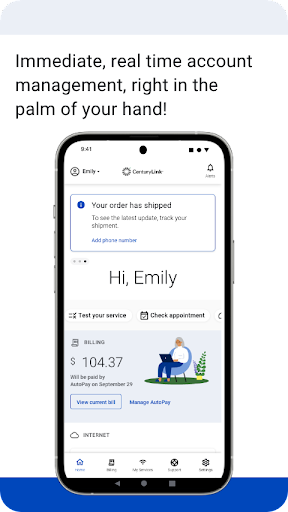
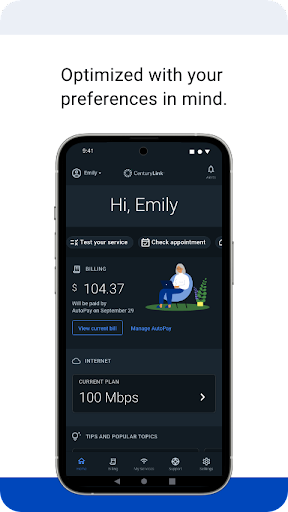
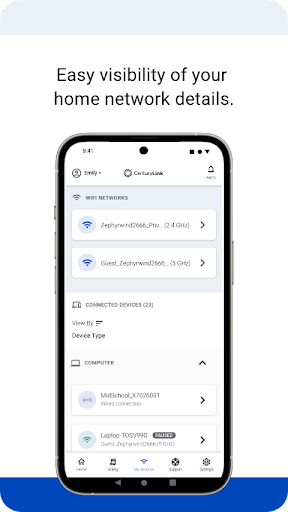
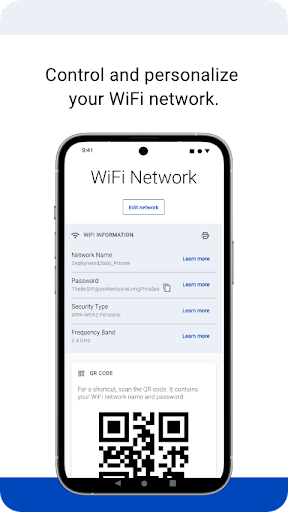
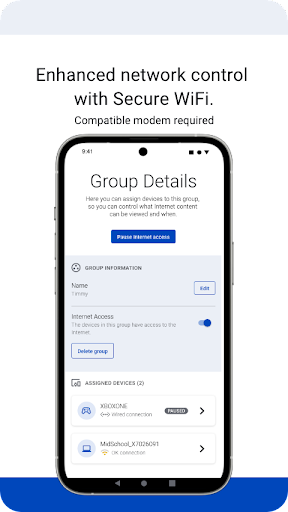
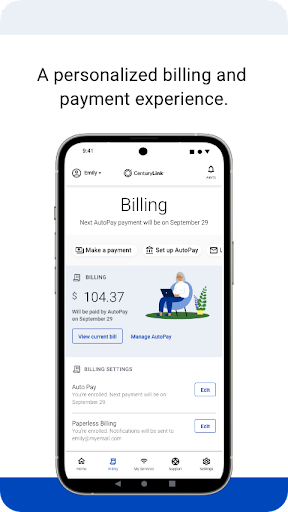
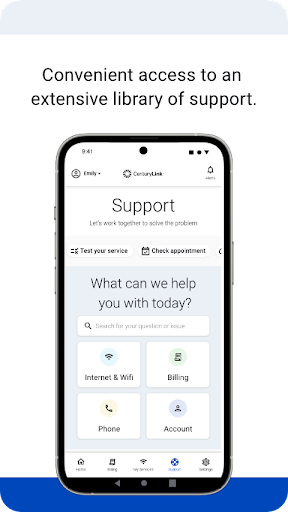
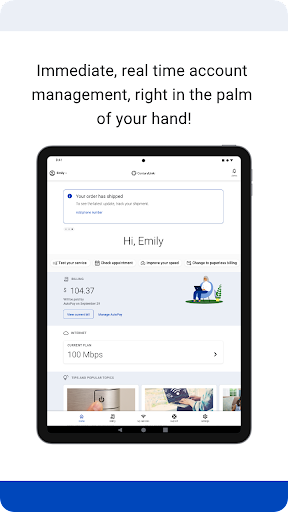
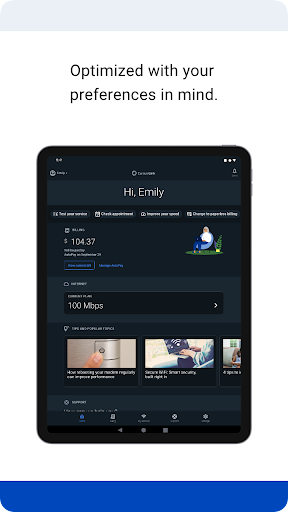
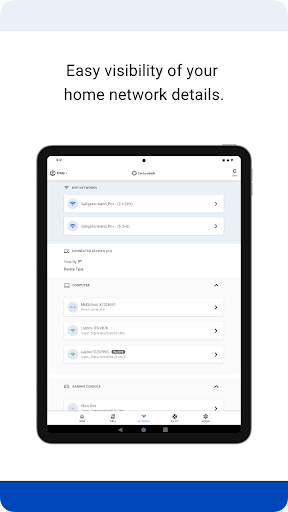
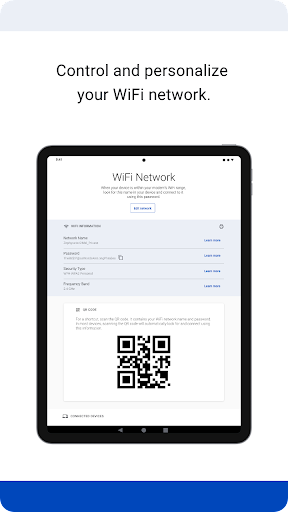
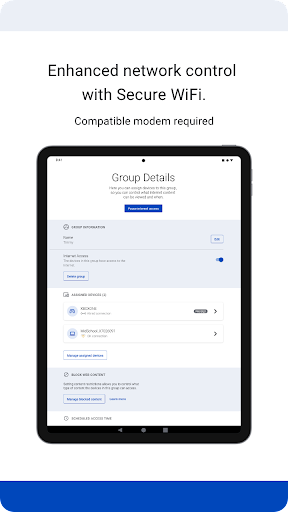
App Feature
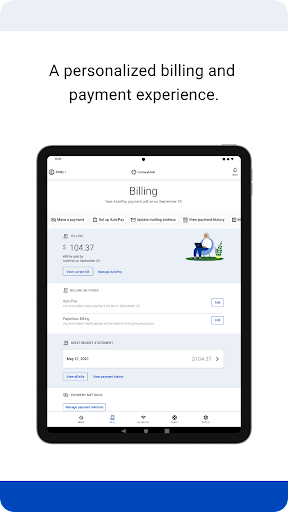
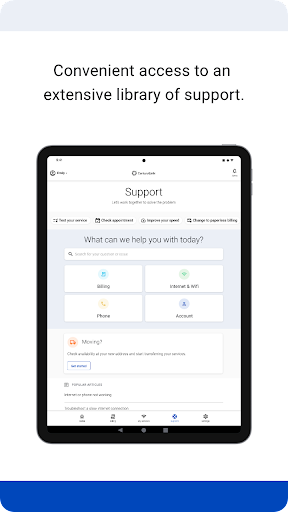
My CenturyLink centralizes account and internet service management: view/pay bills, manage AutoPay, receive real‑time billing and service alerts, self‑install compatible modems, check/upgrade speeds (where available), access troubleshooting resources, and—on supported leased modems—use Secure WiFi parental controls, device pausing, and schedules.
Verdict
Verdict: A capable all‑in‑one account and service hub for CenturyLink customers, with useful alerts and parental controls, but occasional reliability and device‑compatibility caveats.
Who is it for
Best for:
- CenturyLink customers who want mobile bill pay, AutoPay, and outage/order alerts
- Households using a compatible leased modem needing parental controls and device pausing
- Users who prefer self‑service setup and troubleshooting guides
Not ideal for:
- Customers on unsupported/owned modems expecting Secure WiFi features
- Power users seeking deep network diagnostics or advanced router customization
- Anyone intolerant of occasional login glitches or slow load times
Real-world User Experience
Users like it:
Convenient bill viewing and payments, timely notifications about due dates and service status, straightforward self‑install, and helpful parental controls on compatible equipment.
Users complain about:
Intermittent sign‑in or session issues, occasional sluggishness or crashes, limited functionality if you don’t lease a compatible modem, and support tools that may not resolve complex technical problems.
Is it Worth Paying For?
The app is free with no ads or in‑app purchases, so there’s nothing to buy—good value for basic account management and alerts.
How it Compares to Alternatives
Compared with ISP peers like Xfinity, Spectrum, or AT&T Smart Home Manager, My CenturyLink covers core needs—billing, outages, self‑install—competently. Its Secure WiFi controls are competitive but hinge on using a compatible leased modem, whereas some rivals offer broader device management on more hardware. Overall polish and stability trail the very best-in-class apps but are adequate for routine tasks.
Summary
My CenturyLink brings billing, service status, and setup into a single, straightforward app. It shines for quick payments, helpful alerts, and parental controls when paired with a supported leased modem. The experience can be uneven—login hiccups and occasional lag do surface—and advanced network tools are limited. Still, for most CenturyLink customers who want simple account management and basic service oversight from their phone at no cost, it delivers solid day‑to‑day utility.
Ratings
Trending APP












Alternative to this app









