
Copyright 2026 © swekartor. All Rights Reserved.



Information about Dell AR Assistant
App Feature
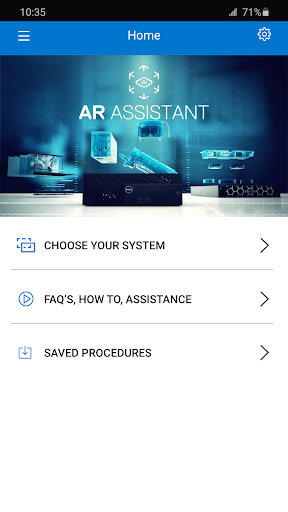
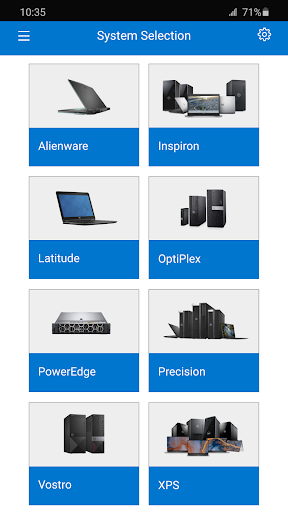
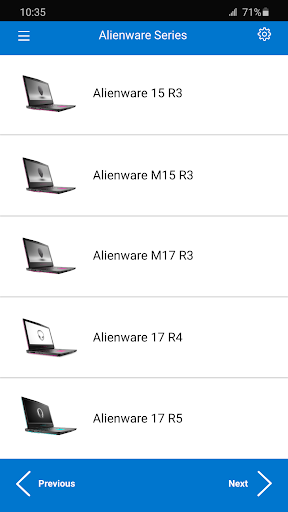
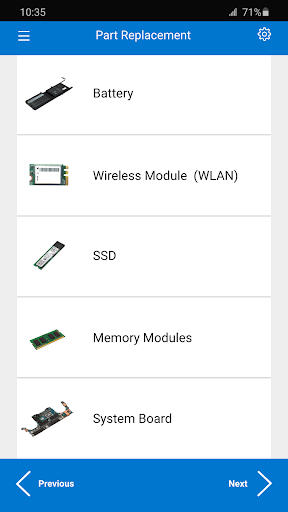
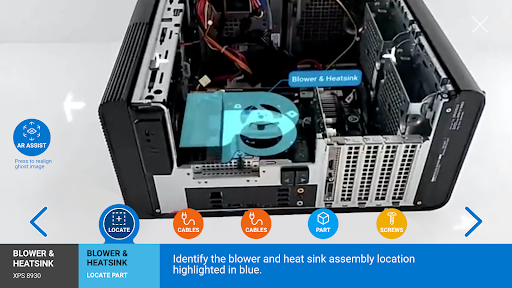
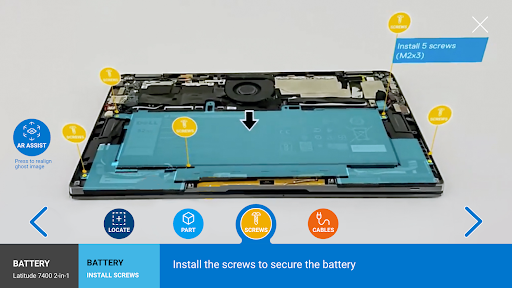
Dell AR Assistant provides step-by-step, on-device augmented reality guidance for disassembling and reassembling Dell system parts, combining real-time overlays with clear documentation and tutorials to support assisted self-service repairs.
Verdict
Verdict: A useful AR repair guide for Dell hardware owners, but limited scope and mixed reliability make it hit-or-miss.
Who is it for
Best for:
- Dell PC owners performing basic part replacements with visual guidance
- IT staff or technicians who want quick, on-device walkthroughs
Not ideal for:
- Users seeking broad device support beyond Dell systems
- Those expecting flawless AR tracking or comprehensive troubleshooting tools
Real-world User Experience
Users like it:
Clear, step-by-step AR overlays and accessible documentation that simplify part replacement; straightforward interface that helps novices follow along.
Users complain about:
Inconsistent reliability (mixed rating ~3.2–3.5), likely device/model coverage gaps, and potential AR tracking/recognition hiccups that hinder smooth use.
Is it Worth Paying For?
It’s free with no ads or in‑app purchases, so there’s no cost barrier—worth trying if you own a compatible Dell system.
How it Compares to Alternatives
Compared with general OEM support apps (e.g., non-AR tools that focus on diagnostics and drivers), Dell AR Assistant is more specialized—great for physical repair guidance but weaker for broad support tasks. Versus generic how-to videos, its AR overlays can be clearer in context, yet videos may cover more models and scenarios.
Summary
Dell AR Assistant targets a narrow but valuable need: guiding Dell users through hardware part replacements with real-time AR overlays and supporting documentation. The interface is simple and the concept is compelling, especially for visual learners and on-the-spot fixes. However, a middling rating suggests practical limitations—coverage may not include all devices or parts, and AR consistency can vary by phone and environment. If you own a compatible Dell system and want structured, step-by-step visual help, it’s a no-risk download; if you need broader troubleshooting or guaranteed coverage, traditional support apps or detailed video guides may serve you better.
Ratings
Trending APP












Alternative to this app









