
Copyright 2026 © swekartor. All Rights Reserved.


Information about Document Reader & Viewer
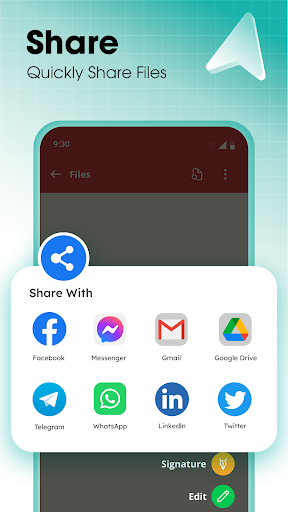
App Feature
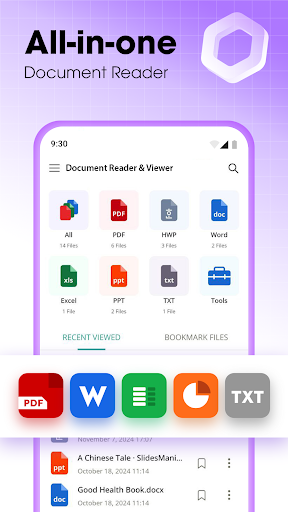
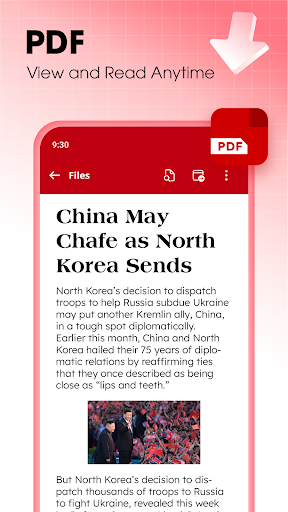
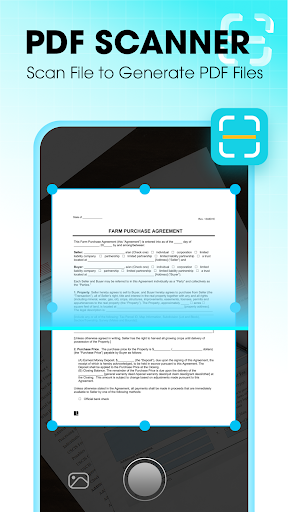
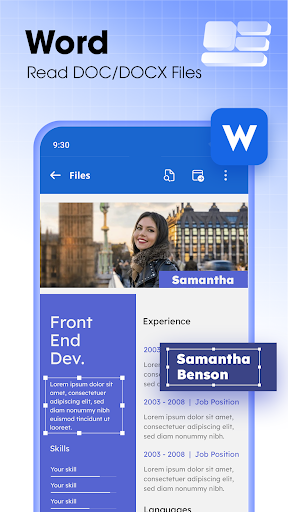
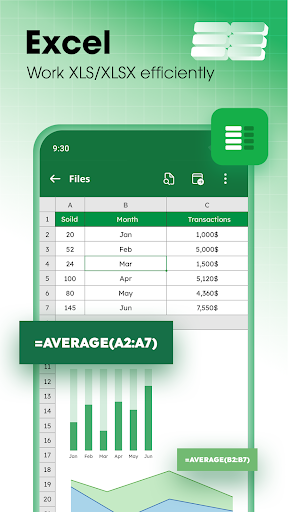
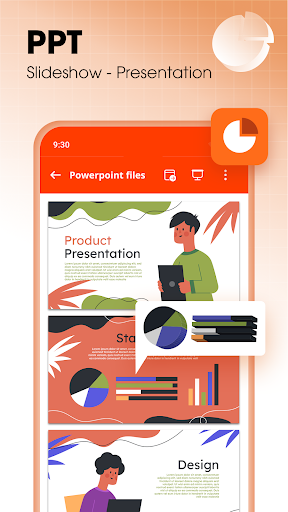
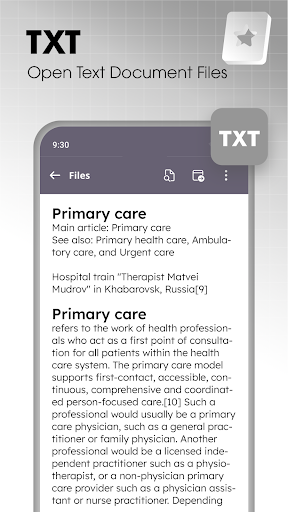
All-in-one document reader and viewer that opens PDF, Word (DOC/DOCX), Excel (XLS/XLSX/CSV), PowerPoint (PPT/PPTX), and TXT files; includes a built-in PDF scanner, text extraction, basic editing for Word/Excel, file organization, multiple viewing modes, and efficient annotation and bookmarking tools, all working offline.
Verdict
Verdict: A capable, lightweight document hub for everyday viewing and light edits, but power users may miss pro-grade tools and a fully polished experience.
Who is it for
Best for:
- Users who need a fast, offline reader for multiple file types
- Students and professionals who want quick scan‑to‑PDF and basic annotations
- Anyone seeking a lightweight alternative to full office suites
Not ideal for:
- Teams needing real-time collaboration, cloud sync, or version control
- Users requiring advanced PDF editing, complex Excel features, or rich PowerPoint authoring
Real-world User Experience
Users like it:
Broad file support that opens quickly, simple navigation, organized file discovery, offline access, and handy extras like scanning to PDF and text extraction; feels lighter than full office apps.
Users complain about:
Ads and paywalls from in-app purchases, occasional formatting or fidelity issues with complex Office files, and fewer advanced tools compared to Microsoft/Adobe suites.
Is it Worth Paying For?
The free version covers core reading, scanning, and basic edit/annotation needs but shows ads. Paying to remove ads or unlock any premium scanning/annotation extras is worthwhile if you use it daily or need a cleaner experience; otherwise, most casual users can stay on the free tier.
How it Compares to Alternatives
Compared to Google Drive/Docs and Microsoft Office, this app is faster to open and lighter for on-device viewing, but lacks robust collaboration, cloud integration, and deep editing. Versus Adobe Acrobat Reader, it matches everyday PDF reading and adds multi-format support, while Acrobat still leads in advanced PDF editing. WPS Office offers richer editing and templating but is heavier and more ad/pricing driven; this app feels simpler and more focused on quick viewing and scanning.
Summary
Document Reader & Viewer delivers a clean, speedy way to open and manage PDFs, Word, Excel, PowerPoint, and text files in one place, with offline access, quick search, and useful extras like scan-to-PDF and text extraction. It suits students and professionals who primarily need reliable viewing, light edits, and annotations without the overhead of full office suites. Ads and fewer pro-grade tools are the trade-offs, and complex formatting may not always render perfectly. If you want a lightweight, all-format reader with scanning on your phone, it’s an easy pick; for advanced editing, collaboration, or deep PDF tooling, stick with Microsoft/Google/Adobe alternatives.
Ratings
Trending APP












Alternative to this app









