Copyright 2026 © swekartor. All Rights Reserved.


Information about All Document Reader
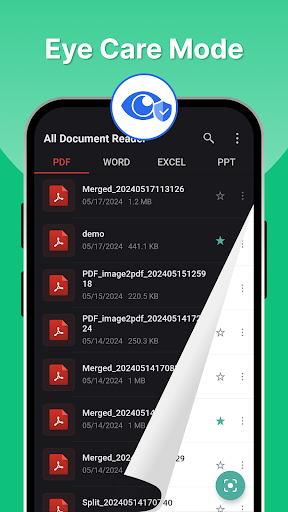
App Feature
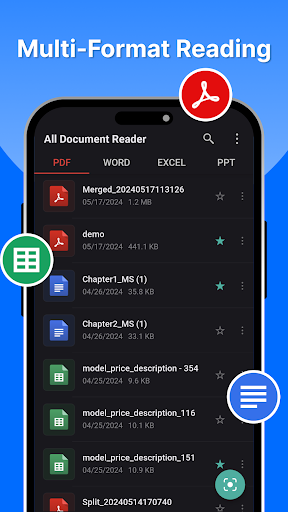
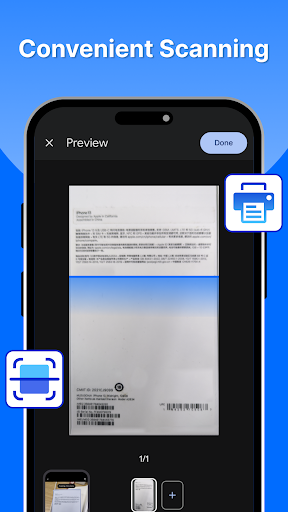
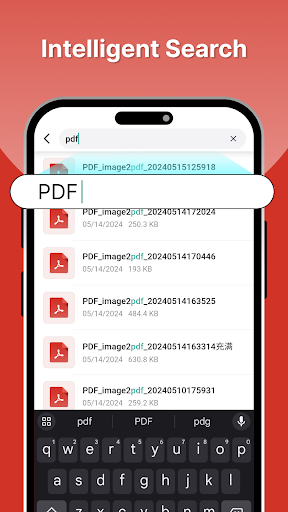
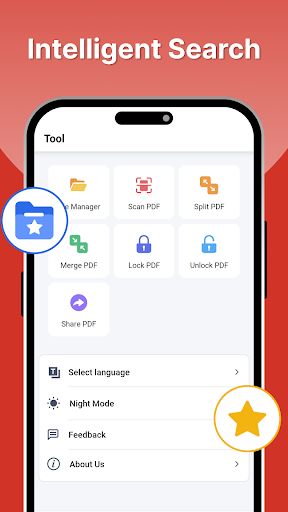
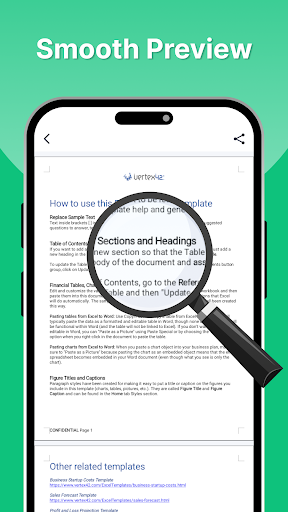
All Document Reader is a lightweight, all‑in‑one viewer and basic editor for common office formats (PDF, Word, Excel, PowerPoint) with device-wide file discovery, fast search, a built‑in scanner to create PDFs from paper/photos, and customizable reading options (font size, background, dark mode).
Verdict
Verdict: A versatile, easy-to-use document hub for everyday viewing and scanning, held back mainly by frequent and occasionally deceptive ads.
Who is it for
Best for:
- Students and professionals who need a fast, unified viewer for PDF/Office files on Android
- Users who want simple scanning-to-PDF and quick document search
- People seeking an ad-supported, lightweight alternative to full office suites
Not ideal for:
- Power users needing advanced editing, collaboration, or OCR-heavy workflows
- Anyone sensitive to pop-ups or aggressive in-app advertising
- Users deeply tied to cloud-first ecosystems requiring real-time coauthoring
Real-world User Experience
Users like it:
Simple, reliable viewing across formats; quick scanning to PDF; automatic file discovery and notifications for new downloads; easy saving/sharing (e.g., to Google Drive); helpful for school and work with generally smooth, fast performance.
Users complain about:
Frequent pop-up ads, with some users reporting deceptive ad content; occasional hangs/slowdowns; interruptions that impact reading flow and consume data.
Is it Worth Paying For?
The free version covers core viewing and scanning well but is ad-heavy. If the IAP removes ads and unlocks any pro utilities (e.g., higher-quality scans, batch operations, conversions), it’s likely worth it for regular use; otherwise, casual users can stick with the free tier.
How it Compares to Alternatives
Compared to Microsoft Office or Google Drive/Docs, this app is lighter, opens more local files without setup, and scans quickly, but lacks deep editing and collaboration. Against WPS Office, it feels leaner and faster for viewing, though WPS offers richer editing. For PDFs alone, Adobe Acrobat provides superior annotation and form tools; All Document Reader wins on multi-format convenience and low friction but trails on premium PDF features.
Summary
All Document Reader delivers a clean, fast way to open PDFs, Word, Excel, and PowerPoint files from one place, with strong file discovery, smart search, and a handy scan-to-PDF tool. It’s well-rated and widely adopted, making it a dependable daily viewer for students and professionals who primarily read, share, and lightly manage documents on-device. The main trade-off is advertising—users report frequent and sometimes misleading ads that can interrupt flow. If you can tolerate ads (or pay to remove them), it’s an efficient, no-fuss document hub; if you need rich editing, collaboration, or advanced PDF tooling, a dedicated suite like Microsoft Office, Google Docs, or Adobe Acrobat will fit better.
Ratings
Trending APP












Alternative to this app