
Copyright 2026 © swekartor. All Rights Reserved.



Information about Dropbox: Secure Cloud Storage
App Feature
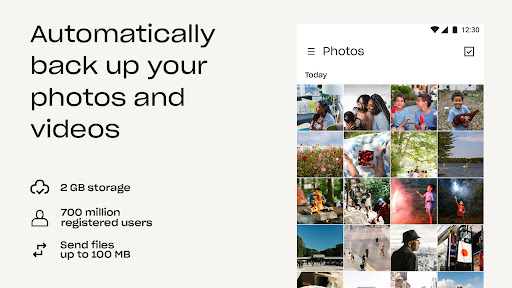
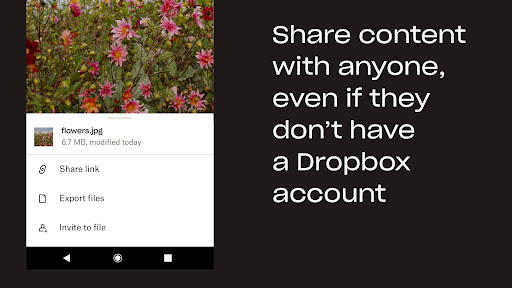
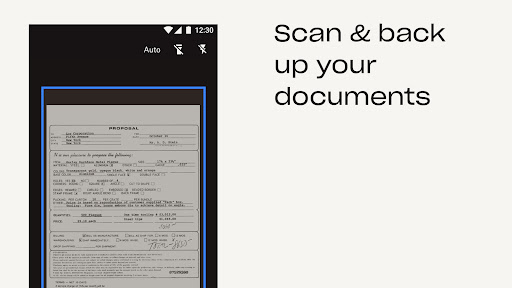
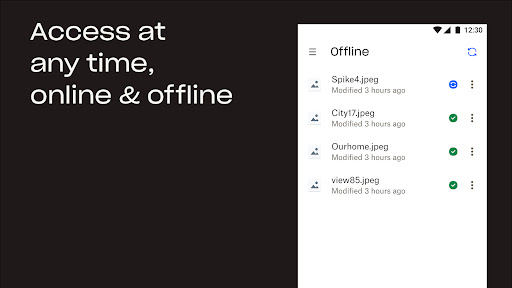
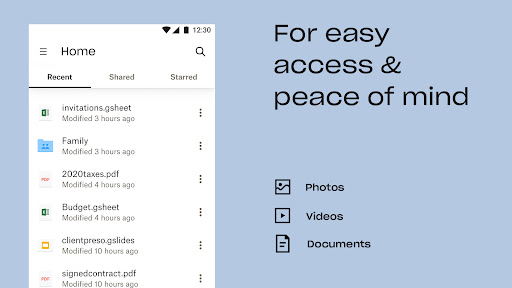
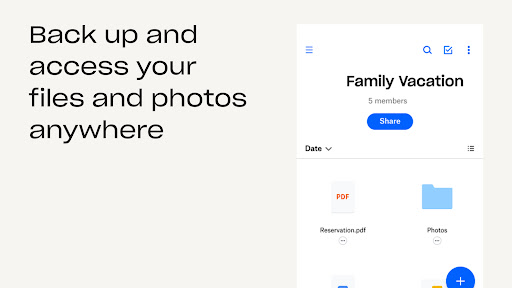
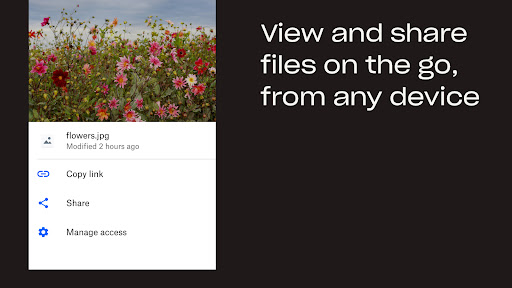
Dropbox is a secure, cross‑platform cloud storage app for backing up, syncing, and sharing files, photos, and scans. It offers automatic camera uploads, offline access, rich file previews, powerful sharing and permissions, document scanning to PDF, version history and file recovery, plus paid features like Passwords, Vault, and Rewind.
Verdict
Verdict: A fast, dependable cloud drive for seamless syncing and sharing, though pricing and free-tier limits may deter budget users.
Who is it for
Best for:
- People who need reliable, multi‑device file sync and offline access
- Users who frequently share large files or collaborate across platforms
- Photographers or families wanting automatic photo/video backups
Not ideal for:
- Price‑sensitive users needing more than a small free quota
- Those requiring strict healthcare compliance on consumer plans
- Users who want granular low‑cost storage tiers (e.g., <2TB)
Real-world User Experience
Users like it:
Consistently described as fast, reliable, and easy to use across phone and PC; automatic photo uploads and link sharing work smoothly; version history/Rewind has saved users from ransomware or accidental changes; previews many file types (even EPUB/PDF) without extra apps; feels like a local folder with solid syncing; simple interface that helps users find files better than some competitors.
Users complain about:
Free storage is small and paid plans are expensive with few lower‑tier options; occasional friction switching between personal/work accounts; some UI actions (download/export, permanent delete) feel buried; concerns about device limits and that consumer plans may not fit HIPAA needs.
Is it Worth Paying For?
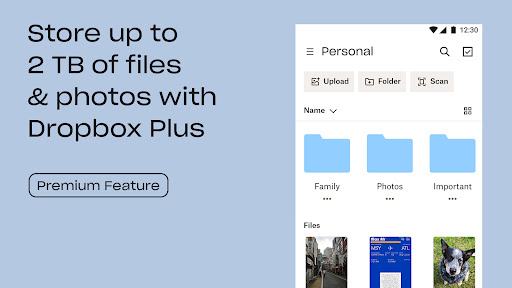
If you rely on dependable sync, frequent sharing, and data protection, the 2TB Plus plan is compelling—Rewind, Vault, Passwords, and robust recovery can justify the price, especially for photo libraries or essential documents. However, the cost is high versus rivals and may feel excessive if you only need modest storage; there’s no truly cheap mid‑tier. For casual use, the free plan works, but you may outgrow its small quota quickly.
How it Compares to Alternatives
Compared to Google Drive, users report Dropbox sync feels faster and more dependable, with simpler file discovery; Drive can be cheaper and more integrated with Google Workspace. Versus Microsoft OneDrive, Dropbox is often snappier and clearer for sharing, while OneDrive bundles better with Microsoft 365. Against iCloud, Dropbox is more cross‑platform and collaboration‑friendly; iCloud suits Apple‑only ecosystems. Box targets business compliance and admin controls; Dropbox balances consumer ease with strong reliability. If cost per GB is paramount, rivals may undercut Dropbox; if rock‑solid syncing and recovery matter most, Dropbox stands out.
Summary
Dropbox: Secure Cloud Storage delivers what many users value most—fast, trustworthy sync and sharing that feels seamless across devices. Automatic photo backup, offline access, rich previews, and a clean interface make it a daily driver for both personal and light business use. Paid features like Rewind, Vault, and Passwords add meaningful safety and convenience, and have proven invaluable in real data‑loss scenarios. The main trade‑offs are pricing, a small free tier, and a few UI quirks and account‑switch frictions. If reliability and recovery are top priorities, Dropbox is a standout; if you’re budget‑focused or need strict compliance on consumer plans, consider whether competitors or a business‑grade tier better fit your needs.
Ratings
Trending APP












Alternative to this app









