Copyright 2026 © swekartor. All Rights Reserved.


Information about All File Reader
App Feature
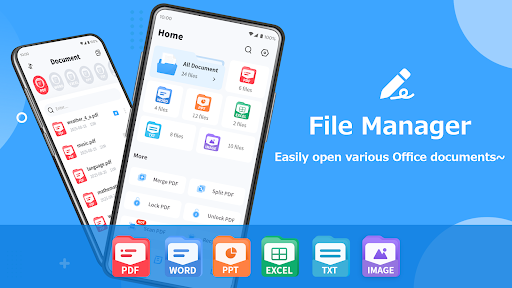
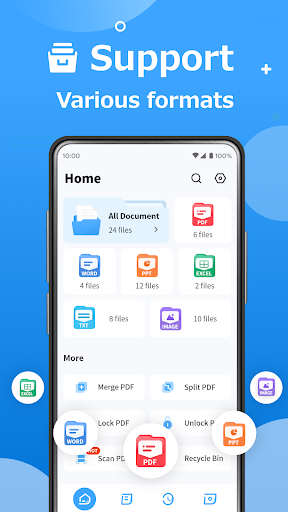
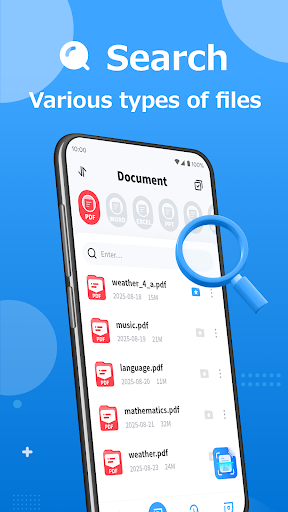
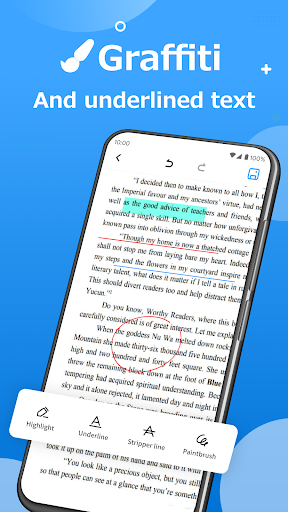
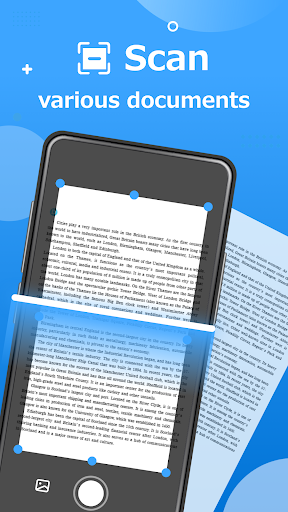
All File Reader is a lightweight, free file manager and document viewer that opens common formats (PDF, Word, Excel, PPT, images, audio, video), offers quick search and bookmarks, simple organization (sort, rename, folders, thumbnails), basic PDF utilities (scan to PDF, merge/split, password protect), night mode, and cloud/sharing integration for importing and exporting files.
Verdict
Verdict: A convenient all-in-one file viewer/organizer for everyday use, best if you want quick access over deep editing.
Who is it for
Best for:
- Users who need a single app to open most file types quickly
- People who want basic PDF tools (scan, merge/split, password) without heavy suites
- Anyone seeking a simple file browser with search, sorting, and sharing
Not ideal for:
- Power users who need advanced document editing, collaboration, or OCR workflows
- Professionals requiring enterprise cloud integrations and granular permissions
- Users who prefer completely ad-free experiences
Real-world User Experience
Users like it:
From a small pool of reviews paired with a 4.1 rating, users generally appreciate its simplicity, broad file compatibility, and fast viewing with handy basics like search and night mode.
Users complain about:
Feedback volume is limited; recurring themes likely include ads, occasional file compatibility quirks with complex documents, and the absence of advanced editing features.
Is it Worth Paying For?
The app is free with ads and no in‑app purchases. There’s nothing to pay for, making it good value if you’re comfortable with ads and only need viewing plus light PDF utilities.
How it Compares to Alternatives
Compared to Microsoft Office or WPS Office, All File Reader is lighter, faster to open, and better as a universal viewer, but lacks rich editing and collaboration. Against Adobe Acrobat Reader, it’s broader in file types but offers fewer PDF-specific power features. Versus Google Files or other file managers, it provides more built‑in viewers and PDF tools, though file management depth and smart cleanup are simpler.
Summary
All File Reader focuses on quick, broad compatibility viewing and basic organization rather than full editing suites. It opens most everyday files, adds practical PDF tools like scanning and password protection, and includes search, bookmarks, night mode, and easy sharing. With a 4.1 rating and modest review volume, it appears reliable for day-to-day reading and managing, though ads and limited advanced features may deter power users. If you want a single, lightweight app to open almost anything and keep files tidy, it’s a sensible, no-cost choice; for heavy editing, collaboration, or enterprise workflows, look to specialized alternatives.
Ratings
Trending APP












Alternative to this app