
Copyright 2026 © swekartor. All Rights Reserved.



Information about YouTube Music
App Feature
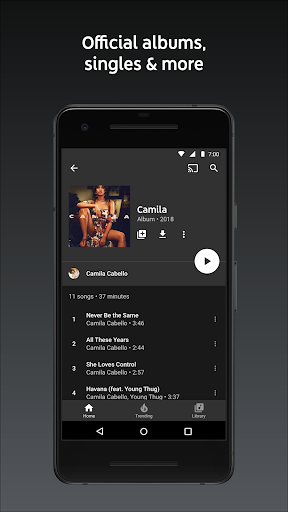
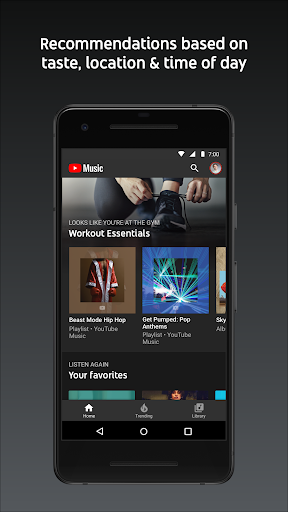
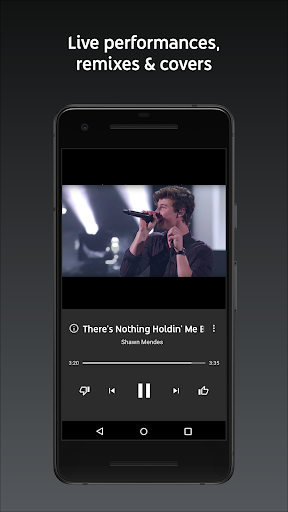
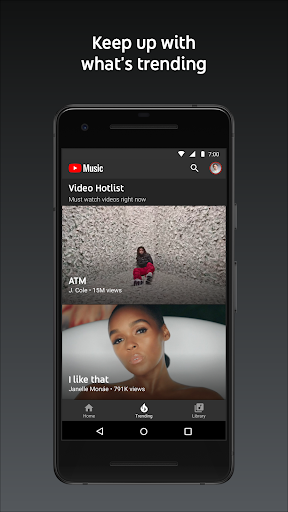
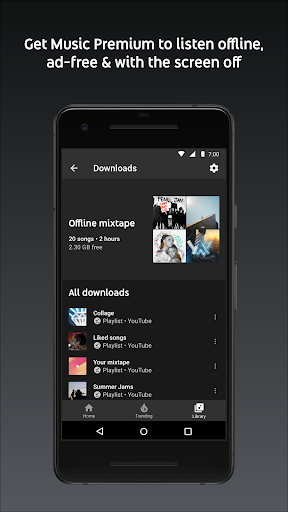
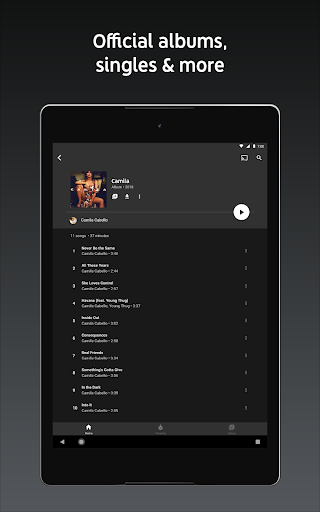
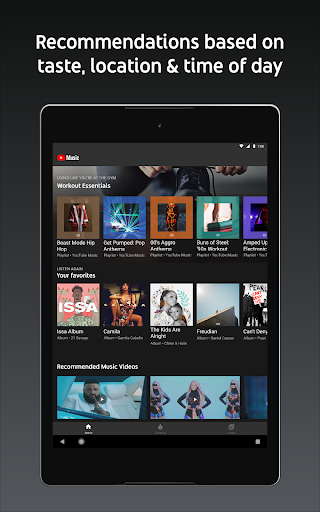
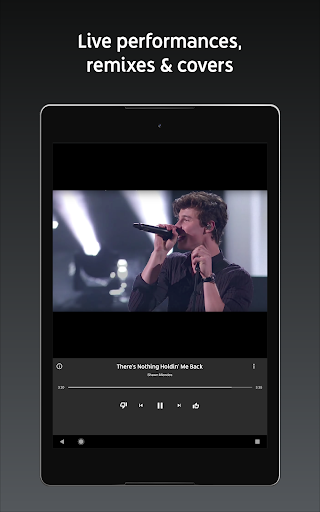
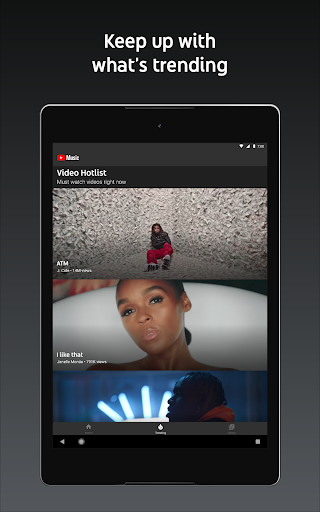
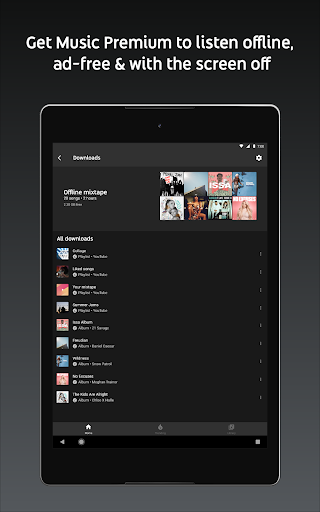
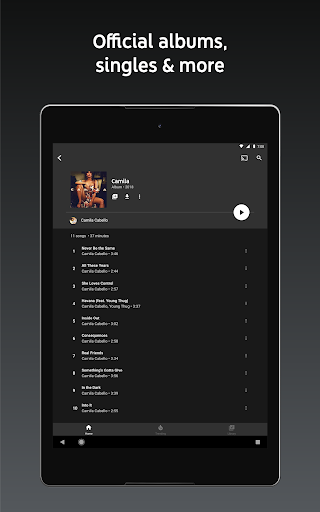
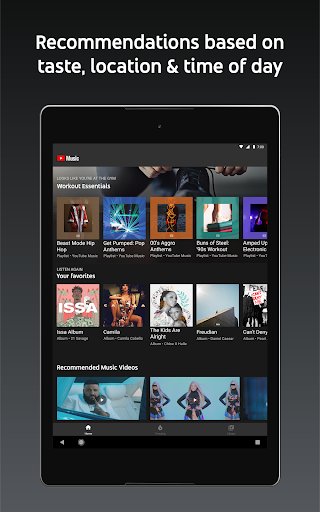
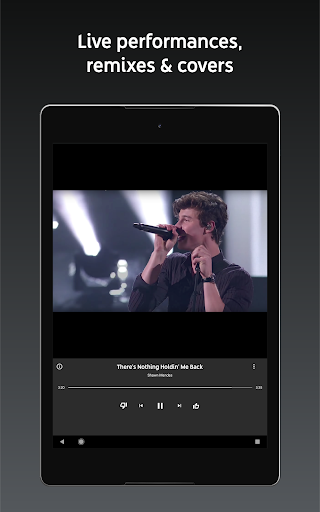
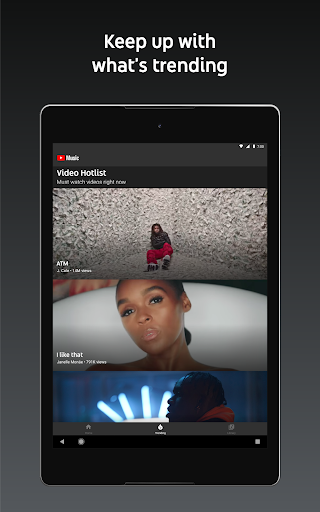
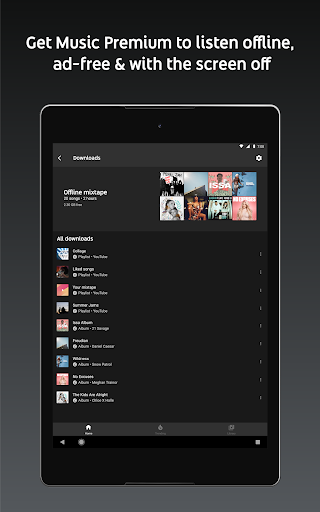
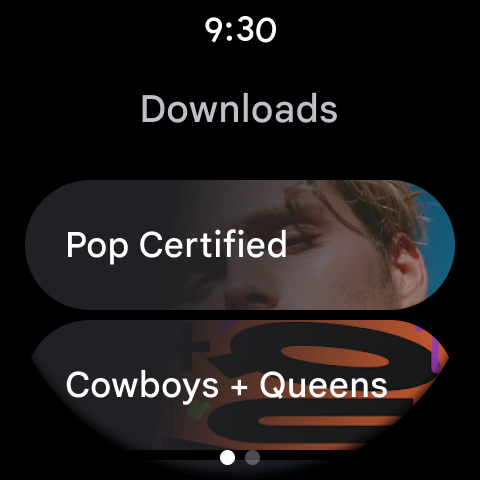
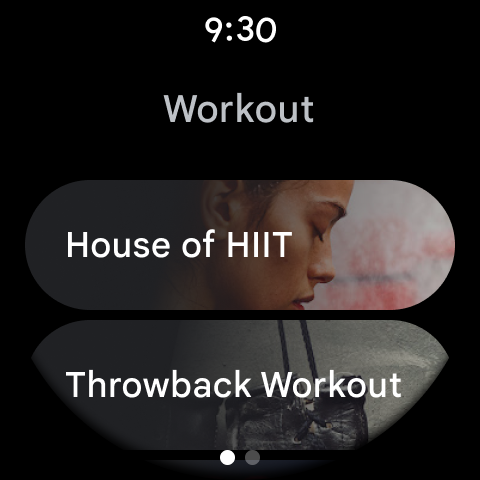
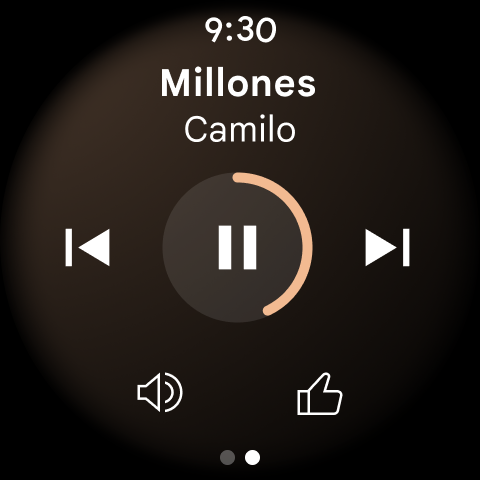
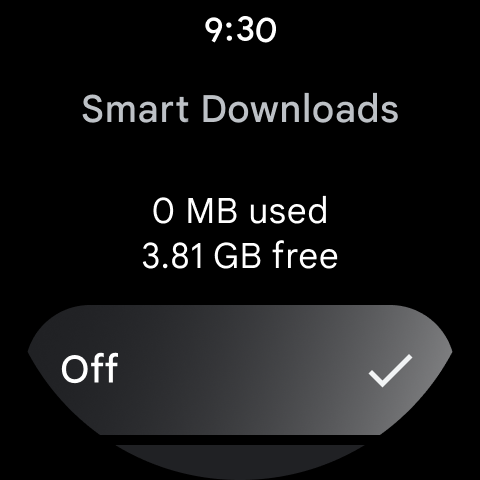
YouTube Music is a full‑featured music streaming service that blends a 70M+ official catalog with YouTube’s unique content (music videos, live performances, covers, remixes). It offers personalized mixes by genre and mood, collaborative and smart playlists, lyrics, seamless audio–video switching, cross‑device support (phone, desktop, smart speakers/TVs, car, Wear OS), and integrations with Google Maps, Waze, and Assistant. Premium removes ads, enables background play, and allows offline downloads and smart downloads.
Verdict
Verdict: A top‑tier music service with unmatched video/live content and smart recommendations, best when paired with YouTube Premium for ad‑free background and offline listening.
Who is it for
Best for:
- Listeners who want official tracks plus YouTube‑exclusive music videos, lives, and remixes
- Users in the Google ecosystem seeking seamless cross‑device playback and Assistant/Maps integration
- Discovery‑focused listeners who value strong recommendations, auto‑mixes, and robust playlist tools
Not ideal for:
- Audiophiles needing advanced EQ, crossfade/DJ‑style transitions, or detailed metadata/bios
- Free‑tier users who require background play or offline access without paying
- Homes centered on Alexa speakers seeking native YouTube Music integration
Real-world User Experience
Users like it:
Consistently praised for accurate recommendations, huge library including live/lyric/video content, easy playlist creation and collaboration, ad‑free experience with Premium, lyrics display, quarterly listening recaps, and reliable cross‑device use. Many note it works well even with limited connectivity and that Premium bundled with YouTube is great value.
Users complain about:
Reports of occasional playback glitches and UI changes (e.g., like button sizing), a bug where suggested tracks play the wrong song, queue management that could be faster (desire for swipe to Play Next/Queue), inconsistent song recognition, lack of robust equalizer and DJ‑style transitions, limited artist bios, no native Alexa support, and downloads restricted to in‑app (not device files).
Is it Worth Paying For?
Yes for most users. The free tier has ads and lacks background play and offline downloads, which are core needs for many. Music Premium (or the broader YouTube Premium) removes ads, unlocks background play and downloads/smart downloads, and keeps seamless audio–video switching—making it one of the best values if you also watch YouTube. If you only stream casually and don’t need background or offline, the free tier can suffice.
How it Compares to Alternatives
Compared to Spotify, YouTube Music excels at video/live/cover content and YouTube integration, while Spotify often wins on social features, crossfade, EQ options, and podcast ecosystem. Apple Music offers superior lossless/spatial audio, richer metadata, and curated editorial, but lacks YouTube’s user‑generated depth. Amazon Music ties tightly into Alexa smart homes, where YouTube Music is weaker. Pandora remains strong for lean‑back radio but trails in catalog breadth and video content. For discovery plus video and Google‑centric devices, YouTube Music stands out.
Summary
YouTube Music blends an expansive official catalog with the breadth of YouTube’s music videos, live sets, covers, and remixes, then layers on strong personalization, mood/genre mixes, collaborative playlists, lyrics, and smooth audio–video switching across phones, desktops, cars, TVs, and Wear OS. Real users highlight excellent recommendations and cross‑device reliability, especially with Premium removing ads and enabling background and offline listening. Downsides include intermittent bugs, queue/UI quirks, limited advanced audio controls, scarce artist bios, restricted file‑level downloads, and weaker Alexa integration. If you value discovery and YouTube’s unique content—and especially if you already use or plan to get YouTube Premium—this is one of the most compelling music apps available.
Ratings
Trending APP




Alternative to this app






















