
Copyright 2026 © swekartor. All Rights Reserved.



Information about FormsApp
App Feature
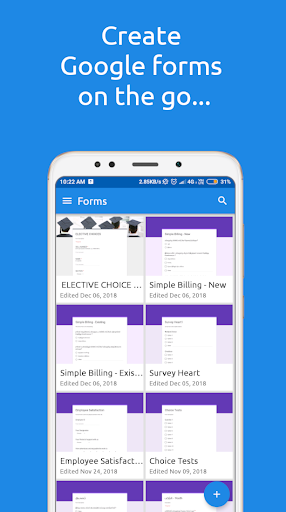
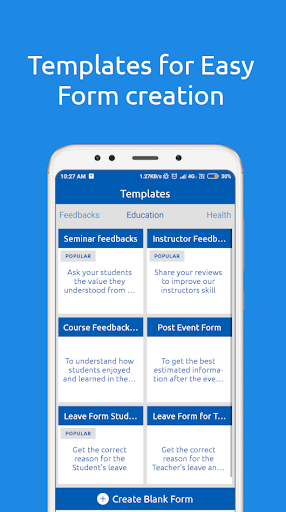
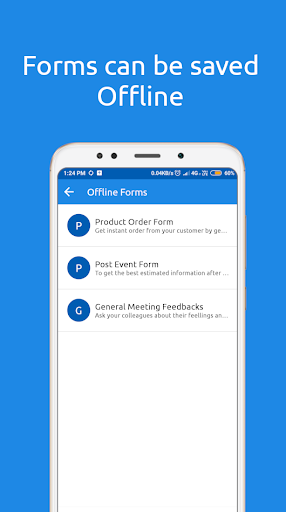
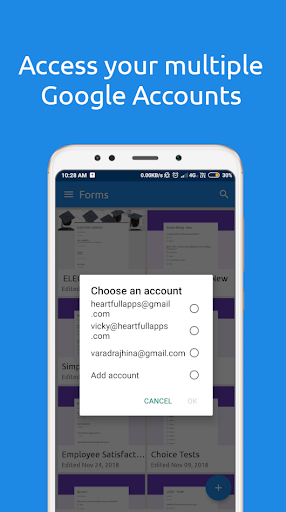
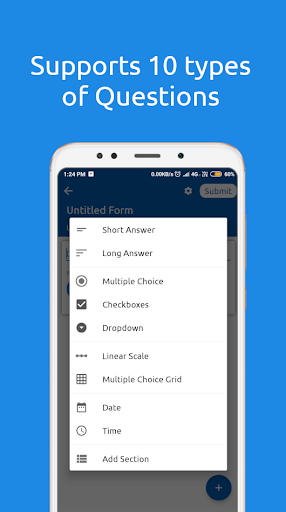
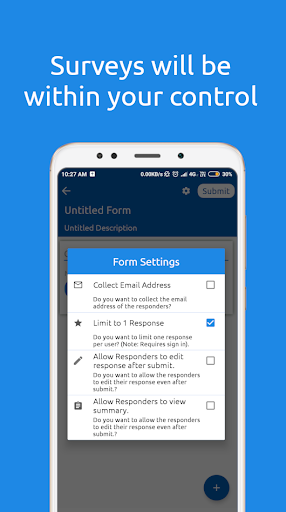
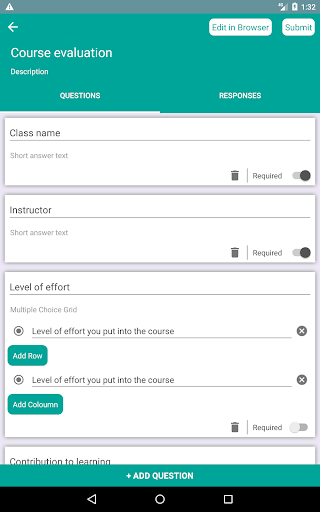
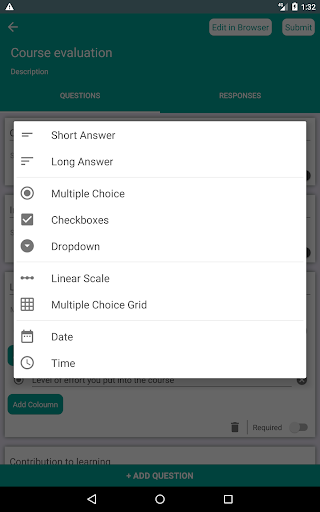
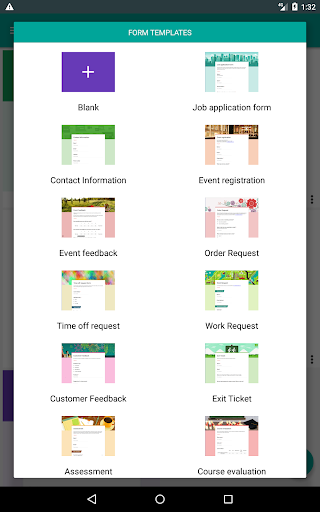
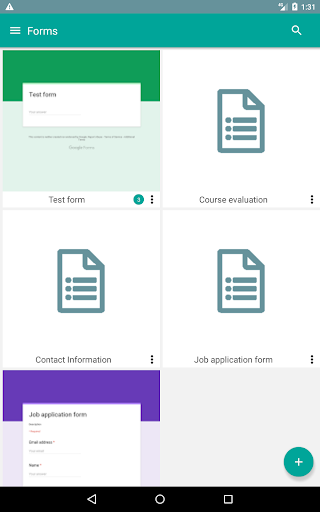
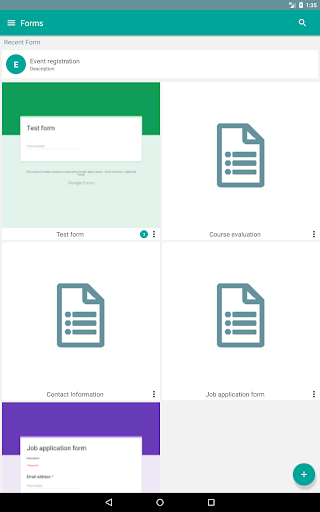
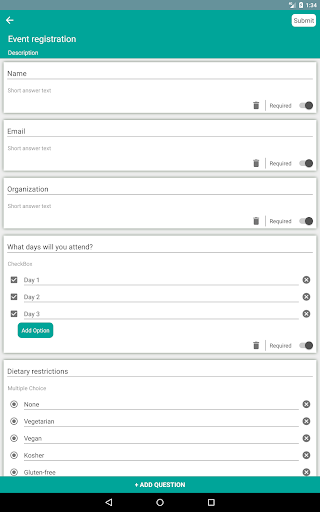
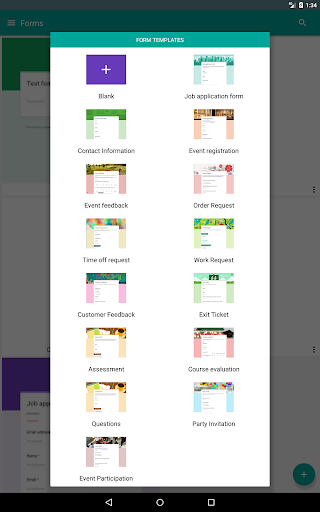
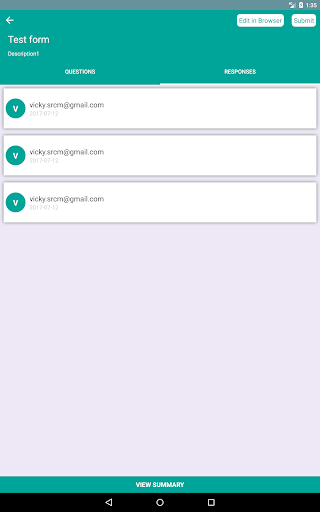
Mobile-first form builder and manager for Google Forms and SurveyHeart with templates, drag-and-drop creation, response notifications, offline drafting, sharing, and multi-account support.
Verdict
Verdict: A practical mobile companion for creating and managing Google Forms, best for everyday surveys but light on advanced quiz/attachment features.
Who is it for
Best for:
- Teachers and small teams needing quick surveys/quizzes on mobile
- Businesses collecting orders/feedback and exporting to Sheets/Excel
- Users who want Google Forms access and edits on the go
Not ideal for:
- Power users needing auto-grading, advanced analytics, or robust file uploads
- Teams requiring rich branding, logic, and in-depth reporting like Typeform/Jotform
- Use cases where guaranteed reliability for identity capture is critical
Real-world User Experience
Users like it:
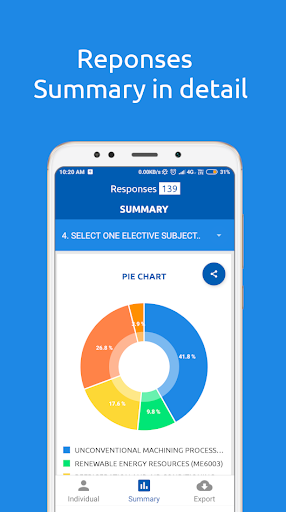
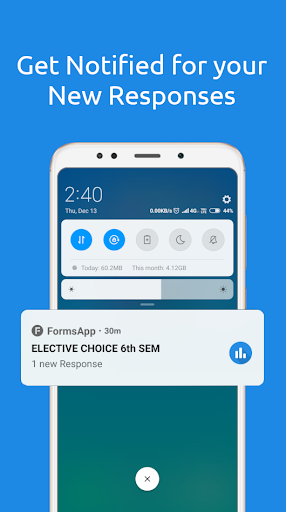
Easy form creation with helpful templates, collaboration support, export to Sheets/Excel, handy notifications, improved charts/graphics, and utility across school and business workflows.
Users complain about:
Occasional reliability glitches (blank names, forms not loading until cache cleared), limited features for quizzes (no auto-grading) and contracts (no text-only blocks), lack of high-quality media uploads and file attachments, difficulty resurfacing older forms, and requests for more themes and exam-specific templates.
Is it Worth Paying For?
Free with ads and no in-app purchases; there’s nothing to buy, and the free feature set is solid for basic to intermediate needs.
How it Compares to Alternatives
Compared to Google Forms (no official dedicated Android app), FormsApp fills the mobile gap with creation/editing and notifications. Jotform, Typeform, and Microsoft Forms offer stronger logic, branding, file uploads, and analytics, but are heavier and often paid. FormsApp’s edge is seamless Google Forms access and lightweight, on-the-go management, while it trails in advanced quiz automation and attachment handling.
Summary
FormsApp is a convenient way to build, edit, and manage Google Forms and SurveyHeart surveys directly from your phone. It shines for teachers and small businesses with templates, sharing, notifications, offline drafts, and easy exports—making everyday data collection straightforward. Users praise its simplicity and collaboration features, though recurring asks include auto-grading for quizzes, better media/file attachments, richer text blocks, and improved reliability for respondent identity. If you live in Google Forms and want a capable mobile companion, it’s a strong, free choice; for advanced workflows and deep analytics, consider more full-featured (often paid) alternatives.
Ratings
Trending APP












Alternative to this app









