
Copyright 2026 © swekartor. All Rights Reserved.



Information about CamScanner - PDF Scanner App
App Feature
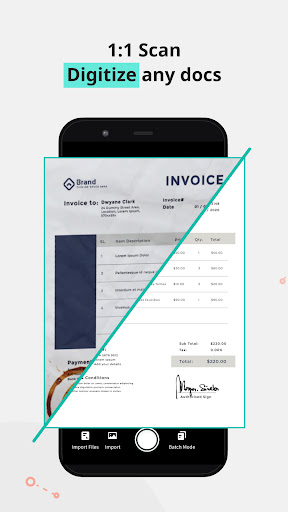
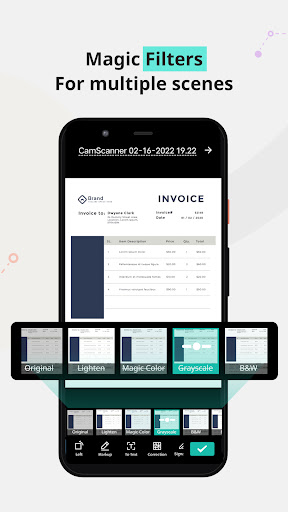
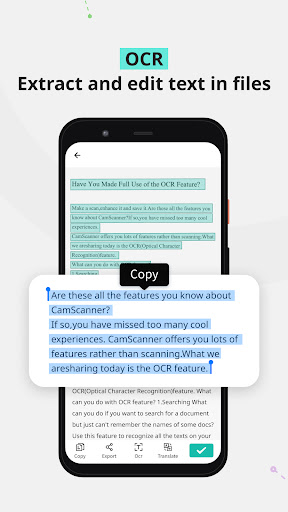
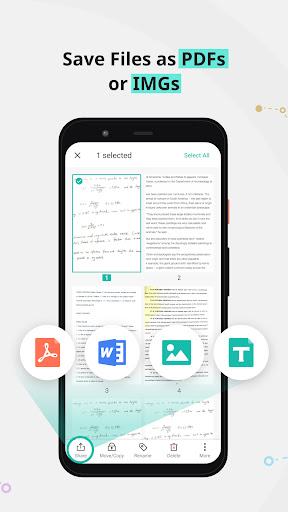
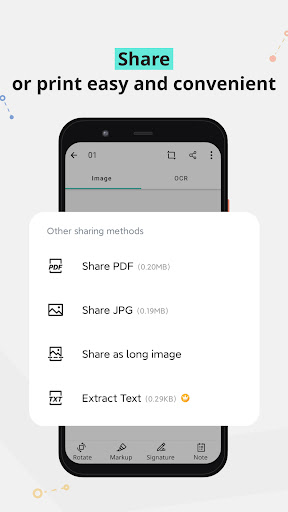
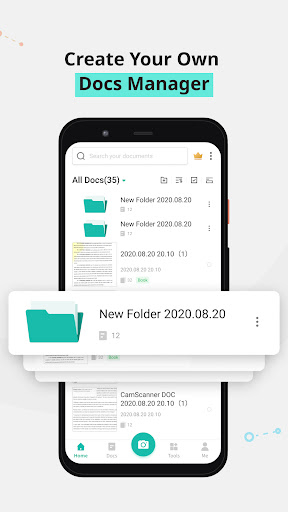
CamScanner turns your phone into a portable document scanner with automatic edge detection, perspective correction, and image enhancement. It supports OCR for extracting text (multi-language), exports to PDF/JPG/Word/TXT, tagging and full-text search, annotations and watermarks, wireless printing and remote fax, password protection, and cloud sync across mobile and web with integrations like Google Drive, Dropbox, and OneDrive.
Verdict
Verdict: An excellent all-in-one mobile scanner with best-in-class capture and OCR, though watermarks, ads, and premium upsells may frustrate free users.
Who is it for
Best for:
- Students and professionals needing fast, high-quality scans on the go
- Users who want OCR, tagging, web access, and multi-device sync
- Anyone replacing a home/office flatbed scanner for everyday paperwork
Not ideal for:
- Users who need watermark-free scans without paying
- Those sensitive to ads or subscription upsells
- Privacy purists who avoid cloud-connected workflows (even with local options)
Real-world User Experience
Users like it:
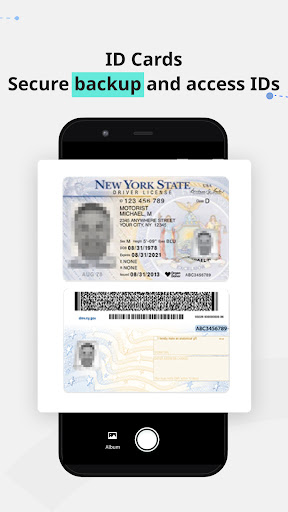
Long-term users praise its reliability, intuitive UI, and scan quality—automatic corner detection, perspective fix, and enhancements often outperform home scanners. OCR and translation help with searchable archives; tags aid organization; sharing to email/web is seamless; multi-page handling and web app access make workflows smooth. It’s a daily driver for homework, mortgages, IDs, receipts, and even sheet music.
Users complain about:
Free version adds a visible watermark and shows occasional ads; some features (e.g., AI filters, advanced tools) sit behind a premium paywall. Past confusion around one-time purchases vs subscriptions and perceived premium pricing come up, with requests for lower-cost options. A few users note feature gating changes over time.
Is it Worth Paying For?
If you scan frequently or need watermark-free output, robust OCR, advanced filters, and fax/printing, the subscription is worth it—especially for work or academic use. Light users can comfortably stay on the free tier (accepting watermarks/ads). Pricing is cited as higher than some expect; consider monthly only during busy periods to save.
How it Compares to Alternatives
Compared to Microsoft Lens (great free basics, strong OCR, no watermark) and Adobe Scan (tight PDF/Adobe integration, solid auto-capture), CamScanner offers more power features—batch tools, tagging, secure links, fax, and deep editing—plus a polished capture pipeline many find superior. Google Drive’s built-in scanner is convenient but basic. Genius Scan competes on quality with a simpler, often cheaper model. CamScanner wins on feature breadth and pro workflows but trails some competitors on free-tier generosity and pricing.
Summary
CamScanner is a mature, highly polished scanner that consistently delivers sharp, perspective-corrected scans with excellent OCR, organization, and sharing. Its web portal and cross-device sync make it easy to move documents between phone and desktop, and extras like annotation, security, printing, and fax broaden its utility beyond basic scanning. The trade-offs are a watermark and ads on the free plan and a premium tier that locks desirable filters and tools, with some users feeling pricing creep over time. If you rely on mobile scanning for work or school, the premium upgrade pays for itself in time saved and professional results; casual users still get a capable, reliable scanner for free—with the watermark as the main compromise.
Ratings
Trending APP












Alternative to this app









