Copyright 2026 © swekartor. All Rights Reserved.



Information about QuickBooks Online Accounting
App Feature
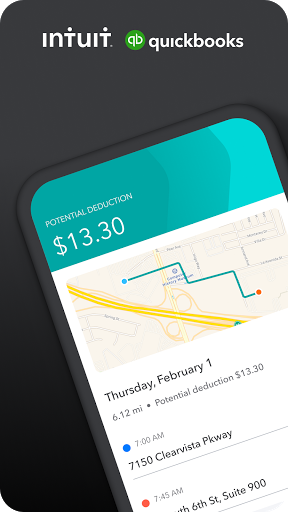
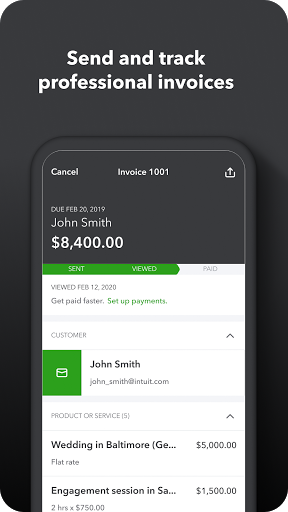
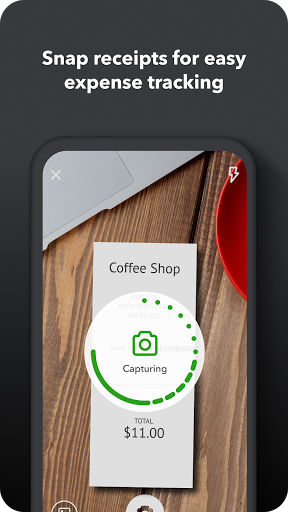
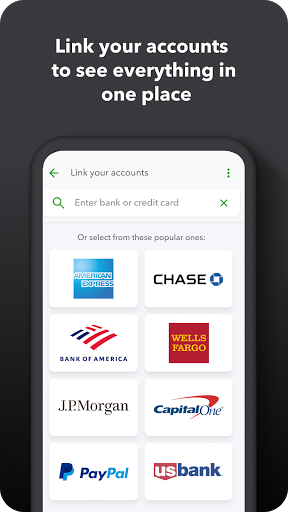
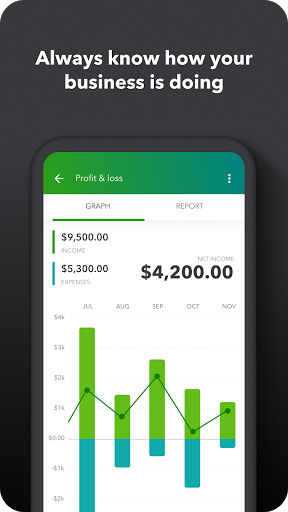
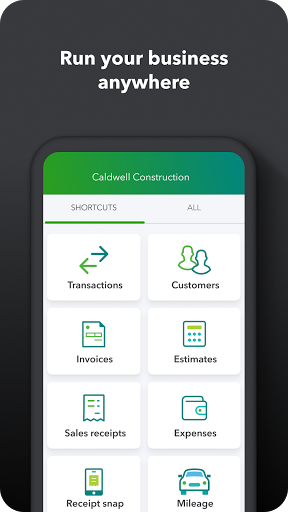
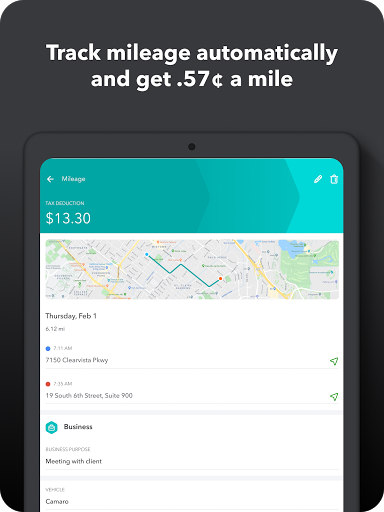
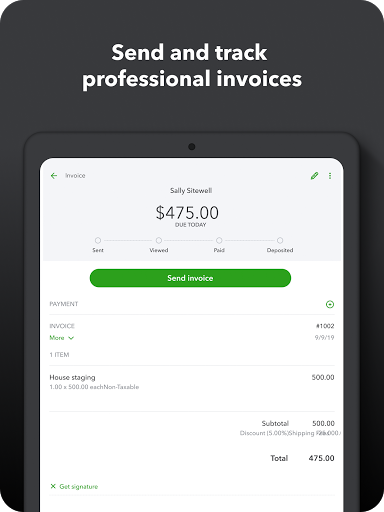
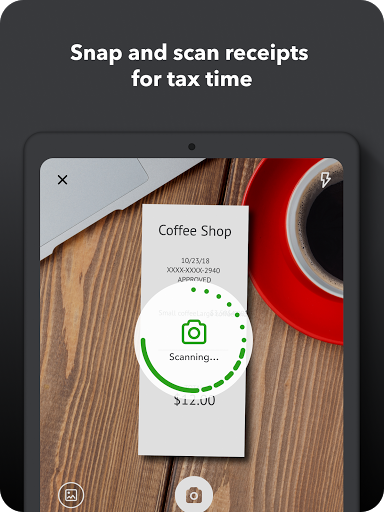
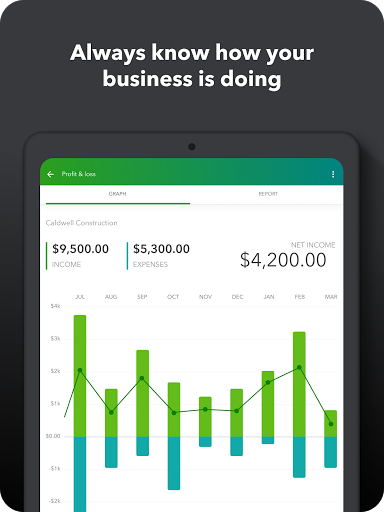
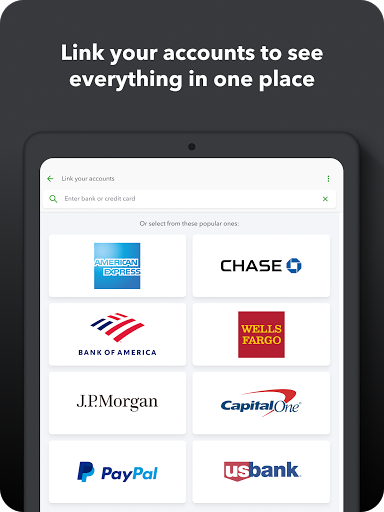
QuickBooks Online Accounting is a mobile companion to QuickBooks Online that centralizes invoicing, expense tracking, receipt scanning, mileage tracking via GPS, real-time cash flow insights, and AI-assisted tasks (e.g., categorization, reminders, estimate generation) with cloud sync to the web app.
Verdict
Verdict: A powerful, AI‑assisted accounting app for growing businesses, but occasional reliability issues and a learning curve may frustrate some users.
Who is it for
Best for:
- Small to mid-sized businesses needing mobile invoicing, receipt capture, and real-time insights
- Entrepreneurs who want AI help for categorization, reminders, and quick estimate creation
- Teams already using (or planning to use) QuickBooks Online on web and want full sync
Not ideal for:
- Freelancers or very small operations seeking a completely free, no-subscription solution
- Users who need rock-solid mileage tracking without hiccups
- Beginners wanting ultra-simple bookkeeping with minimal setup or accounting concepts
Real-world User Experience
Users like it:
Easy to learn with helpful tutorials; strong mobile workflow for uploading receipts, creating invoices/sales receipts, and tracking payments on the go; broad functionality speeds up many admin tasks once you learn the right flow; recent updates add AI, improved dashboard, and navigation.
Users complain about:
Can be confusing at times, especially for deeper bookkeeping concepts; mileage tracking reliability has been problematic for some (though fixes do roll out); occasional bugs or feature hiccups may disrupt routine tasks.
Is it Worth Paying For?
The app is free to download but QuickBooks Online typically requires a paid subscription. For businesses that will use invoicing, receipt capture, AI categorization, and real-time reporting regularly—plus web/mobile sync—the value is strong. Costs can add up with add-ons (e.g., payments hardware/fees), so microbusinesses with basic needs might find cheaper or free alternatives sufficient.
How it Compares to Alternatives
Versus Xero: similar cloud accounting depth; QuickBooks has broader ecosystem and third-party mindshare, while Xero is often praised for cleaner UX and multi-currency. Versus FreshBooks: QuickBooks is more comprehensive for accounting; FreshBooks shines in client invoicing and time tracking simplicity. Versus Zoho Books: Zoho is cost-effective with solid automation; QuickBooks wins on ecosystem and integrations. Versus Wave: Wave is free and fine for very small businesses, but QuickBooks offers more advanced features, AI, and scalable workflows.
Summary
Intuit QuickBooks for Business brings the power of QuickBooks Online to mobile with AI-assisted invoicing, receipt capture, mileage tracking, and real-time financial visibility. It’s designed for owners who want to manage cash flow, expenses, and payments anywhere, and for teams that value seamless web/mobile sync and a deep ecosystem. While many users report strong productivity gains and approachable onboarding, others point to a learning curve and reliability gaps—particularly around mileage tracking—though issues are actively addressed. If you rely on accounting tools daily and plan to grow, the subscription can pay off through time savings and faster payments; if your needs are light or budget is tight, consider simpler or free alternatives.
Ratings
Trending APP












Alternative to this app