Copyright 2026 © swekartor. All Rights Reserved.



Information about QuickBooks Workforce
App Feature
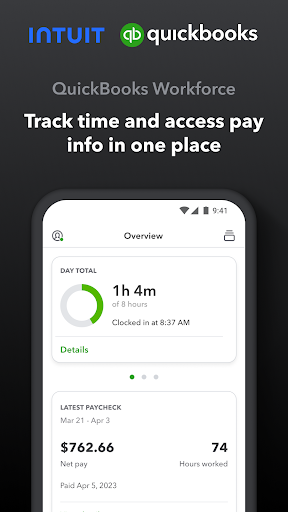
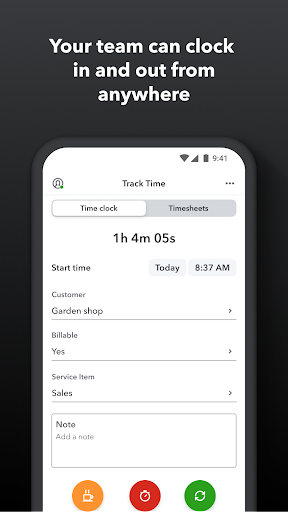
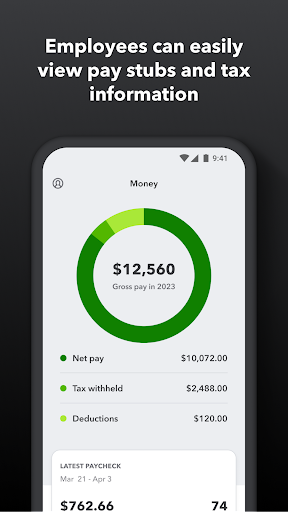
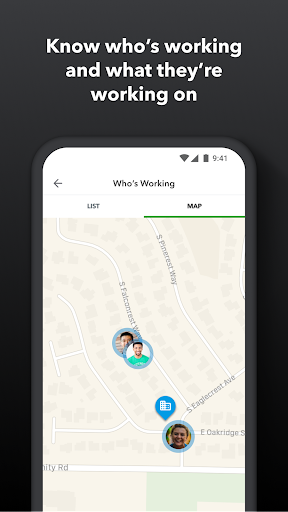
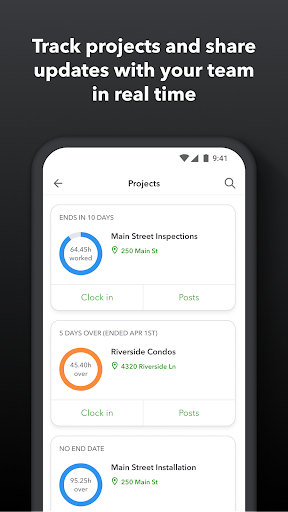
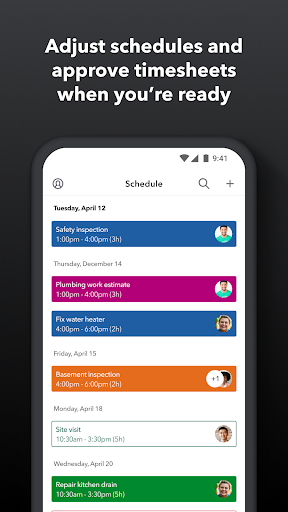
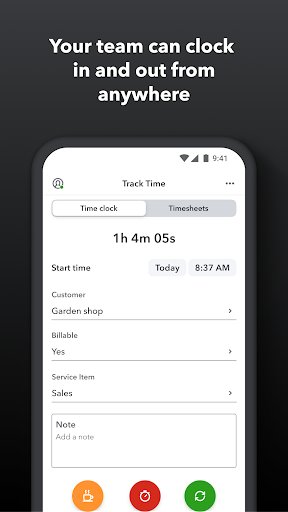
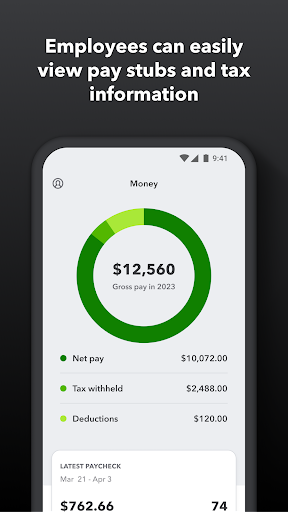
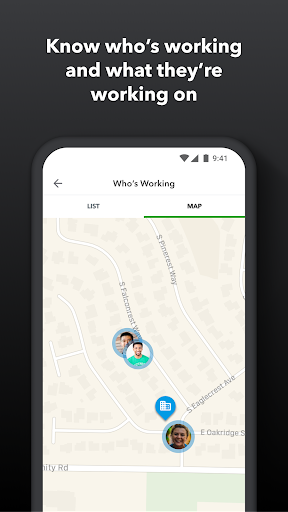
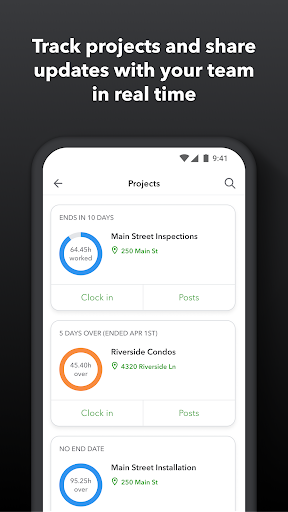
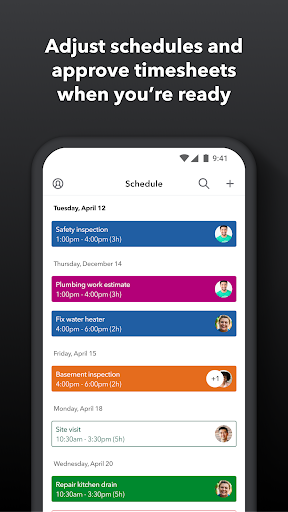
QuickBooks Workforce combines time tracking and pay access for teams using QuickBooks Payroll and QuickBooks Time. Core features include clock in/out (offline support), GPS-based tracking and geofencing reminders, multi-level jobs and easy job switching, PTO requests and approvals, shift and job scheduling, real-time who’s working, editable timesheets with admin approvals, and access to pay stubs and W‑2s. Data syncs to QuickBooks Online/Desktop and exports to common formats.
Verdict
Verdict: An excellent time-and-pay hub for QuickBooks-centric teams, though less compelling if you’re not in the QuickBooks ecosystem.
Who is it for
Best for:
- Businesses already using QuickBooks Payroll and/or QuickBooks Time
- Field and job‑costing teams needing GPS/geofencing and schedule management
- Employees who want instant access to pay stubs, W‑2s, and hours
Not ideal for:
- Companies not on QuickBooks seeking a fully standalone time tracker
- Users sensitive to location tracking or frequent re-authentication
- Teams needing deep project analytics beyond time and scheduling
Real-world User Experience
Users like it:
Smooth, reliable time tracking with quick job switching and multi-level jobs; strong web/mobile sync; suitable even for personal, single-user tracking; clear interface that makes managing hours and schedules straightforward.
Users complain about:
Occasional forced logouts that require slow re-login sequences, disrupting quick access during the workday.
Is it Worth Paying For?
The app itself is free and has no in‑app purchases, but most value depends on paid QuickBooks Payroll/Time subscriptions. If your company already pays for those, Workforce is absolutely worth using; for individuals, the free personal tracking works well without extra cost.
How it Compares to Alternatives
Compared to Clockify or Toggl Track, Workforce is less attractive as a standalone tracker but far stronger for QuickBooks integration and payroll-ready data. Versus ADP Mobile or Paychex Flex, it offers richer job-level time tracking and GPS/geofencing. Homebase shines for basic scheduling (often with a free tier), but Workforce wins when tight QuickBooks sync and detailed time-to-payroll workflows are essential.
Summary
QuickBooks Workforce streamlines two high-friction workflows—tracking time in the field and viewing pay information—into one app tightly integrated with QuickBooks. It covers clocking in/out offline, GPS/geofencing prompts, job switching, PTO, scheduling, approvals, and real-time visibility, then pipes clean data into payroll and reporting. Users praise its ease of use, multi-level jobs, and reliable sync, while some report frustrating, frequent logouts that slow access. For organizations already on QuickBooks Payroll/Time, it’s a high-value, low-friction addition; for those outside the QuickBooks stack or seeking standalone analytics-heavy tracking, alternatives may fit better.
Ratings
Trending APP












Alternative to this app