
Copyright 2026 © swekartor. All Rights Reserved.



Information about R Programming Compiler
App Feature
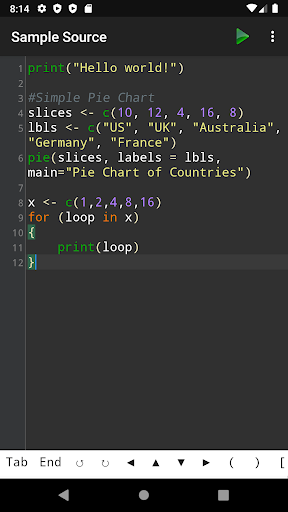
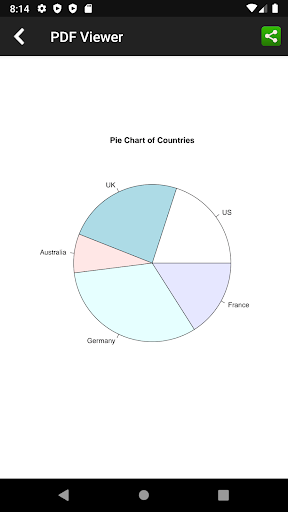
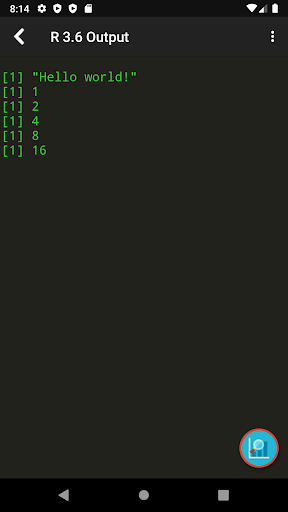
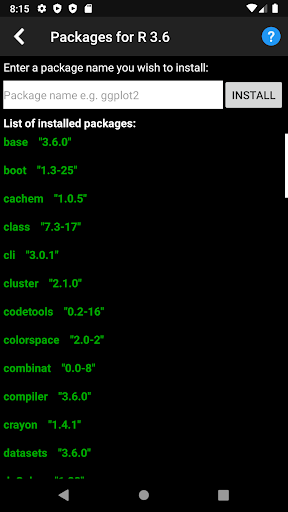
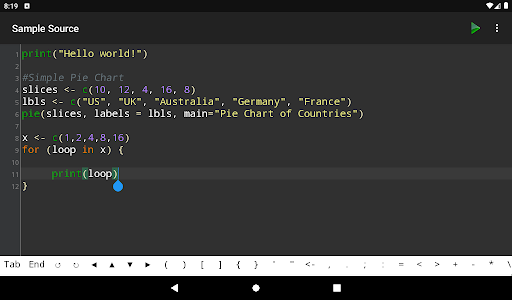
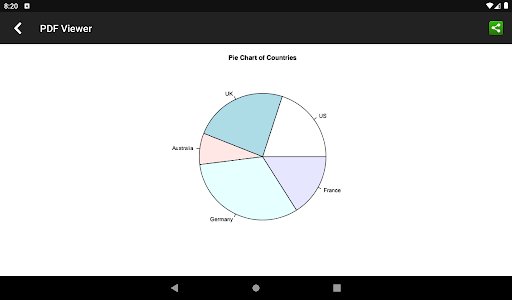
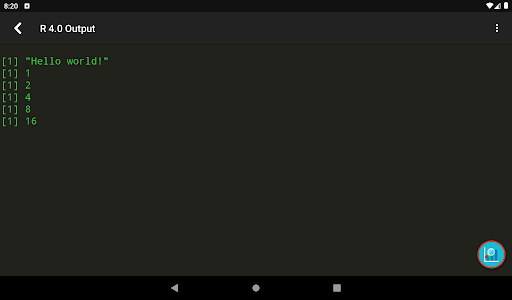
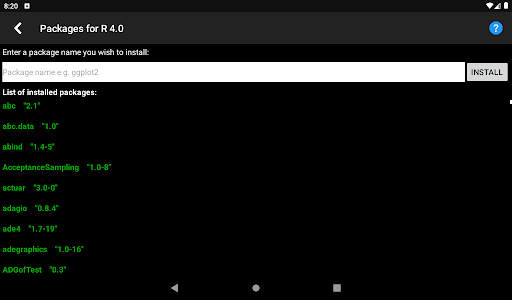
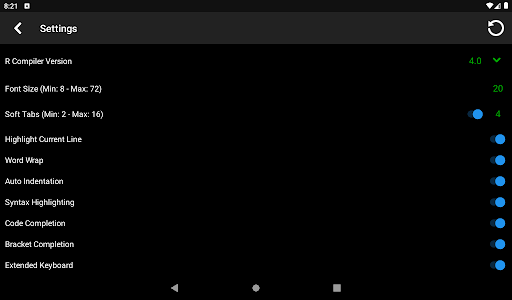
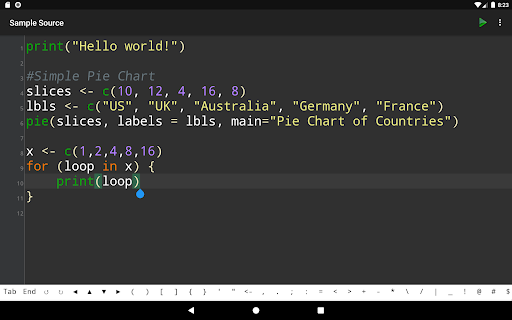
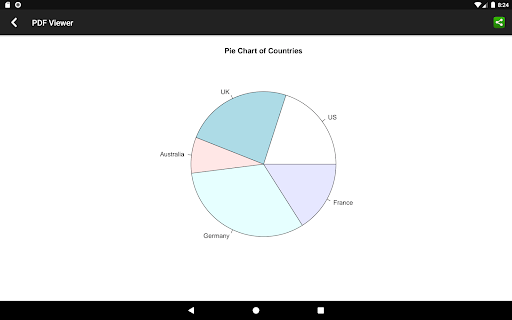
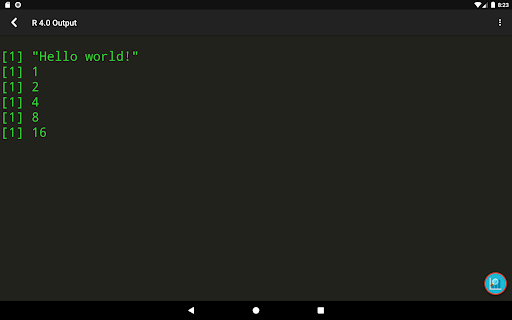
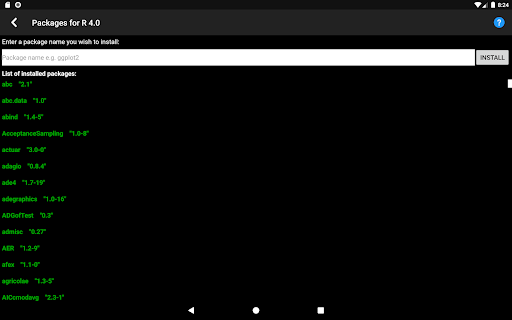
Mobile R environment to write, compile, and run R scripts with syntax highlighting, plotting support, file import/export, and access to many CRAN/Bioconductor packages (package installation and unlimited plots require a subscription). It’s a batch compiler with a 20s runtime limit, single-file execution, and needs internet to compile.
Verdict
Verdict: A handy on-the-go R scratchpad for learning and quick tests, but constrained for serious, long-running, or interactive work.
Who is it for
Best for:
- Students and beginners practicing R syntax and small snippets
- Data folks needing quick checks/plots away from a laptop
- Educators demonstrating simple R code on mobile
Not ideal for:
- Projects requiring interactive consoles, long runtimes, or multiple files
- Users needing reliable offline compilation or heavy package workflows
- Professionals expecting a full IDE experience like RStudio
Real-world User Experience
Users like it:
Simple interface with syntax highlighting, ability to compile and see errors, quick plotting on mobile, and the convenience of opening/saving/sharing R files.
Users complain about:
Requires internet to compile, ads in the free tier, key features gated by subscription (package installs, unlimited plots), strict 20s time limit, single-file execution, and limited interactivity for programs that expect user input.
Is it Worth Paying For?
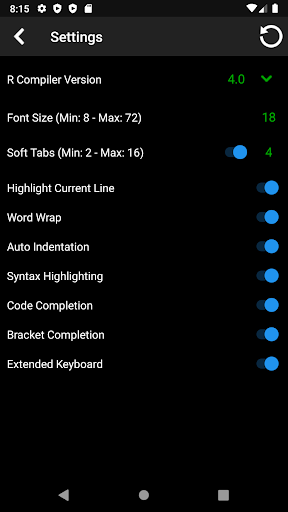
If you only need to test small scripts, the free version suffices despite ads and limits. The subscription is reasonable for learners who frequently plot or need to install packages and prefer newer compiler versions; however, power users may still hit the 20s runtime and single-file constraints, making the upgrade less compelling for complex work.
How it Compares to Alternatives
Compared to browser-based RStudio Cloud on mobile, this app is lighter and simpler but far less capable; Cloud offers a fuller IDE if you can tolerate a mobile browser and persistent internet. Termux-based R installs can work offline and support more advanced workflows but require technical setup. Generic coding apps (e.g., Dcoder) support multiple languages but lack R-focused features like CRAN/Bioconductor integration. Overall, this is one of the more approachable Android options specifically for R, with clear trade-offs in power and interactivity.
Summary
R Programming Compiler brings a focused, mobile-friendly way to write and run small R scripts with syntax highlighting, plotting, file operations, and access to many packages. It’s intentionally limited: compilation requires internet, execution is batch-only with a strict 20s cap, and only one file runs at a time, so it’s best for learning, prototyping, and quick checks rather than full projects. The subscription removes ads and unlocks package installation, unlimited plots, and newer compiler versions, which can be valuable for frequent student use, though heavy users may still run into inherent platform limits. With a 3.9 rating and 100K+ installs, it fills a niche for convenient, on-the-go R coding, as long as you accept its constraints.
Ratings
Trending APP












Alternative to this app









