Copyright 2026 © swekartor. All Rights Reserved.



Information about Video to MP3 - Video to Audio
App Feature
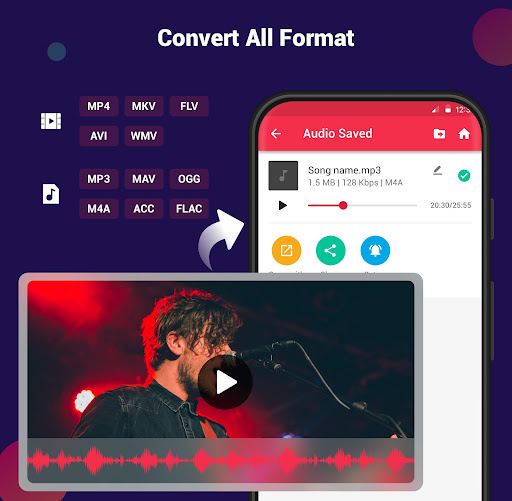
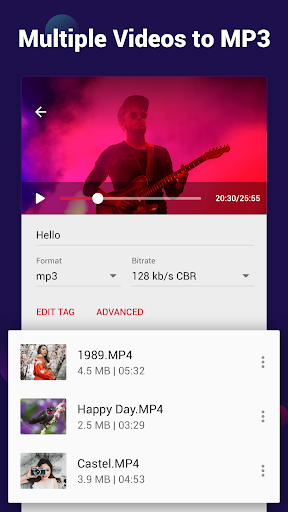
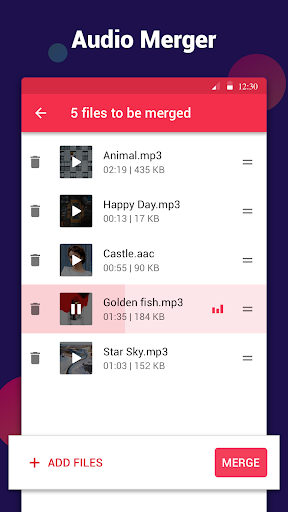
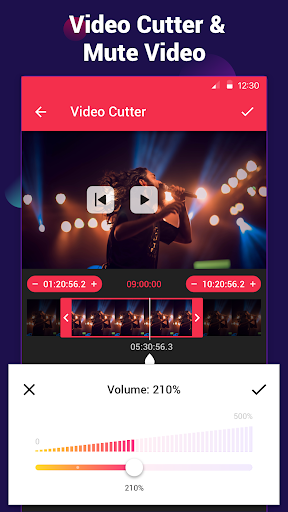
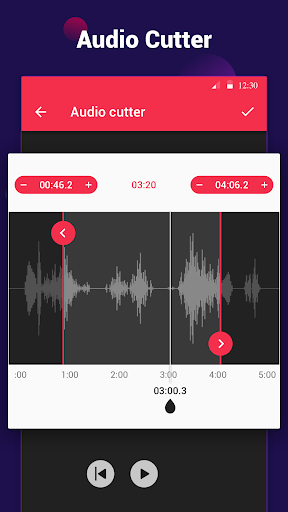
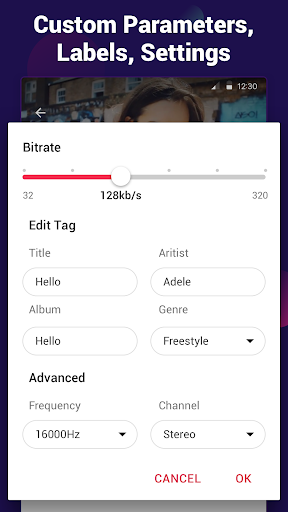
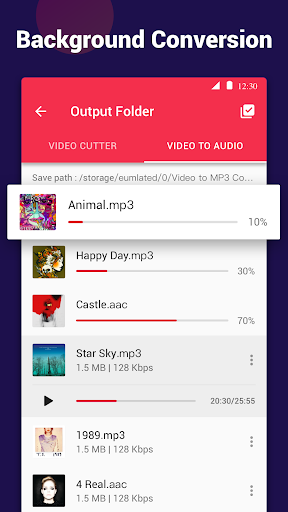
All-in-one video-to-audio toolkit that converts videos to MP3/M4A/AAC, trims video and audio, merges tracks, edits tags and covers, boosts volume, applies fade effects, supports batch/background conversion (up to 15 at once), and exports at bitrates up to 320 kb/s across many video/audio formats.
Verdict
Verdict: A fast, user-friendly video-to-audio converter with rich extras, best for quick, high-quality exports rather than deep audio editing.
Who is it for
Best for:
- Users who frequently extract audio from videos and want quick, high-quality MP3s
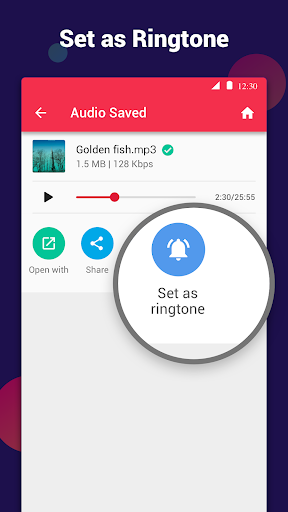
- Anyone needing simple trims, ringtone creation, and tag editing with batch processing
- People who value a clean interface and broad format support
Not ideal for:
- Power users seeking multitrack mixing, layering, or pro-grade audio editing
- Those who want precise numeric timecode entry and frame-accurate editing
- Users who prefer entirely ad-free experiences without upgrading
Real-world User Experience
Users like it:
Consistently praised for speed, simplicity, and reliability across devices; easy trimming and ringtone making; high-quality conversions without watermarks; batch processing; helpful tag editor; ads are generally short/skippable; stable performance even with long videos.
Users complain about:
Ads appear during use (though often minimal); a few reports of timing mismatches or desire for manual time entry for cuts; limited capabilities for complex audio editing beyond basic trim/merge.
Is it Worth Paying For?
The free version is highly capable with minimal, skippable ads. The paid option (reported as a one-time purchase) removes ads and may unlock conveniences; worthwhile if you convert/edit frequently or want an uninterrupted workflow, but casual users can stick with free.
How it Compares to Alternatives
Compared with typical video-to-MP3 converters, it stands out for speed, batch/background jobs, tag editing, fade/boost effects, and a cleaner UX. It lacks the multitrack and advanced effects of full DAWs or heavy video editors but is more straightforward and faster for everyday conversions than many ad-heavy or clunky alternatives.
Summary
Video to MP3 - Video to Audio delivers a polished, fast, and reliable way to turn videos into high-quality audio while offering practical extras like trimming, merging, tag/cover editing, fade effects, and ringtone setting. Its wide format support, batch/background conversion, and intuitive design make it a go-to utility for everyday media tasks. While it won’t replace a professional audio editor and some users want finer control over cut timings, the overall experience—especially given light, skippable ads—makes it one of the best free converters on Android, with an optional upgrade that’s worth it for frequent users.
Ratings
Trending APP












Alternative to this app