
Copyright 2026 © swekartor. All Rights Reserved.



Information about Video Maker & Photo Music
App Feature
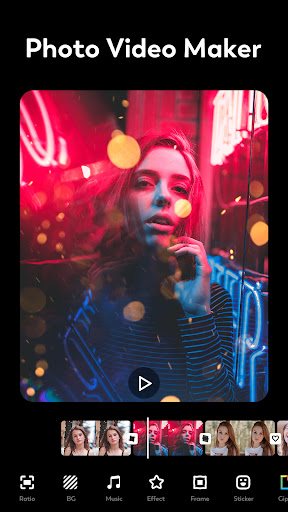
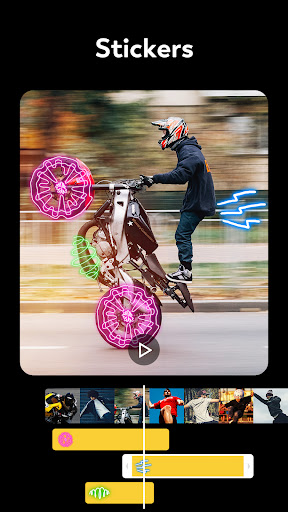
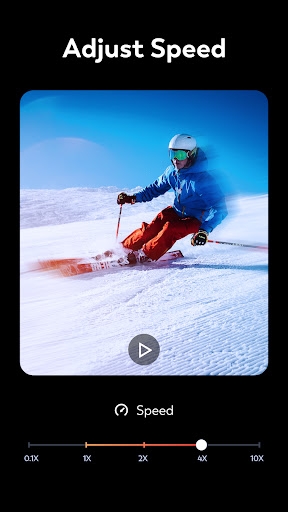
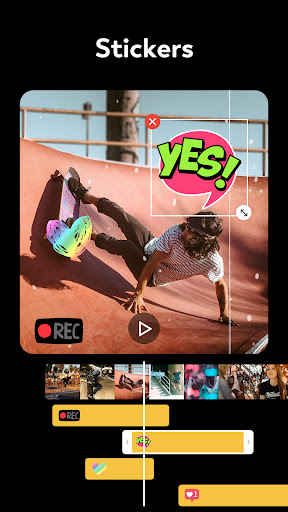
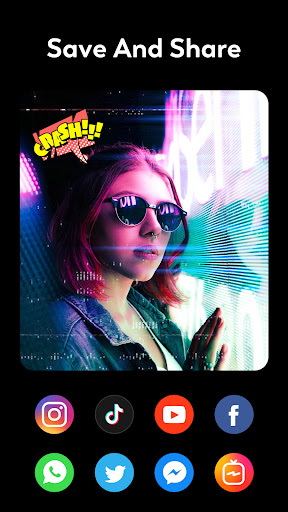
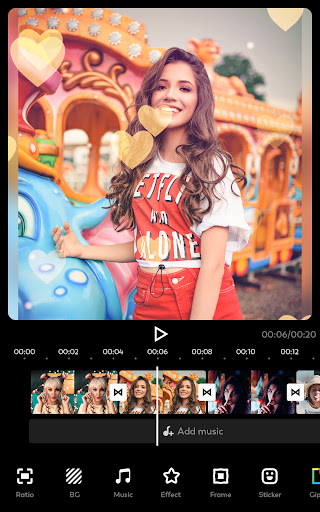
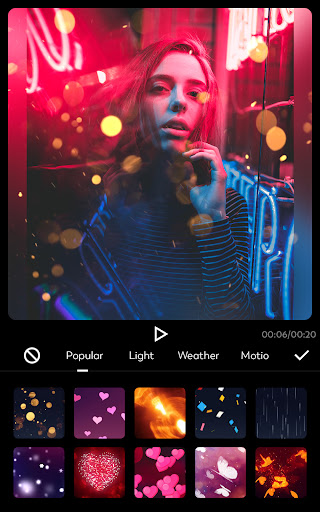
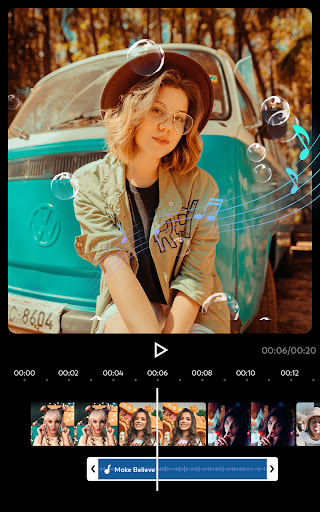
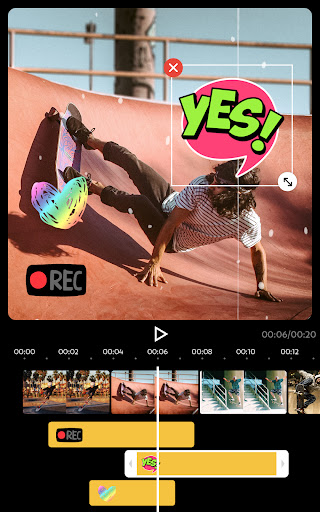
Video Maker & Photo Music (FotoPlay) is a beginner‑friendly slideshow and video editor that merges photos/videos with music, transitions, effects, stickers, and text. It supports voiceover, audio extraction from video, multiple aspect ratios, and exports without watermark (watch an ad) or via Pro. Designed for quick social-ready slideshows for TikTok, YouTube, Instagram, and more.
Verdict
Verdict: A fast, no-fuss slideshow and music video editor that excels at simplicity and volume, but lacks some pro‑level controls and bulk editing tools.
Who is it for
Best for:
- Social creators who want quick photo/video slideshows with music and effects
- Users needing to add many photos/videos without strict limits
- Beginners who value an intuitive interface and no-watermark exports (ad-supported)
Not ideal for:
- Advanced editors needing granular controls, complex text animation, or pro effects
- Users who require bulk operations (global timing/transition edits) and precision timeline tools
Real-world User Experience
Users like it:
Consistently praised for being easy to learn, fast to produce great-looking slideshows, and capable of handling large projects with many photos/videos. Users love the wide transition/effect selection, large music collection, audio extraction and voiceover, and the option to remove watermarks by watching a short ad. Performance is solid, exports look good, and developer support is responsive.
Users complain about:
Requests for bulk editing (apply one transition/timing to all), better media reordering in-editor, and quicker navigation through long timelines. Occasional bugs (e.g., transition crackle, runtime error) were noted but reportedly addressed quickly or with workarounds. Some desire more advanced text/lens effects, more resolution/size control, clearer access to paid options, and easier retrieval after sharing to platforms.
Is it Worth Paying For?
Yes for frequent users: the Pro option (including a one‑time purchase per reviews) removes ads/watermark and unlocks more features, offering strong value given the app’s capability. Casual users can do a lot for free, including removing watermarks by watching a short ad.
How it Compares to Alternatives
Compared to YouCut and similar editors, FotoPlay stands out by allowing large numbers of photos/videos without hitting early limits and by offering plentiful transitions/effects with a simpler workflow. Versus Canva or some desktop tools, it’s faster for straightforward slideshows but less capable for advanced motion graphics or precise timeline editing. Power editors (e.g., CapCut/InShot) may offer richer pro effects and bulk controls, but FotoPlay is often quicker for high-volume photo montages.
Summary
FotoPlay delivers an approachable, capable slideshow and music video maker with an emphasis on speed, simplicity, and scale. It capably merges large batches of photos/videos, syncs them with music or voiceover, and decorates them with transitions, effects, stickers, and text in multiple aspect ratios for social sharing. Real users highlight strong performance, intuitive design, and no-watermark exports via ads, while noting missing bulk-edit tools, occasional minor bugs, and limited advanced effects. With a highly rated track record, responsive support, and a good-value Pro tier, it’s an excellent pick for creators who want attractive slideshows fast without learning complex editors.




Ratings
Trending APP












Alternative to this app









