Copyright 2026 © swekartor. All Rights Reserved.



Information about Facetune2 Editor by Lightricks
App Feature
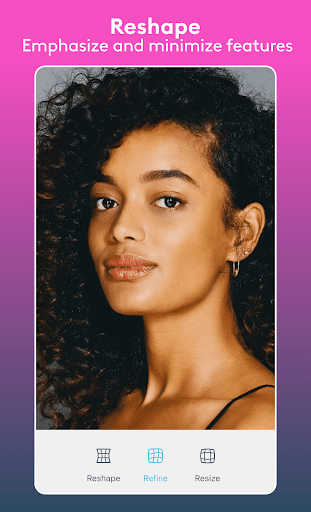
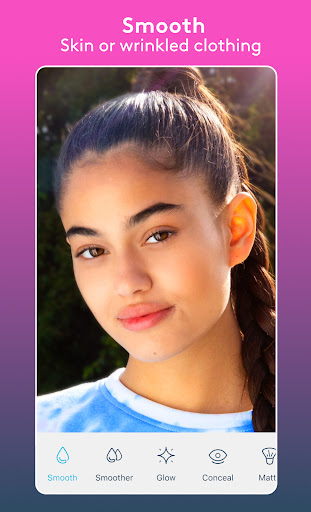
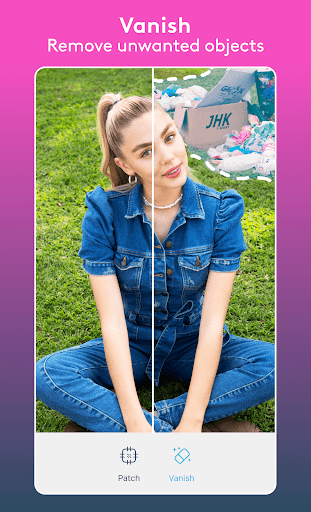
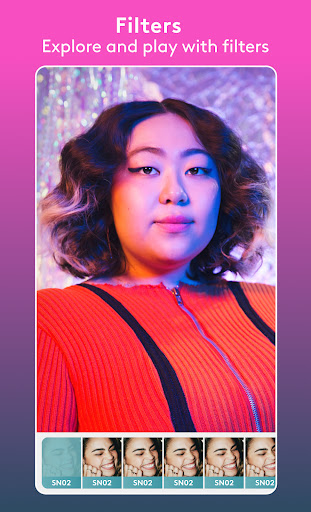
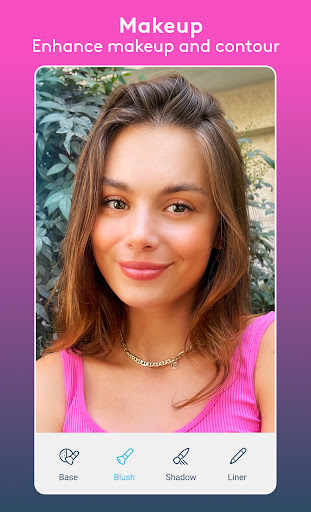
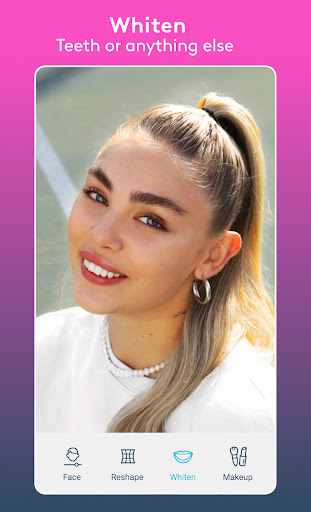
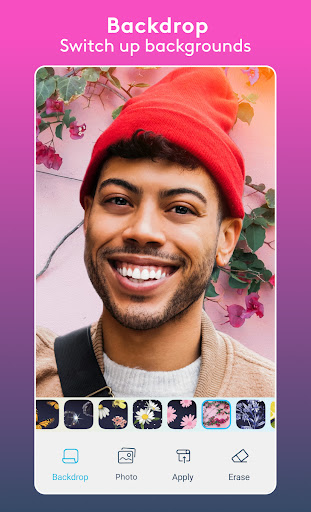
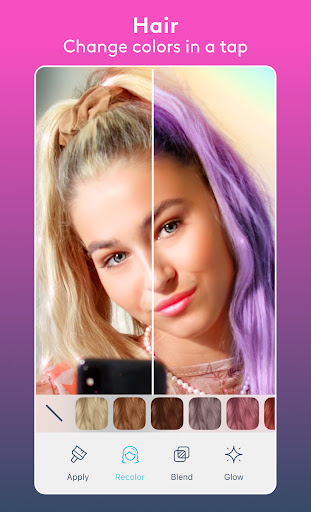
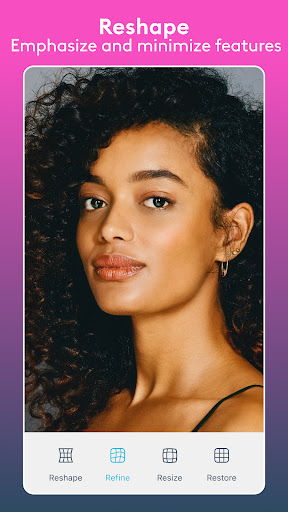
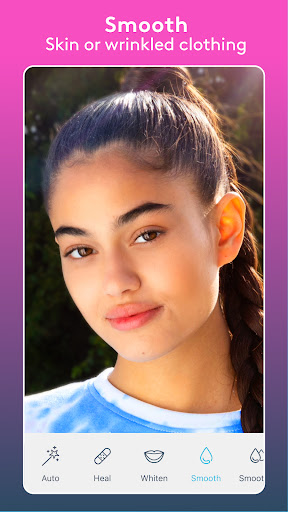
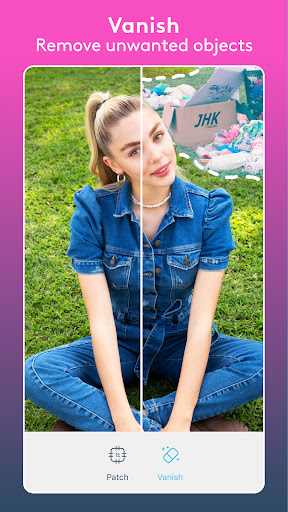
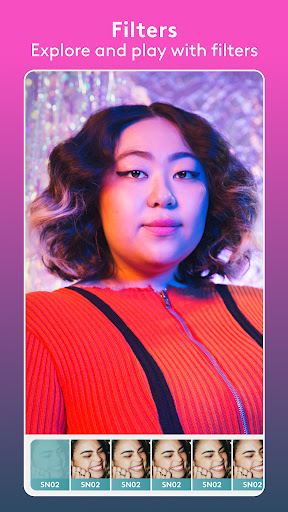
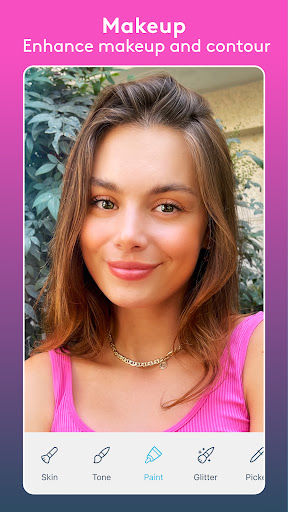
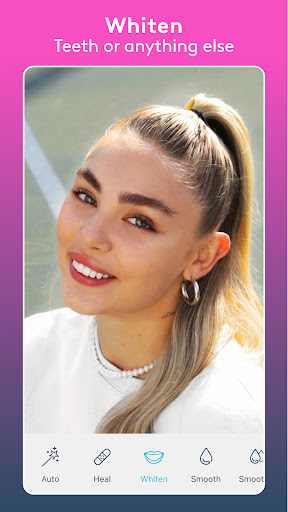
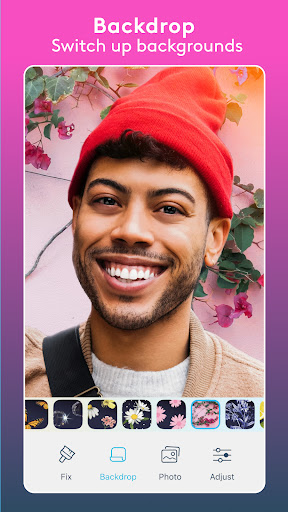
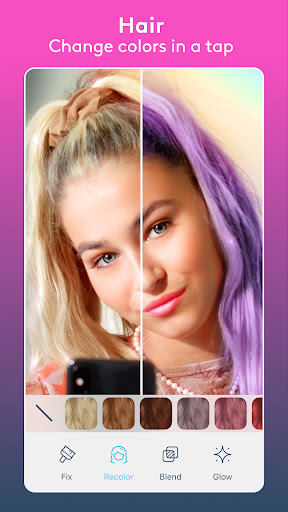
Facetune2 (Facetune) is an AI-powered photo and video editor focused on fast, polished portrait retouching. Core tools include skin smoothing, blemish removal, teeth whitening, eye and face reshaping, makeup filters, hair color/style try-ons, background blur/swap, and one-tap enhancements, plus basic video retouching across entire clips.
Verdict
Verdict: A top-tier, beginner-friendly portrait editor with powerful AI retouching, though occasional bugs and paywalled tools may frustrate power users.
Who is it for
Best for:
- Selfie and portrait editors who want quick, natural-looking touch-ups
- Creators, influencers, and small businesses needing social-ready photos and simple video retouching
- Users exploring hair color/style changes or AI headshots
Not ideal for:
- Photographers seeking granular RAW/color grading workflows and batch controls
- Users who want everything free and ad-free with no subscriptions
- Those requiring flawless edge detection on complex scenes (hair/clothes over busy backgrounds)
Real-world User Experience
Users like it:
Easy, intuitive interface with precise zoom; strong results for skin, teeth, blemish removal, and hair color; natural-looking edits that don’t appear overprocessed; generous free tools without watermarks; helpful try-before-you-buy for premium effects; responsive support and occasional refunds; useful for professional-looking headshots and social content.
Users complain about:
Some tools (hair/clothing prints) can bleed onto backgrounds or shoulders; sporadic crashes/opening issues for some devices; subscription recognition hiccups; certain desired tools (e.g., eye color) behind paywall; ad presence in free tier.
Is it Worth Paying For?
Yes for frequent portrait editors: the free tier covers core retouching well and saves without watermarks, but premium unlocks advanced tools (e.g., full makeup suites, enhanced hair/clothing/AI features, broader video retouch). Reported prices vary by region/offer (some cite ~$26/yr, others higher). If you rely on hair try-ons, AI headshots, or video-wide edits, premium is good value; casual users can stay free.
How it Compares to Alternatives
Compared to AirBrush/YouCam, Facetune’s edits often look more natural and its hair/AI headshot features feel more polished. PicsArt excels at creative overlays and design but is weaker for nuanced facial retouch. Lightroom Mobile/Snapseed lead in pro color/RAW control, not portrait reshaping. Remini shines for AI upscaling/restoration but offers fewer manual retouch controls. For quick, realistic portrait touch-ups plus hair try-ons, Facetune is among the strongest all-around choices.
Summary
Facetune2 is a widely used, AI-driven portrait and video editor that makes professional-looking touch-ups accessible to anyone. It balances one-tap fixes with fine manual controls, covering everything from skin smoothing and blemish cleanup to hair color/style, makeup, and background edits—plus simple video retouching across entire clips. Users consistently praise its intuitive workflow, natural results, and capable free tier without watermarks, though some report tool edge-detection artifacts, occasional crashes, and subscription recognition issues. If you edit people shots regularly or want hair and AI features, the premium plan is compelling; otherwise, the free version already delivers standout results for social media and everyday photos.
Ratings
Trending APP












Alternative to this app