Copyright 2026 © swekartor. All Rights Reserved.



Information about Videoleap Editor by Lightricks
App Feature
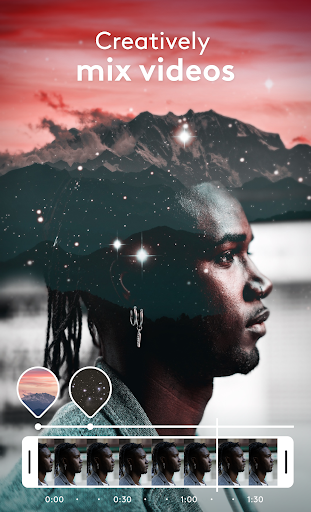
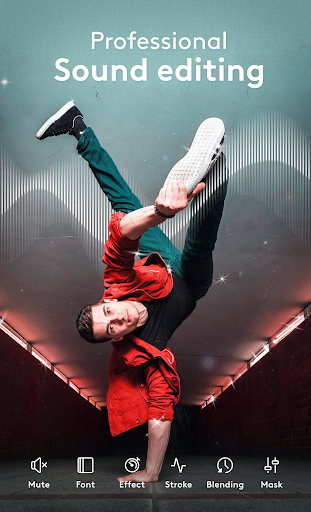
Videoleap is an AI-powered mobile video editor focused on quick, polished reels, shorts, and social videos. It blends beginner-friendly tools (trim, crop, merge, speed control), pro features (multi-layer timeline, masking, blending, chroma key, keyframes), AI enhancements (auto-generation, effects, upscaling), and a large template library for fast creation and easy exporting/sharing.
Verdict
Verdict: A powerful, AI-forward editor that’s excellent for social-ready videos, but some export/advanced features sit behind a paywall.
Who is it for
Best for:
- Creators, influencers, and small businesses making reels/shorts quickly
- Beginners who want an intuitive interface with pro headroom
- Mobile editors needing multi-layer compositing, keyframes, and AI effects
Not ideal for:
- Users who need fully free exporting and all features without subscription
- Feature hunters requiring desktop-grade granular controls for long-form films
- Those who dislike templates/AI workflows and prefer purely manual editing
Real-world User Experience
Users like it:
Smooth, intuitive UI that makes multi-layer editing and keyframing surprisingly easy; strong AI and effect set; efficient workflows for overlays, blending, and motion; quick import/export; minimal friction once the short learning curve is cleared.
Users complain about:
Certain exports/features appear locked behind Pro for some users; fine control pain points like snapping, precise scaling/rotation, and keyframe placement at clip ends; occasional desire for direct social share and ruler/straightening aids.
Is it Worth Paying For?
Yes, if you rely on AI generation/enhancements, premium templates, higher-quality exports (e.g., upscaling), and a more seamless workflow. The free tier is capable for basic edits, but expect some limitations (and for some users, export restrictions). If you edit frequently for social or business, the subscription can justify itself; casual users may stick to the free tools.
How it Compares to Alternatives
Compared to CapCut, Videoleap feels more polished and focused on design-centric, layer-based editing with strong AI and fewer ads, though CapCut’s free offering can be more generous. Against InShot, Videoleap offers deeper compositing and keyframing; InShot is simpler for quick trims. Versus VN, Videoleap leans into AI and templates for rapid results, while VN appeals to manual editors who want robust features without heavy gating.
Summary
Videoleap: AI Video Editor delivers an elegant balance of speed and sophistication for mobile video creation. Its standout strengths are an intuitive interface, multi-layer timeline, keyframes, blending/masking, and AI-driven tools that accelerate making reels and shorts. Real users highlight how quickly they can build complex, artistic compositions, while also noting small precision gaps (snapping, ruler-like alignment) and that some features/exports require Pro. If you regularly create social content or promo clips and value AI, templates, and a refined UI, Videoleap is a strong pick. For purely free workflows or long-form, ultra-granular edits, alternatives may fit better.




Ratings
Trending APP












Alternative to this app