Copyright 2026 © swekartor. All Rights Reserved.



Information about Microsoft Launcher
App Feature
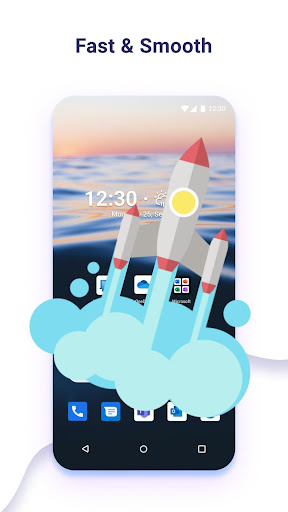
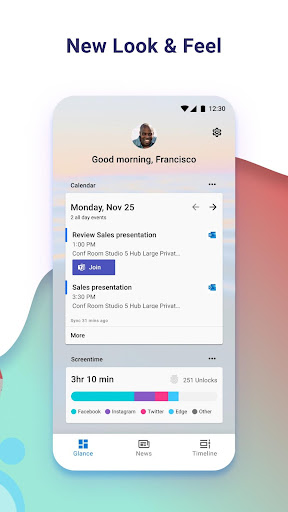
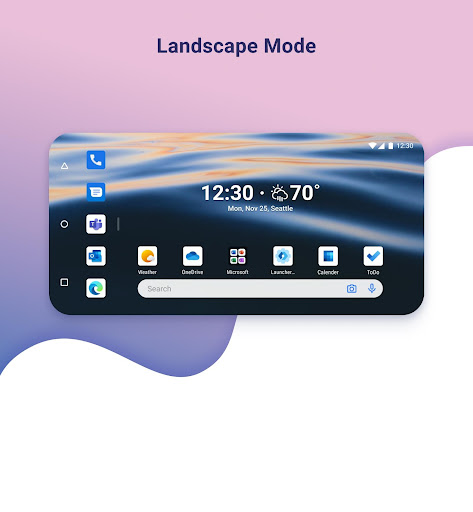
Microsoft Launcher is a free Android launcher focused on deep personalization, seamless Windows PC integration, and efficient app organization. Core features include configurable home screen grids, widget and wallpaper customization, synced access to files/photos with Windows 10 PCs, and smart folders for faster app discovery.
Verdict
Verdict: A polished, customizable launcher that shines if you use Windows and want a tidy, personalized Android home.
Who is it for
Best for:
- Android users who want rich home screen customization without complexity
- People in the Microsoft/Windows ecosystem seeking phone–PC continuity
- Users who value clean app organization and quick access to essentials
Not ideal for:
- Minimalists who prefer ultra-light, distraction-free launchers
- Power tinkerers needing niche, granular tweaks beyond mainstream options
- Users avoiding Microsoft services or cross-device integrations
Real-world User Experience
Users like it:
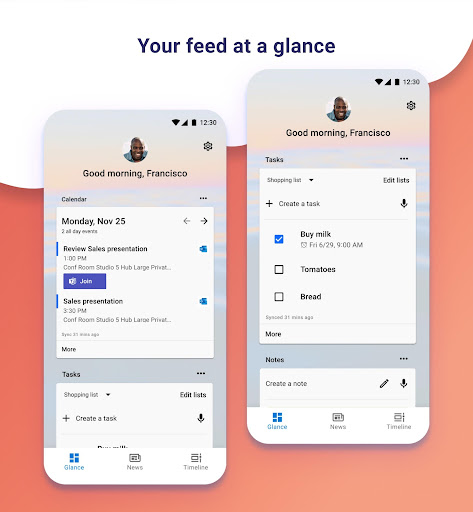
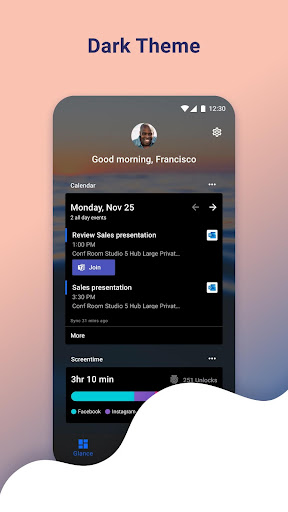
Smooth performance, attractive theming and wallpapers, easy-to-set grid and widget layouts, and the convenience of quick file/photo access with Windows PCs; app folders and feed help keep things organized.
Users complain about:
Some report a learning curve when moving from stock launchers, occasional hiccups with widget alignment or layout resets after updates, and concerns about reliance on Microsoft services or background sync.
Is it Worth Paying For?
It’s free with no purchase required, making it a strong value—there’s nothing to buy, and the core experience is complete out of the box.
How it Compares to Alternatives
Compared to Nova Launcher, Microsoft Launcher is simpler and more integrated with Windows but offers fewer ultra-granular tweaks. Against Niagara Launcher, it’s more feature-rich but less minimal. Versus Pixel Launcher, it adds far more customization and cross-device features, though Pixel feels lighter and more native on stock Android.
Summary
Microsoft Launcher delivers a mature, highly customizable home screen with standout Windows PC integration and thoughtful app organization. It balances flexibility with ease of use, offering an attractive, orderly experience that suits most users—especially those working across Android and Windows. While it may not match the deepest tweakability of enthusiast launchers or the stark simplicity of minimalist ones, its strong performance, cohesive design, and zero cost make it an easy recommendation for anyone wanting a polished, productivity-friendly launcher.
Ratings
Trending APP












Alternative to this app