
Copyright 2026 © swekartor. All Rights Reserved.



Information about monday.com - Work Management
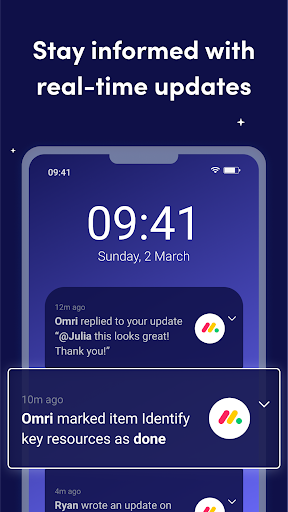
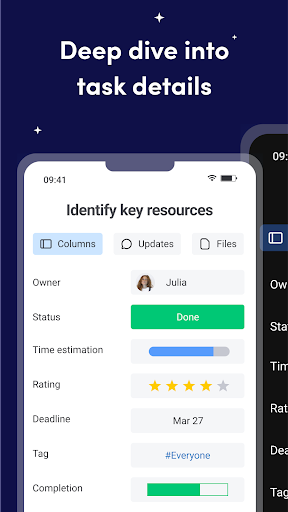
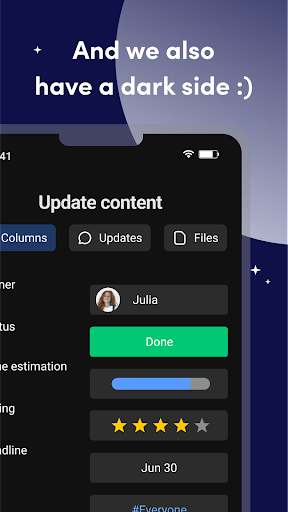
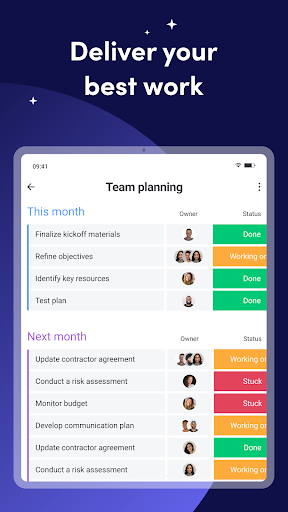

App Feature
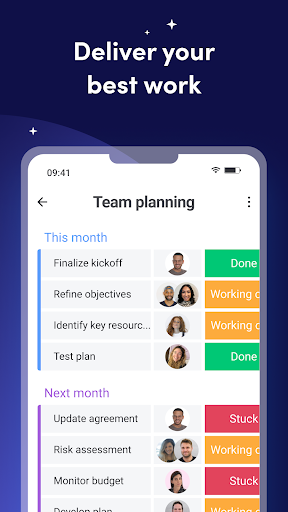
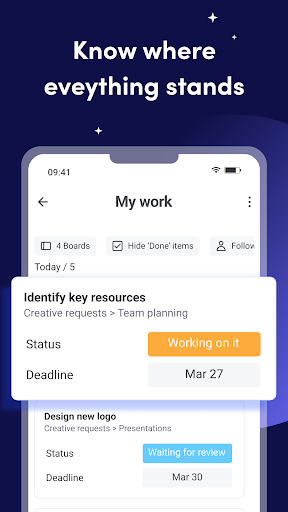
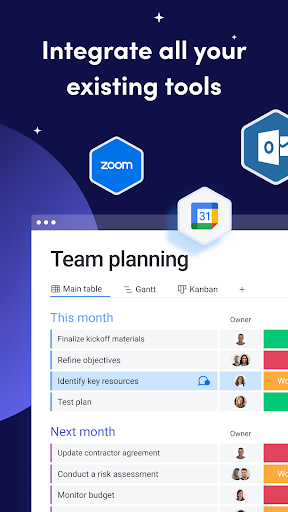
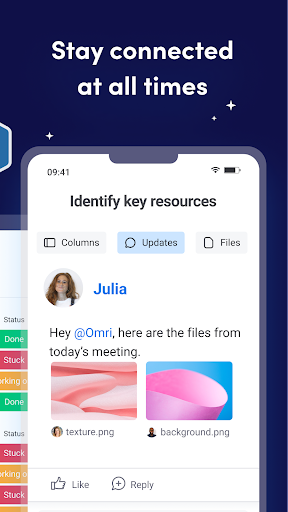
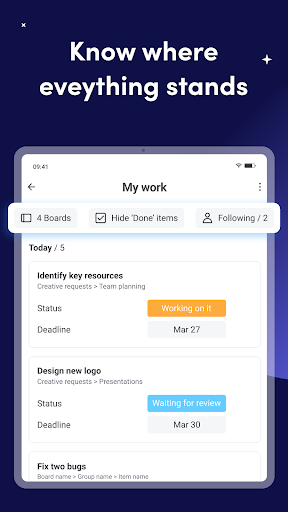
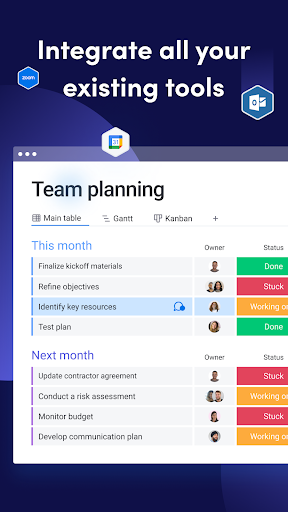
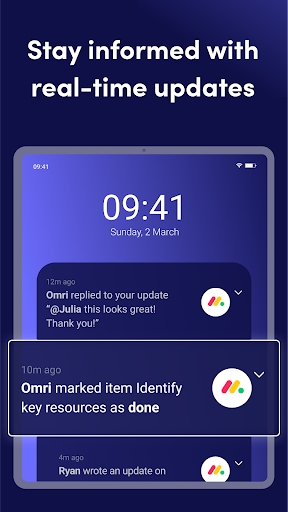
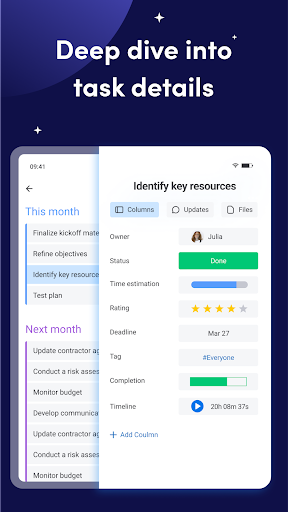
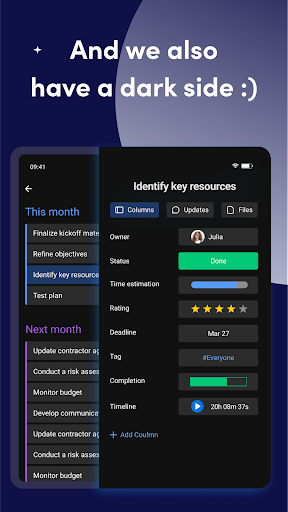
monday.com is a visual, AI-powered work management platform that centralizes projects, tasks, and collaboration. It lets teams create customizable boards, assign owners, set deadlines, automate workflows with AI agents, communicate via comments and @mentions, share files, and monitor progress through dashboards, Gantt/Kanban views, and time tracking—syncing seamlessly with the web app.
Verdict
Verdict: A powerful, highly customizable work OS with standout AI and visuals, but pricing and some gated features may deter smaller teams.
Who is it for
Best for:
- Teams needing flexible, visual project and task management with automation
- Organizations that value analytics, dashboards, and cross-platform syncing
- Managers seeking templates and structured workflows to scale processes
Not ideal for:
- Small teams or individuals seeking a free, fully featured plan
- Users who need built-in video calling without higher-tier upgrades
- Teams wanting the simplest, lightweight task tool over an all-in-one platform
Real-world User Experience
Users like it:
Clean, intuitive interface; templates that speed setup; robust customization; fast syncing with the web app; responsive support (noted bug fixed quickly).
Users complain about:
No true free 'lite' plan; essential integrations like video calling locked to higher tiers; occasional Android navigation quirks (e.g., inbox back behavior, later fixed).
Is it Worth Paying For?
The mobile app is free and ad-free, but the full value is in monday.com’s paid tiers. For teams that will leverage automation, dashboards, and integrations, the subscription cost is justified. If you just need basic task lists or built-in video calls on a budget, the pricing can feel steep and some features are paywalled.
How it Compares to Alternatives
Compared to Trello, monday.com offers deeper structure, analytics, and native automation beyond simple boards. Versus Asana and ClickUp, it’s similarly robust but stands out with highly visual, customizable boards and emerging AI agents that execute tasks. Jira remains stronger for complex software workflows, while monday.com is more approachable for cross-functional teams. Pricing is generally higher than lightweight tools and some competitors’ entry tiers.
Summary
monday.com – Work Management delivers a polished, flexible workspace that unifies tasks, projects, collaboration, and analytics, now augmented by AI agents to automate and execute work. Its templates, visual views, time tracking, and real-time sync make onboarding fast and coordination clear. The trade-offs are cost and certain features restricted to higher plans, plus occasional mobile UX hiccups—though support appears responsive. For teams that will use its automation, dashboards, and integrations, it’s a top-tier choice; for individuals or small teams hunting for a free, all-in-one solution with built-in calls, it may be more than you need.
Ratings
Trending APP












Alternative to this app









