Copyright 2026 © swekartor. All Rights Reserved.


Information about Beat Maker Pro - DJ Drum Pad
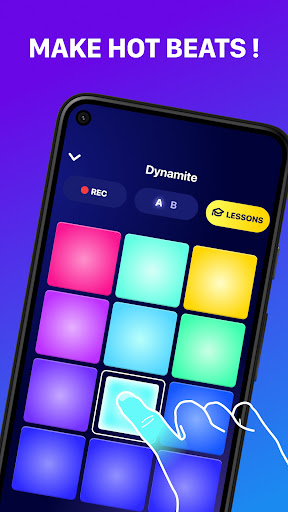
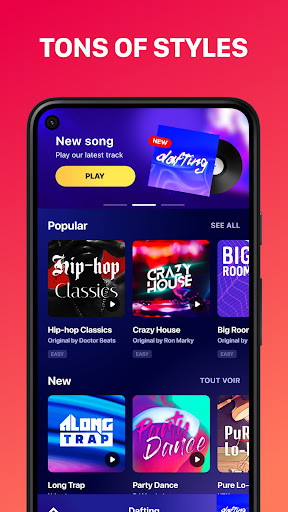
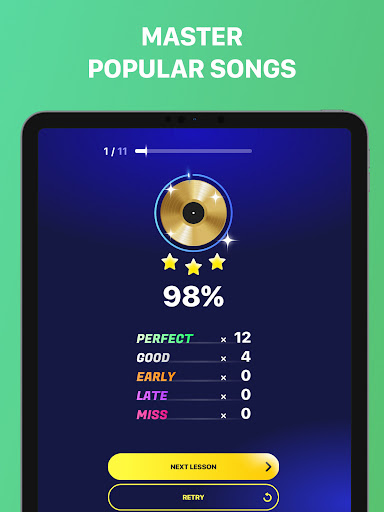
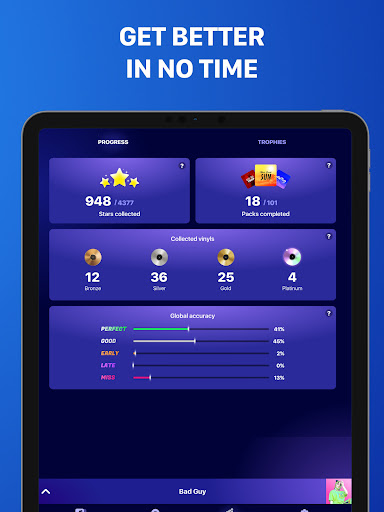
App Feature
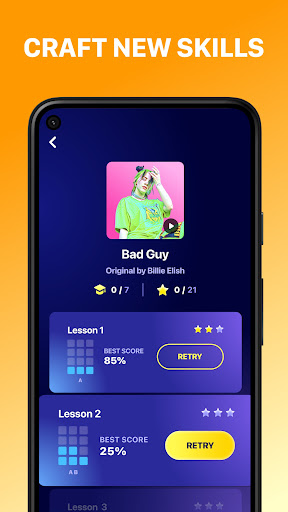
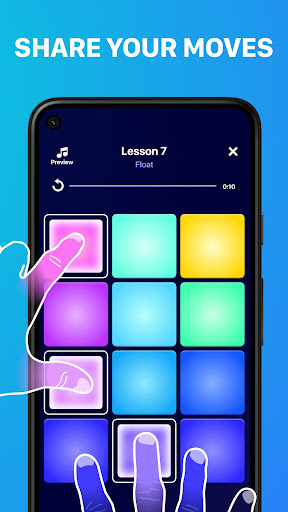
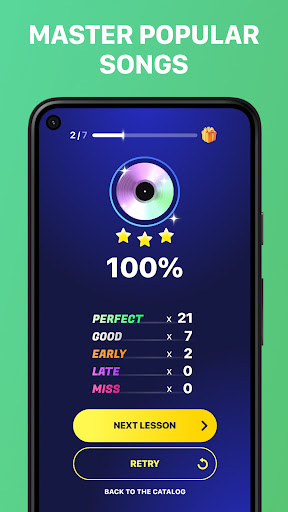
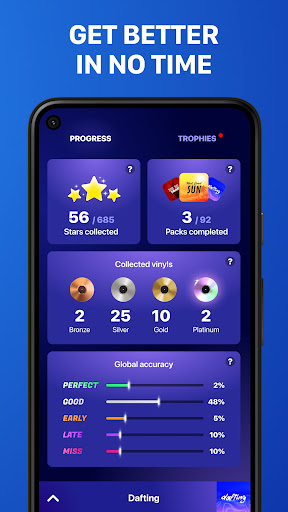
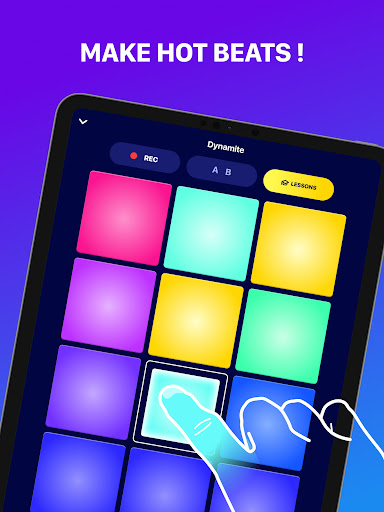
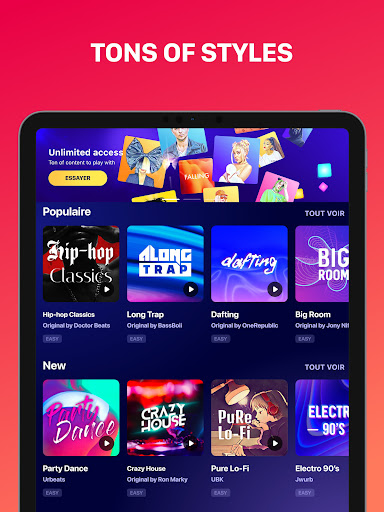
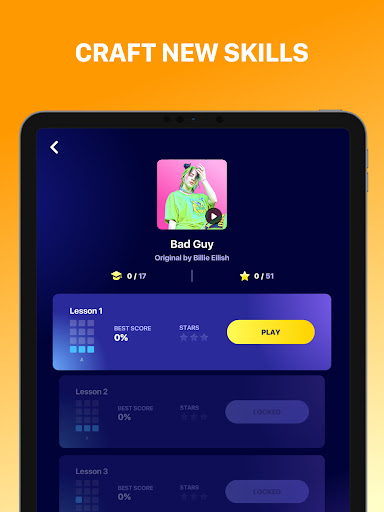
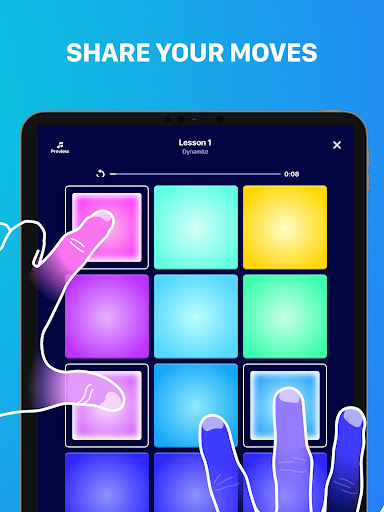
Beat Maker Pro - DJ Drum Pad lets you create beats and learn finger-drumming on a 24‑pad interface. It mixes guided lessons, genre-based song packs (EDM, hip-hop, trap, dubstep, etc.), loop mixing, and recording, with plenty of sound effects and styles. Designed for quick, intuitive beatmaking and skill-building tutorials you can use anywhere.
Verdict
Verdict: An engaging, lesson-driven drum pad app that’s fantastic for beginners and casual creators, but less suited to advanced production needs.
Who is it for
Best for:
- Beginners who want structured, bite-size lessons and quick wins
- Casual creators who want to jam on genre packs and learn songs
- Mobile users seeking a fun, intuitive 24‑pad groove experience
Not ideal for:
- Power users needing DAW-level tools, deep editing, or MIDI workflows
- Anyone who dislikes ads or gated content without subscribing
- Creators wanting full songs without interstitial progression gates
Real-world User Experience
Users like it:
Easy-to-use pads that make you sound competent quickly; strong variety of songs and genres; effective tutorials that build rhythm/finger-drumming skills; motivating progression that feels like a game; responsive support and overall polish.
Users complain about:
Frequent ads and gated progression between song sections; premium packs locked behind subscription; occasional sound issues/bugs for some users; confusion at onboarding about subscription upsell (though a free option exists).
Is it Worth Paying For?
The free tier is genuinely usable (you can continue without subscribing), but it includes ads and gated progression. The subscription removes ads and unlocks more content and songs, which feels worthwhile if you plan to practice regularly or want broader libraries and smoother flow. If you’re just dabbling, the free version suffices.
How it Compares to Alternatives
Compared with other mobile drum pad apps, Beat Maker Pro emphasizes structured lessons and accessible performance over deep production tools. It’s friendlier for beginners than many loop-only groove apps, and more focused on guided play-along than sample editing-centric tools. Advanced producers may prefer fuller-featured music workstations, but for learning and quick jams, this stands out.
Summary
Beat Maker Pro blends an approachable 24‑pad interface with guided lessons and genre packs to help newcomers and hobbyists create beats fast. Users praise its intuitive design, engaging tutorials, and satisfying results, while noting ads, premium gating, and occasional glitches. As a learning and jamming app, it shines—especially on mobile—though it doesn’t replace a full DAW. Try the free version to gauge the flow; subscribe if you want ad-free practice and expanded content.
Ratings
Trending APP










Alternative to this app