Copyright 2026 © swekartor. All Rights Reserved.



Information about Notes, Notepad, To-Do Launcher
App Feature
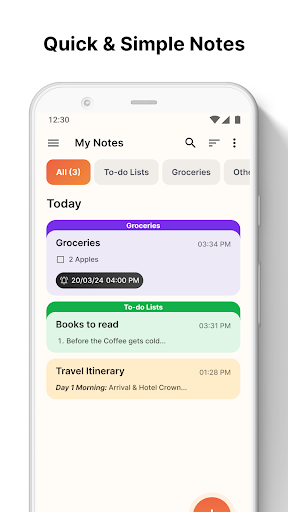
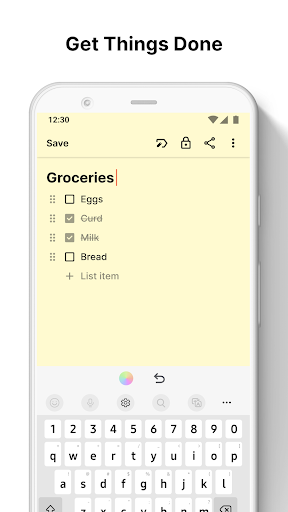
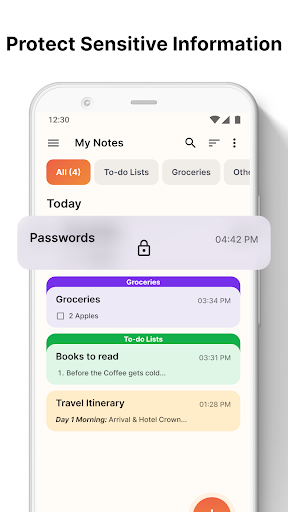
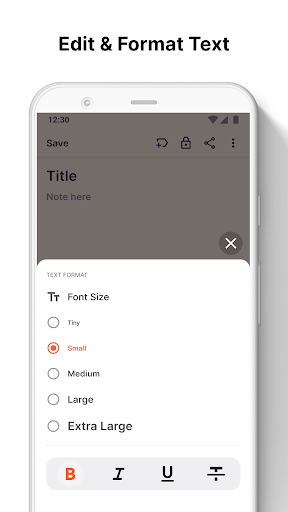
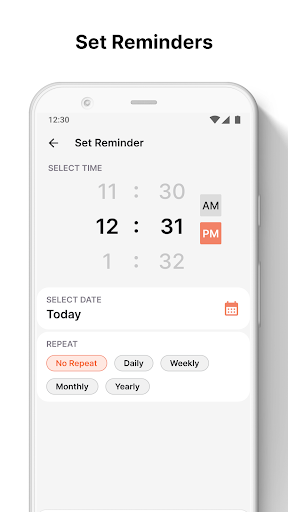
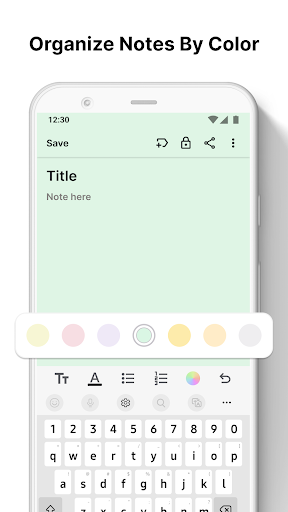
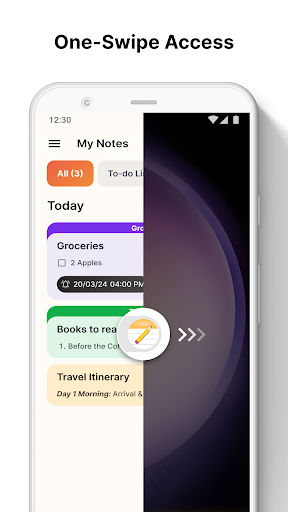
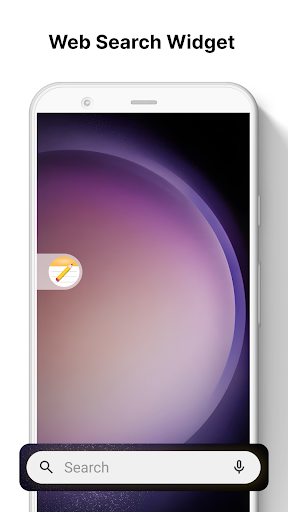
Notes, Notepad, To-Do Launcher is a free Android launcher that bakes quick note-taking and to-do lists into your home screen. Swipe-right capture, a built-in widget, rich-text formatting, color-coding, categories, search, reminders, and optional note locks make it fast to jot, organize, and find tasks without opening a separate app.
Verdict
Verdict: A snappy, launcher-based notes app ideal for quick lists and on-phone organization, but limited for collaboration and cross-device workflows.
Who is it for
Best for:
- Users who want one-swipe, instant note capture from the home screen
- Simple list-makers (grocery, errands) who value color-coding and checklists
- People who prefer lightweight organization with minimal setup and ads
Not ideal for:
- Teams or users needing collaboration and real-time sharing/sync
- Power users seeking cross-device cloud backup and integrations
- Those who don’t want their home screen replaced by a launcher
Real-world User Experience
Users like it:
Speedy capture and easy organization; widget and swipe access reduce friction; minimal ads; handy checklist with quick check-off; fast search-as-you-type; convenient color switching; lockable notes for sensitive items; works well for groceries, meds, websites, and misc lists.
Users complain about:
No clear collaboration or cloud sync; as a launcher, it can rearrange the home screen which some may dislike; occasional ad presence; migrating content between phones may require manual copy/paste.
Is it Worth Paying For?
The app is free, ad-supported, and lists no in-app purchases. Given the light ad load reported by users and solid core features, there’s good value at no cost.
How it Compares to Alternatives
Compared to Google Keep or Microsoft To Do, this app is faster for on-device capture via launcher integration and a dedicated widget, but it lacks robust cloud sync, collaboration, and cross-platform reach. Versus Any.do or Notion, it’s simpler and faster for lists, yet far less capable for project management, sharing, or integrations. Its differentiator is the launcher’s one-swipe access and home-screen-centric workflow.
Summary
Notes, Notepad, To-Do Launcher blends a minimal notes app with a full Android launcher for instant capture from the home screen. It emphasizes speed and simplicity: tap or swipe to add color-coded notes and checklists, format text, set reminders, search in real time, categorize, and optionally lock sensitive items. With a 4.2 rating and 1M+ installs, users praise its quick access, low friction, and light ads. The trade-offs are meaningful: it replaces your launcher, offers no evident collaboration or cloud sync, and may require manual migration between devices. If you want a fast, on-phone list maker always a swipe away, it’s an excellent fit; if you rely on shared workspaces, multi-device sync, or advanced features, established alternatives like Google Keep or Microsoft To Do may suit you better.
Ratings
Trending APP












Alternative to this app