Copyright 2026 © swekartor. All Rights Reserved.


Information about Document Reader - PDF Reader
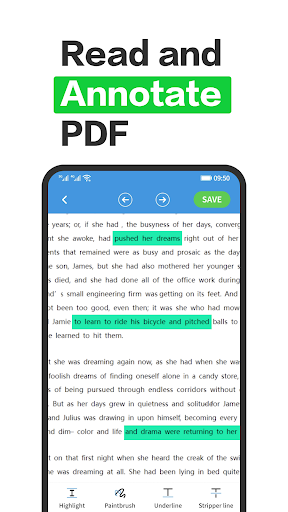
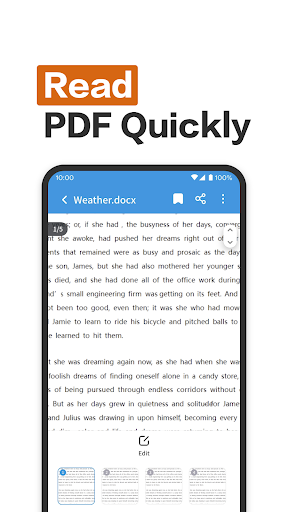
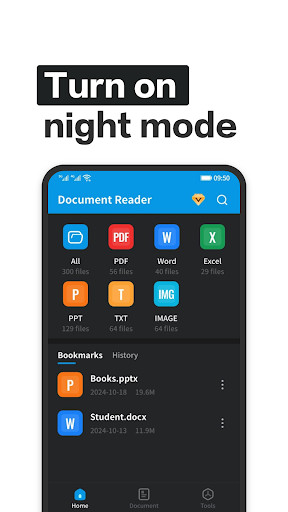
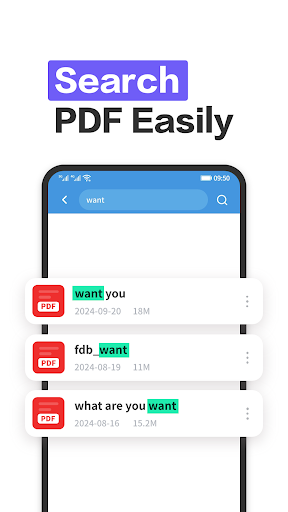
App Feature
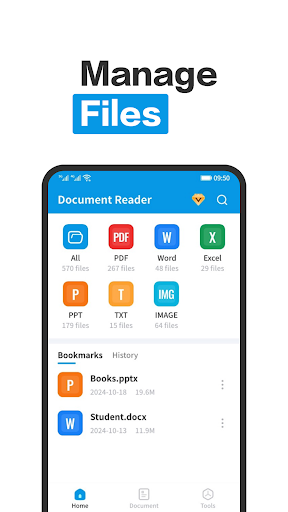
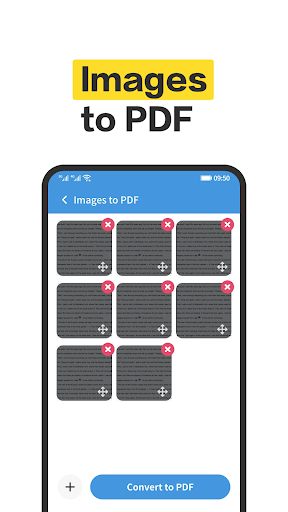
A free document utility that opens and manages multiple formats (PDF, Word, Excel, PPT, TXT). Core tools include viewing, basic PDF editing, and one-tap PDF merge/split, wrapped in a clean, easy-to-navigate interface with system file access.
Verdict
A capable all-in-one document viewer/manager for everyday use, but power users may outgrow its editing depth.
Who is it for
Best for:
- Users who need a simple, unified reader for PDF, DOC/DOCX, PPT, XLS/XLSX, and TXT
- People who occasionally merge/split PDFs and want quick on-device file management
- Android users who value a clean, straightforward interface
Not ideal for:
- Professionals needing advanced PDF editing, OCR, e-sign, or collaboration
- Users who prefer ad-free experiences without upsells
- Heavy enterprise workflows tied to cloud ecosystems (e.g., Adobe, Microsoft)
Real-world User Experience
Users like it:
The interface is intuitive and fast to navigate, opening common document formats smoothly. Multi-format support and simple PDF tools (merge/split) add everyday convenience.
Users complain about:
Mixed reliability and polish indicated by an average rating; ads and in-app purchases can interrupt the experience; advanced editing and pro-grade features appear limited compared to top-tier suites.
Is it Worth Paying For?
The app is free with ads and optional IAP. If you only need basic viewing and light PDF operations, the free tier should suffice. Paying only makes sense if the IAP meaningfully removes ads or unlocks specific tools you’ll use often; otherwise, consider premium alternatives with richer feature sets.
How it Compares to Alternatives
Compared to Adobe Acrobat Reader and Xodo, it covers the essentials but lacks deep PDF tools (annotations, form filling, e-sign, OCR). Versus Microsoft Office or WPS Office, it’s lighter and quicker for viewing, but those suites integrate better with cloud storage and offer richer editing. Its standout is simplicity and quick PDF merge/split, while competitors win on advanced features and ecosystem integration.
Summary
Document Reader - PDF Reader focuses on simplicity: it reliably opens popular document formats and offers practical PDF utilities like merge/split in a clean interface. Ratings suggest a serviceable, if not flawless, experience balanced by ads and limited advanced tooling. For casual reading and occasional PDF management, it’s an easy, lightweight pick. If your workflow demands comprehensive editing, collaboration, or cloud integration, established alternatives such as Adobe, Xodo, Microsoft Office, or WPS will likely serve you better—even if that means paying for premium features.
Ratings
Trending APP












Alternative to this app