
Copyright 2026 © swekartor. All Rights Reserved.


Information about PDF Reader and Photo to PDF
App Feature
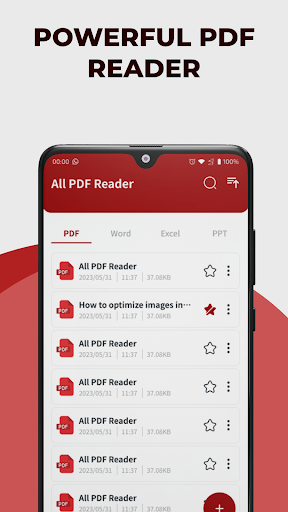
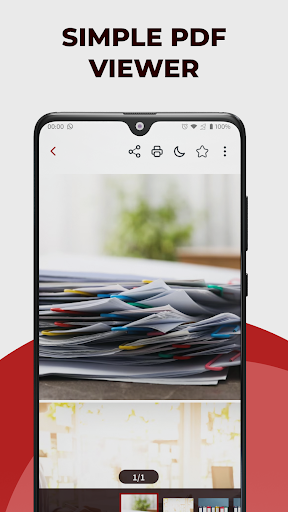
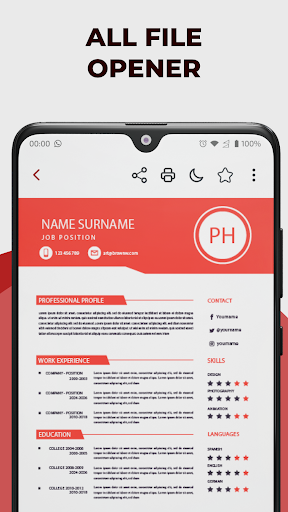
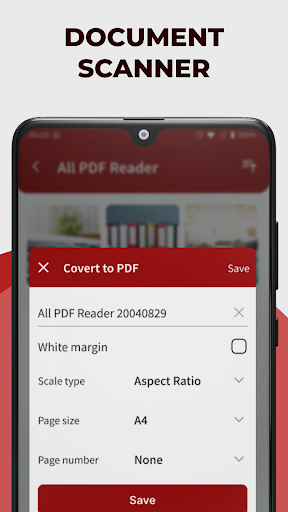
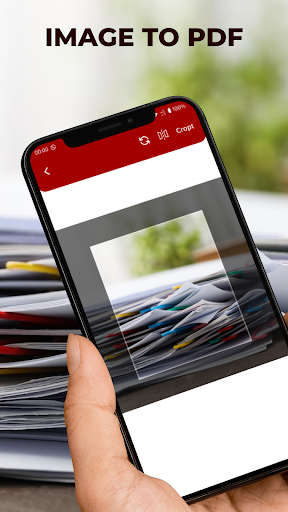
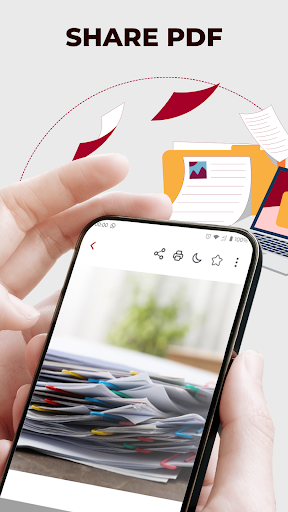
PDF Reader and Photo to PDF is a free, user-friendly PDF viewer and converter that lets you open, read, manage, annotate, and convert files (images, Word, Excel) into PDFs with just a few taps.
Verdict
Verdict: A capable, easy-to-use PDF reader/converter for everyday tasks, but power users may miss advanced features and polish.
Who is it for
Best for:
- Students and professionals needing quick annotations and markups
- Anyone who wants fast image/office-to-PDF conversion on mobile
- Users who prefer a simple, intuitive interface over complex menus
Not ideal for:
- Power users needing enterprise-grade editing and form workflows
- People who require extensive cloud collaboration or e-sign suites
- Users who are sensitive to ads or occasional stability hiccups
Real-world User Experience
Users like it:
The straightforward interface, quick opening of PDFs, and one-tap conversions from photos or documents receive consistent praise. Users appreciate the handy highlights/notes/draw tools for study and review, and the overall balance of features for a free app.
Users complain about:
Common complaints mention ads, occasional lag or crashes with very large files, and limited advanced editing options compared to desktop-class tools. Some users also want deeper cloud integration and more precise annotation controls.
Is it Worth Paying For?
The app is free; any ads or optional upgrades (if offered) primarily remove friction rather than unlock essential functionality. For most users, the free version provides solid value without needing to pay.
How it Compares to Alternatives
Compared to Adobe Acrobat Reader, Xodo, or Foxit PDF, this app is lighter and easier to navigate, with quick photo-to-PDF conversion built in. However, it generally lacks the advanced form handling, e-signature workflows, rich collaboration, and deep cloud sync that the big names provide.
Summary
With a 4.2 rating and 10M+ downloads, PDF Reader and Photo to PDF delivers a clean, approachable way to read, annotate, and convert documents on the go. Its strengths are simplicity and speed: opening files is smooth, converting photos or office documents to PDF is straightforward, and the essential annotation tools cover study and review needs. The trade-offs are typical for a free mobile utility—ads, occasional performance hiccups with large files, and fewer advanced features than premium suites. If you need a dependable everyday PDF reader and quick converter, it’s an easy recommendation; if you require enterprise-grade editing, collaboration, or form workflows, consider heavier alternatives.
Ratings
Trending APP












Alternative to this app









