Copyright 2026 © swekartor. All Rights Reserved.



Information about PlayStation Family
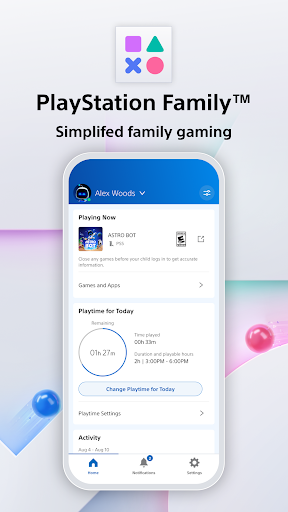
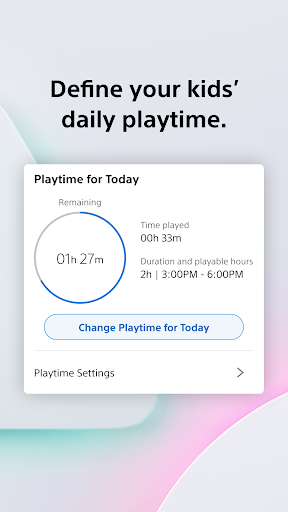
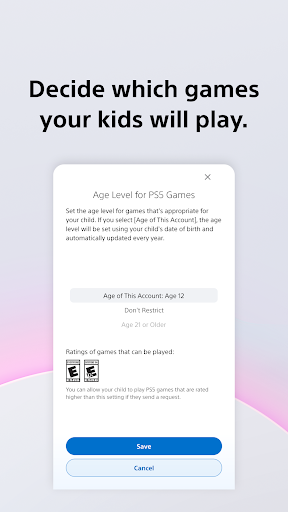
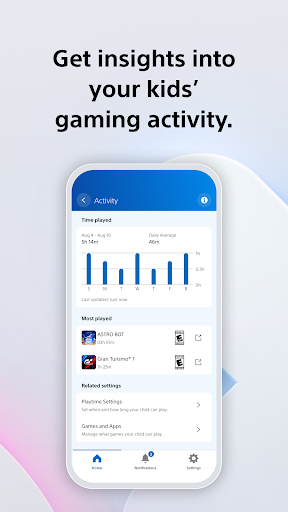
App Feature
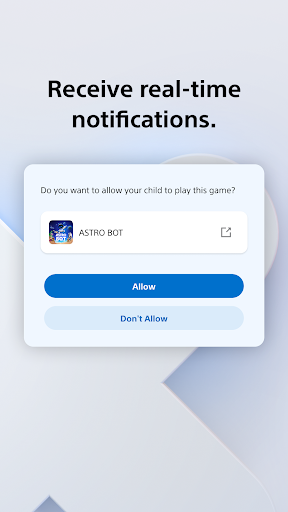
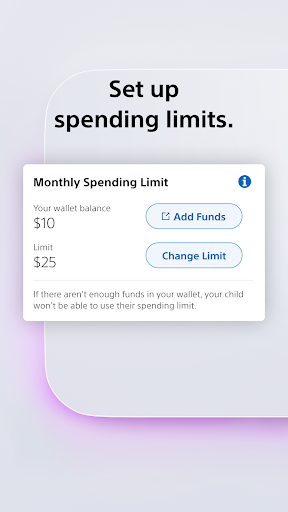
PlayStation Family centralizes parental controls for PS4/PS5, letting guardians create child accounts, set age-appropriate content access, schedule and cap playtime, manage spending, and receive real-time notifications and activity reports—all from a simple mobile interface.
Verdict
Verdict: A capable, free companion for PS4/PS5 parental controls, but limited polish and reliability may frustrate hands-on parents.
Who is it for
Best for:
- Parents who want quick, phone-based oversight of kids’ PS4/PS5 playtime and spending
- Families needing simple age gating, schedule-based limits, and basic activity insights
Not ideal for:
- Power users expecting granular analytics, robust reporting, or automation
- Families sensitive to occasional connectivity, sync, or account-linking hiccups
Real-world User Experience
Users like it:
Straightforward setup for child accounts, clear age-based defaults, convenient playtime approvals via notifications, and the ability to cap monthly spending from a single app.
Users complain about:
Mixed reliability (sync/connection issues), occasional friction linking accounts or reflecting changes in real time, and feature gaps vs. expectations for deeper insights or broader device control.
Is it Worth Paying For?
The app is free with no in-app purchases or ads, so there’s no cost barrier—worth trying if you use PS4/PS5 and need basic parental controls.
How it Compares to Alternatives
Compared with Google Family Link (system-wide Android oversight) or Apple’s Screen Time, PlayStation Family is narrower but better tuned for PS4/PS5 specifics like playtime requests and PS Store spending. Nintendo Switch Parental Controls and Xbox Family Settings offer similar console-focused features; PlayStation Family is competitive on scheduling and spending limits but can feel less reliable based on user sentiment. The standard PlayStation App offers broader social and store features, but Family focuses on controls and monitoring.
Summary
PlayStation Family brings core parental controls for the PlayStation ecosystem into a single, no-cost mobile experience. It’s strong at the essentials—setting playtime windows, approving extra time on the fly, managing age-appropriate content, and capping spending—while offering an at-a-glance activity report to keep conversations about gaming healthy and transparent. The 3.3 rating and mixed feedback suggest occasional connectivity and sync frustrations and a desire for deeper analytics. If your household revolves around PS4/PS5 and you need convenient parental controls without paying, this is a practical tool; just expect the occasional rough edge and rely on it as a focused companion rather than a comprehensive cross-device management solution.
Ratings
Trending APP












Alternative to this app