
Copyright 2026 © swekartor. All Rights Reserved.



Information about RoboKiller - Robocall Blocker

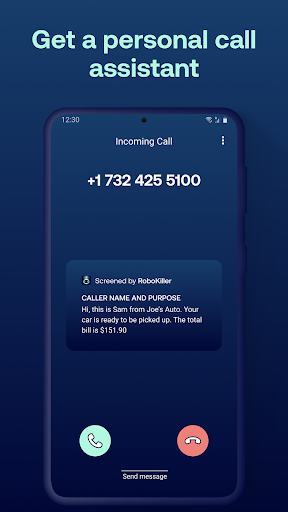
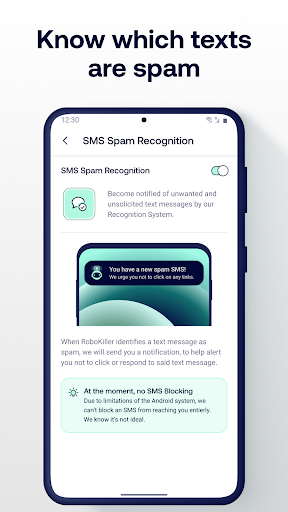
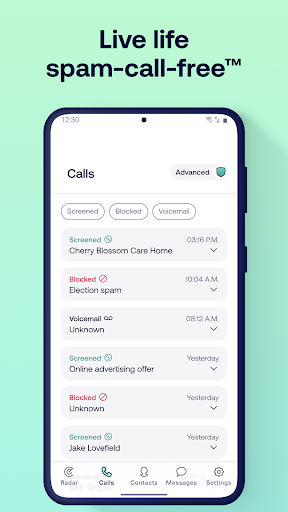
App Feature
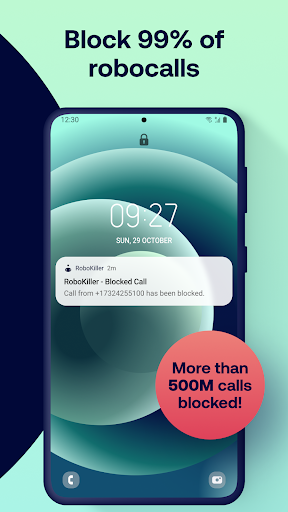
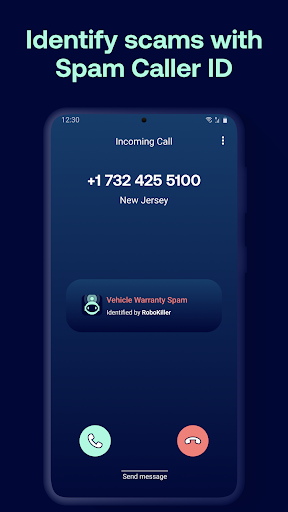
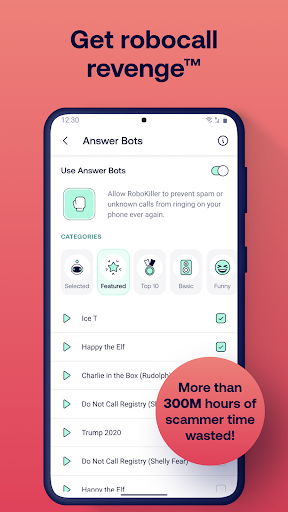
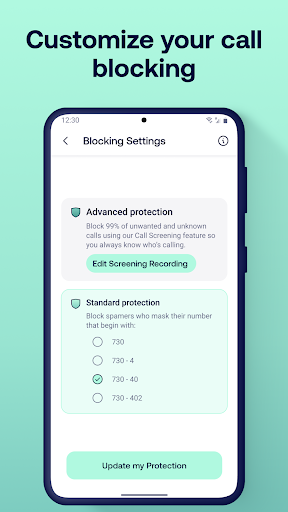
RoboKiller blocks spam calls and scam texts using a constantly updated global database, call screening, and customizable allow/block lists. It can be set as the default SMS app to filter texts, and offers Answer Bots that engage spammers with prerecorded replies while recording transcripts/audio. Extras include real-time caller ID screening, personal data exposure scans, and granular controls to pause or tune blocking.
Verdict
Verdict: A powerful spam-call blocker with entertaining Answer Bots, best if you can tolerate occasional over-blocking and a weaker SMS experience.
Who is it for
Best for:
- People inundated with robocalls/telemarketers who want aggressive blocking
- Users who like automated screening and humorous Answer Bots with recordings
- Anyone willing to whitelist important numbers and fine-tune settings
Not ideal for:
- Users who need a fast, polished SMS app as their default messenger
- People who can’t risk any legitimate callbacks being filtered or delayed
- Those unwilling to pay a subscription after the trial or price changes
Real-world User Experience
Users like it:
Significant reduction (often near-elimination) of spam calls from day one; effective automatic blocking without the phone ringing; easy allow/deny controls; entertaining and time-wasting Answer Bots with saved recordings; real-time screening/transcription helps decide whether to pick up; straightforward setup once call forwarding is configured.
Users complain about:
Occasional false positives (legit calls and auto-callbacks blocked) requiring whitelisting or pausing; SMS component is slow/buggy for some devices, leading many to revert to another messages app; setup can be finicky until forwarding is correctly enabled; subscription price increases (e.g., ~$4.99 to ~$9.99/month, ~$40/year) frustrate some users.
Is it Worth Paying For?
If robocalls disrupt your day, the subscription delivers clear value by dramatically reducing spam and offering robust tools (screening, Answer Bots, ongoing database updates). However, the price hikes noted by users and the subpar SMS experience may limit value if you mainly need text filtering or cannot tolerate false positives. Try the free trial, verify call reliability/whitelisting for your use cases, and consider annual pricing if you find it effective.
How it Compares to Alternatives
Compared with Truecaller and Hiya, RoboKiller leans more aggressive on call blocking and stands out with Answer Bots and call recordings. Google’s built-in Phone app spam filter is simpler, free, and well-integrated on Pixels but typically less entertaining and sometimes less assertive. Apps like Nomorobo/Call Control offer strong blocking with fewer gimmicks; RoboKiller’s advantage is the combination of an extensive spam database, configurable screening, and unique Answer Bots, while its disadvantage is the weaker SMS client and subscription cost sensitivity.
Summary
RoboKiller is a focused robocall killer that delivers on its promise to cut spam calls, using an actively updated database, rigorous screening, and memorable Answer Bots that waste scammers’ time. Users report going from constant interruptions to near silence; the trade-offs are occasional over-blocking that requires whitelisting and an underwhelming SMS client that some abandon. With a solid 4.1 rating and millions of installs, it’s a top-tier choice for aggressive call protection—especially if you’re comfortable managing an allow list and paying a subscription after the trial. If texts are your priority or you need flawless delivery of unknown-but-legit callbacks, consider pairing it with your preferred SMS app or comparing it to lighter, cheaper alternatives.
Ratings
Trending APP












Alternative to this app









