Copyright 2026 © swekartor. All Rights Reserved.



Information about Salesforce
App Feature
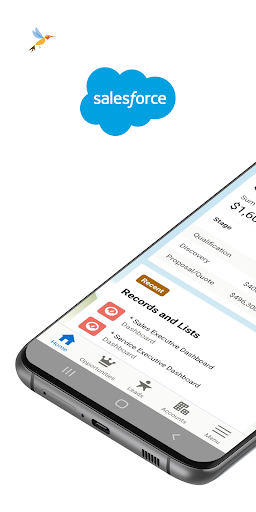
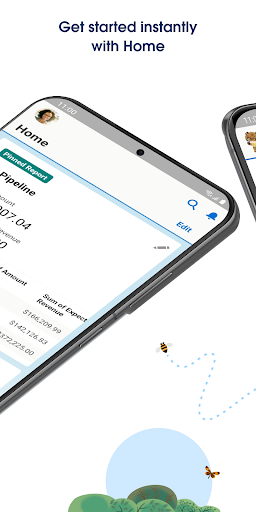
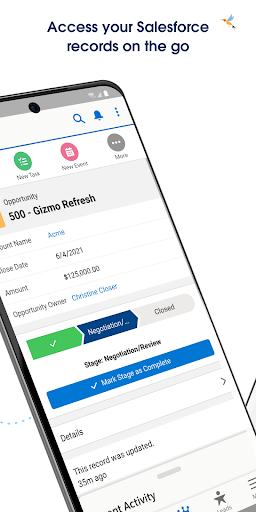
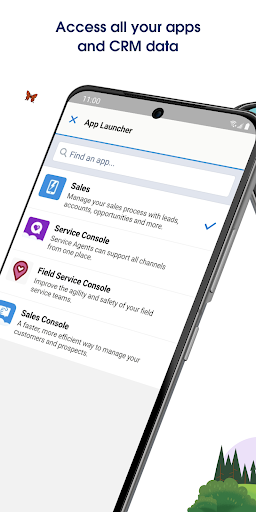
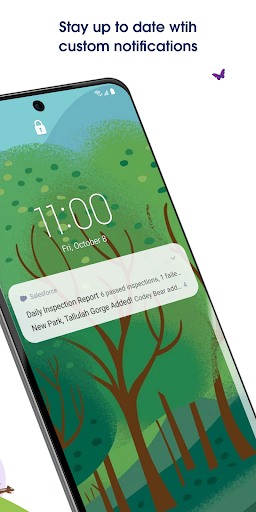
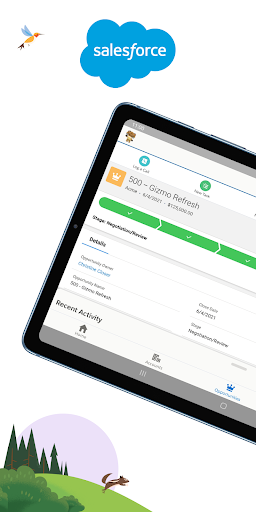
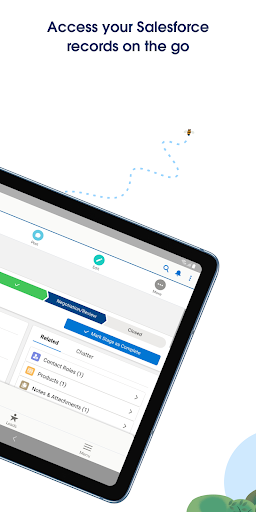
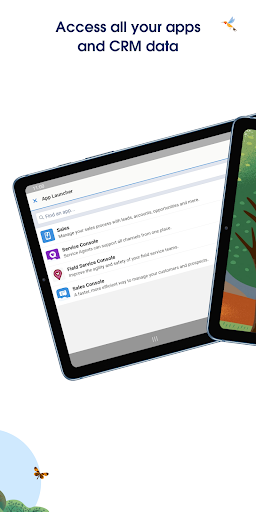
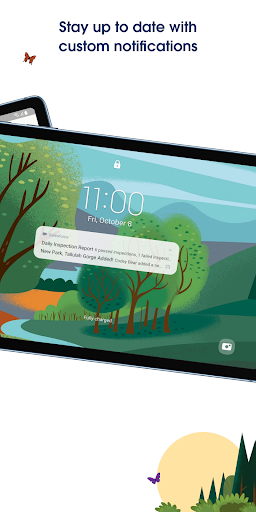
Salesforce mobile brings core CRM workflows to phones and tablets, letting teams view and update records, collaborate in real time, and monitor dashboards. It emphasizes a customizable Mobile Home, push notifications, secure enterprise access, and mobile‑optimized Lightning apps for data entry and analysis on the go.
Verdict
Verdict: A capable mobile companion for Salesforce users, best for quick updates and visibility rather than deep administration.
Who is it for
Best for:
- Salesforce-licensed sales, service, and field teams needing on-the-go access
- Managers who want mobile dashboards, reports, and alerts
- Organizations prioritizing enterprise-grade mobile security and compliance
Not ideal for:
- Users without an existing Salesforce org or license
- Teams seeking offline-first CRM with heavy customization on-device
- Admins expecting full desktop-level configuration from a phone
Real-world User Experience
Users like it:
Quick access to records, tasks, and dashboards; useful push notifications for timely updates; strong security posture; and a customizable home screen that surfaces key lists and reports.
Users complain about:
Occasional performance or stability hiccups after updates, login/SSO friction, and limitations for complex workflows or deep admin tasks compared to the desktop experience.
Is it Worth Paying For?
The app is free with no in‑app purchases; value depends on an existing Salesforce subscription. For licensed Salesforce users, it meaningfully extends CRM access without extra cost.
How it Compares to Alternatives
Versus Microsoft Dynamics 365 and Zoho CRM mobile, Salesforce offers robust enterprise security and extensive ecosystem support, but can feel heavier and more regulated by org policies. Compared to HubSpot or Pipedrive mobile, it is more powerful for large enterprises with complex data models, while those alternatives may feel simpler and faster for small teams.
Summary
Salesforce’s mobile app effectively translates core CRM capabilities to a secure, mobile-friendly experience. It centralizes a daily view with Mobile Home, enables quick edits to records, and keeps teams informed via customizable notifications and dashboards. While it won’t replace the desktop for complex admin work, it’s well-suited for field updates, pipeline visibility, and leadership oversight. With millions of installs and a mid-to-high rating, feedback points to strong utility tempered by occasional performance and login hurdles. For organizations already standardized on Salesforce, it’s a valuable, no‑cost companion that improves responsiveness and keeps critical data at hand.
Ratings
Trending APP












Alternative to this app