Copyright 2026 © swekartor. All Rights Reserved.


Information about PDF Reader Document Scanner
App Feature
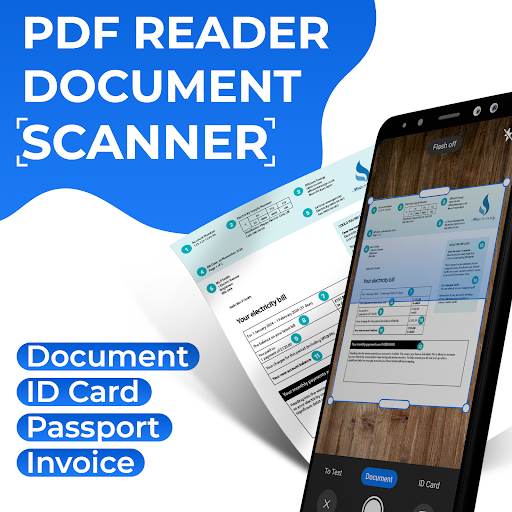
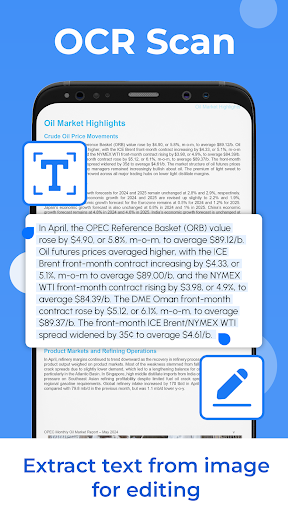
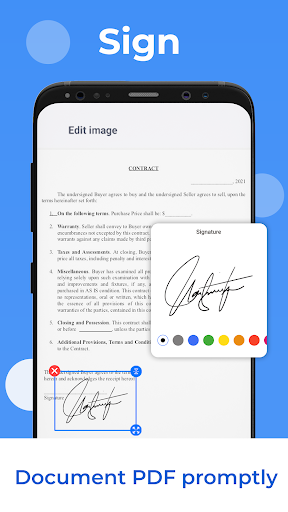
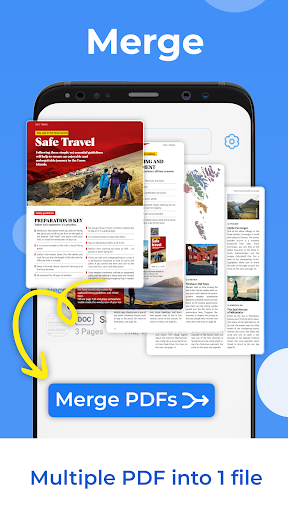
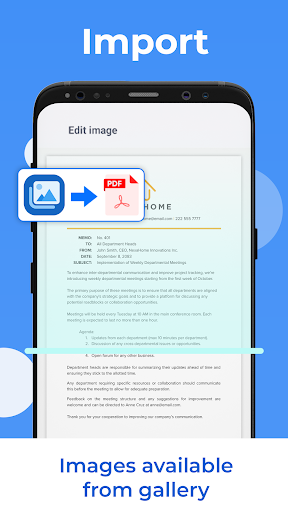
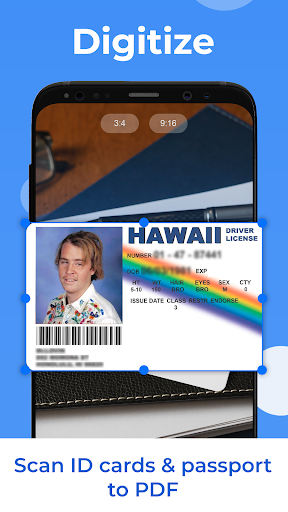
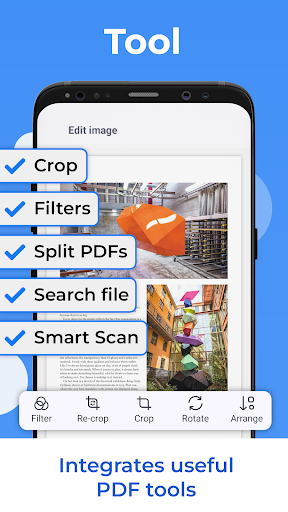
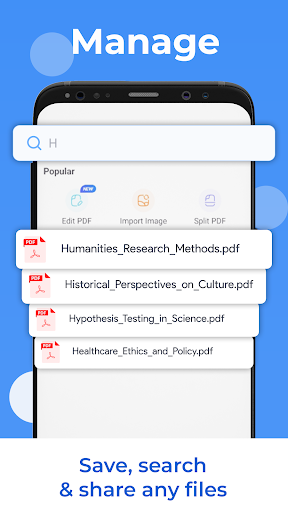
An all-in-one mobile PDF toolkit to scan paper documents into PDFs, run OCR to extract text, sign forms, merge/split files, scan IDs/passports, apply basic image edits, search files, and share via email or cloud apps.
Verdict
A capable free all‑in‑one PDF scanner for everyday tasks, but rough edges and ads may frustrate demanding users.
Who is it for
Best for:
- Students and professionals needing quick scans, signatures, and merges on the go
- Users who want OCR and basic PDF tools in a single free app
- Anyone digitizing receipts, IDs, and simple multi-page documents
Not ideal for:
- Power users who need polished workflows, batch automation, or deep cloud integration
- Those sensitive to ads or seeking premium-grade OCR accuracy
- Teams requiring enterprise security/compliance features
Real-world User Experience
Users like it:
Simple interface, fast image-to-PDF conversion, convenient e-signing and merging, and having OCR and ID scanning in one place.
Users complain about:
Ad interruptions, occasional glitches or performance hiccups on some devices, and OCR accuracy that can vary with scan quality; fewer advanced integrations than top-tier competitors.
Is it Worth Paying For?
The app is free and contains ads, with no in-app purchases listed. Since there’s no paid tier, it’s worth trying if you can tolerate ads; there’s no upgrade path to remove them.
How it Compares to Alternatives
Compared with Adobe Scan and Microsoft Lens, it offers a broader on-device PDF toolbox (merge/split/sign) but lags in polish, cloud sync, and OCR consistency. Versus CamScanner or Xodo, it’s lighter and simpler but misses advanced batch features, document management, and premium options such as ad removal or cloud backups.
Summary
PDF Reader Document Scanner combines scanning, OCR, signing, merging, splitting, ID scanning, and basic image tools into a single free package. It’s easy to use and handles routine document tasks well, making it a practical everyday utility for students and professionals. However, the ad-supported experience, occasional stability/performance issues, and variable OCR results keep it from matching the refinement and reliability of leading scanners. If you need a straightforward, no-cost PDF toolkit for common tasks, it’s a solid pick; if you rely on robust OCR, cloud workflows, or a polished, ad-free experience, look to premium alternatives.
Ratings
Trending APP












Alternative to this app