
Copyright 2026 © swekartor. All Rights Reserved.



Information about HotSchedules
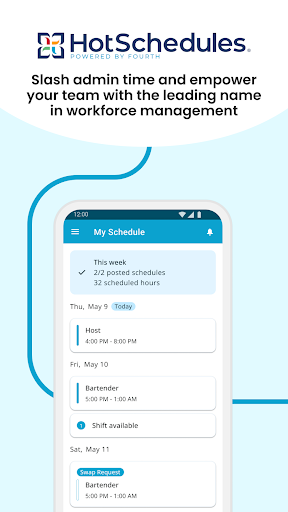
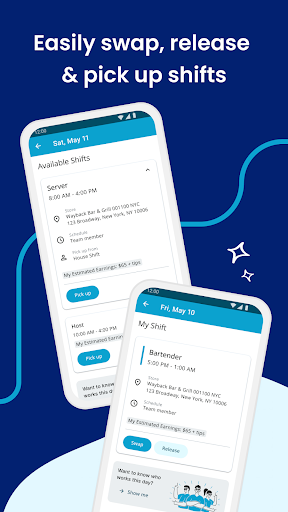
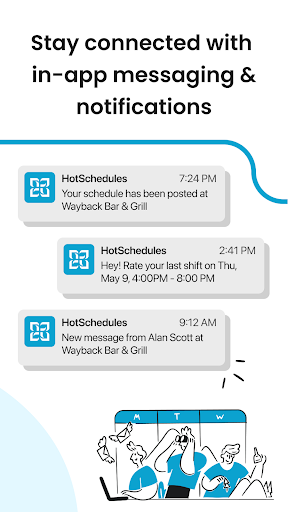
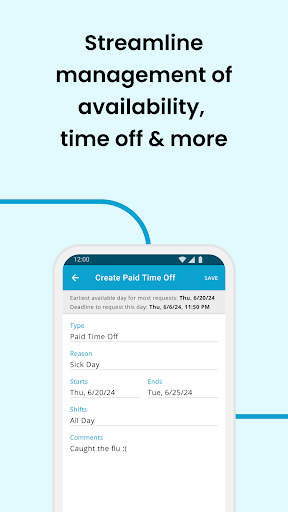
App Feature
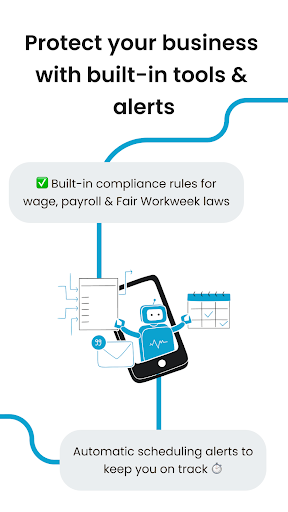
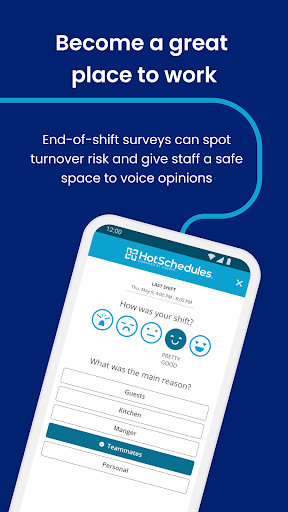
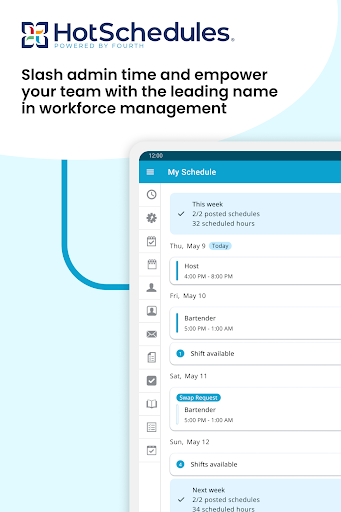
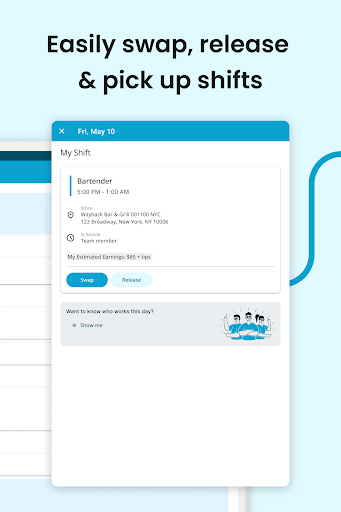
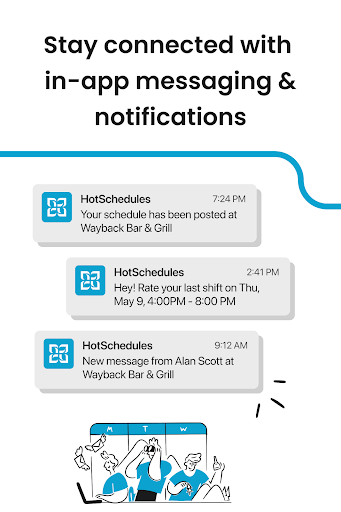
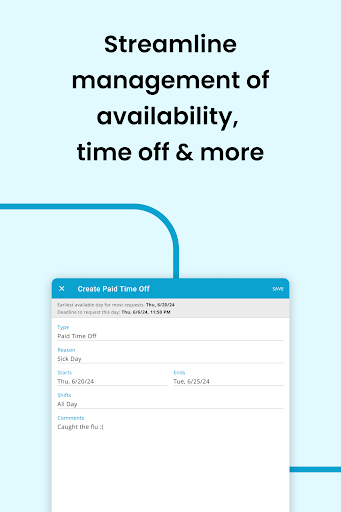
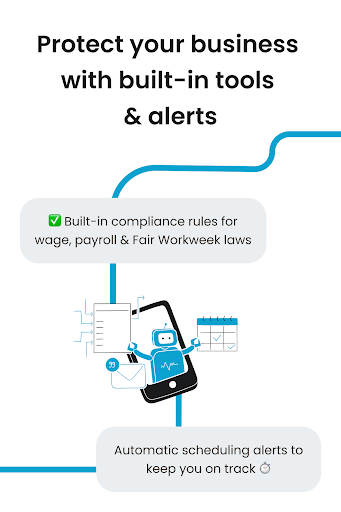
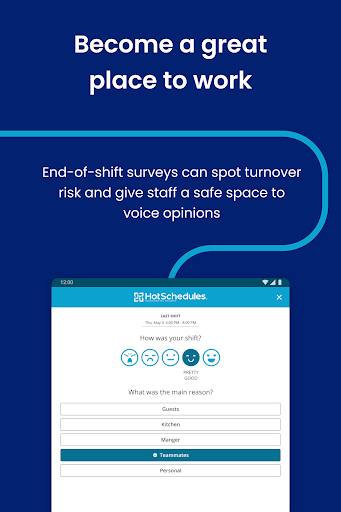
HotSchedules is a workforce scheduling and communication app for teams and managers. It focuses on real-time schedules, effortless shift swaps and pickup/release, time-off requests, calendar sync and notifications, and manager tools for faster schedule building, approvals, and labor/sales snapshots.
Verdict
Verdict: A capable team scheduling solution if your employer uses it, but irrelevant for individuals without an organizational account.
Who is it for
Best for:
- Employees who need quick shift swaps, pickups, and real-time updates
- Managers seeking faster scheduling, approvals, and labor/sales visibility
Not ideal for:
- Individuals or freelancers without a HotSchedules-enabled employer account
- Teams wanting a standalone tool without employer-managed provisioning
Real-world User Experience
Users like it:
Praised for organizing schedules well and working reliably for day-to-day shift viewing and management.
Users complain about:
Overall 3.4 rating suggests mixed experiences; access requires an employer-provided account, which limits usability for the general public.
Is it Worth Paying For?
The app is free with no in-app purchases. Employees typically pay nothing if their employer provides access; value depends on whether your workplace uses HotSchedules.
How it Compares to Alternatives
Compared to alternatives like When I Work, Deputy, or Sling, HotSchedules is similarly strong on shift swapping and real-time updates, with an emphasis on manager efficiency and integrated labor/sales snapshots. Unlike some freemium tools that support self-serve sign-ups, HotSchedules requires employer-managed accounts, making it excellent for established operations but less flexible for ad‑hoc teams.
Summary
HotSchedules streamlines scheduling with real-time updates, simple shift swaps, time-off requests, and calendar sync, while giving managers faster scheduling and at-a-glance labor/sales insights. It’s purpose-built for organizations, not individuals, and access hinges on an employer-provided account. User sentiment is mixed overall, though some users report reliable performance and clear schedule organization. If your workplace supports it, the app can materially reduce scheduling friction for both staff and managers; if not, you’ll need a consumer-available alternative.
Ratings
Trending APP












Alternative to this app









