
Copyright 2026 © swekartor. All Rights Reserved.


Information about TeamViewer QuickSupport
App Feature
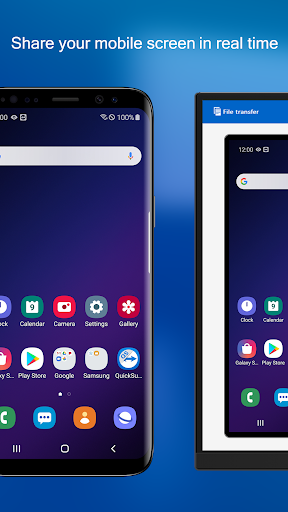
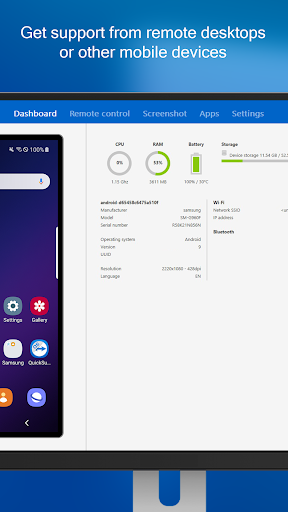
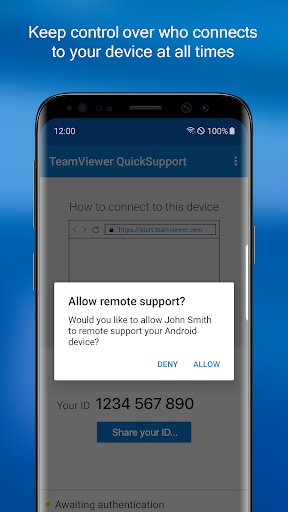
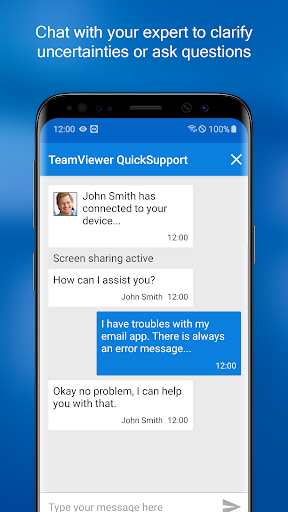
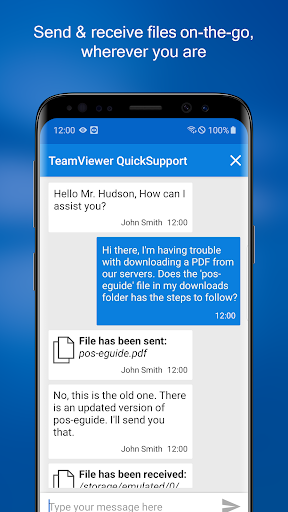
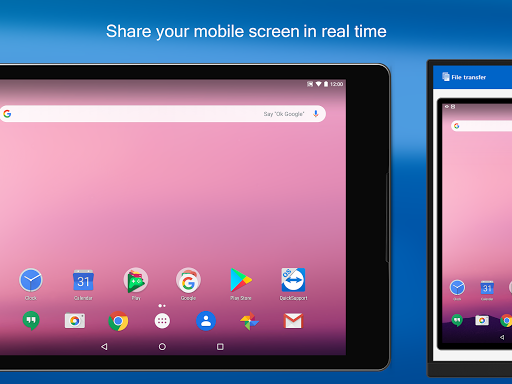
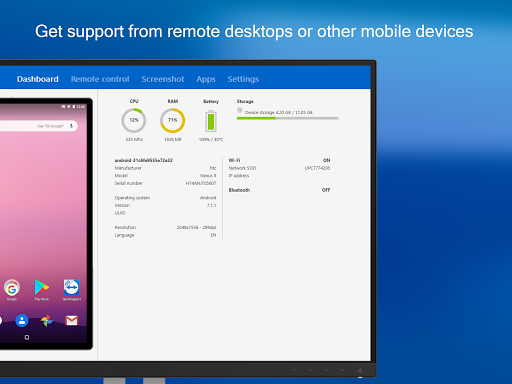
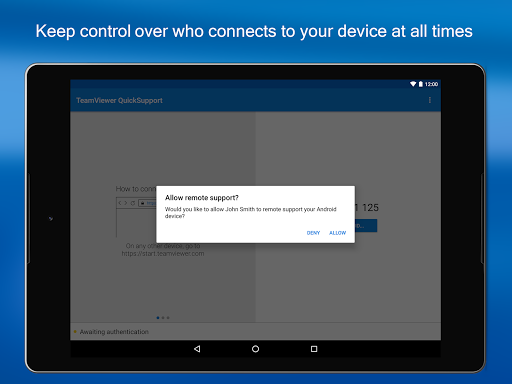
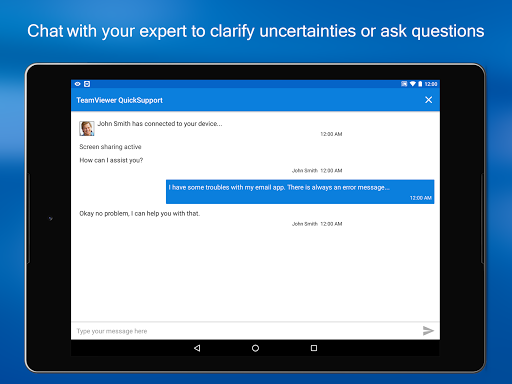
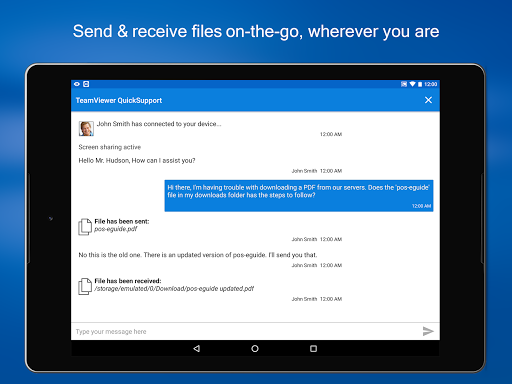
TeamViewer QuickSupport lets a trusted helper remotely view and (on many devices) control your Android phone/tablet/Chromebook/Android TV for real-time troubleshooting. Core features include screen sharing and remote control, chat, file transfer, device info and diagnostics, Wi‑Fi configuration push/pull, app list actions, clipboard injection, session codes with verified identities, and 256‑bit AES–encrypted sessions. Connections require your explicit approval and the app must be open on-screen.
Verdict
Verdict: A powerful, secure remote-support tool for Android, excellent when it works on your device, but uneven control support and scam misuse concerns require caution.
Who is it for
Best for:
- Family IT helpers and small teams needing quick, on-demand Android support
- Users who value strong security controls and explicit consent during sessions
- Organizations standardizing on TeamViewer across desktop and mobile
Not ideal for:
- Devices/manufacturers with limited Android remote-control support (e.g., some Xiaomi/OS versions)
- Users seeking unattended access without the device on-screen or always-open sessions
- People uncomfortable managing consent prompts or verifying remote helper identity
Real-world User Experience
Users like it:
Smooth remote control on supported devices (notably many Samsung models), huge time-saver for helping non‑technical family, reliable chat and file transfer, and generally stable performance even over cellular. Many praise it for enabling long‑distance tech support and appreciate that personal use is free.
Users complain about:
Scammers often try to abuse the app, causing confusion and fear; users stress the need to verify who you connect with. Control doesn’t work on all devices/OS versions (some report view‑only on Xiaomi/Android 10), occasional lag and low display resolution, and the requirement to keep the app open to accept each connection.
Is it Worth Paying For?
Free with no ads or IAP for this client; there’s nothing to purchase in-app. For businesses, value comes from TeamViewer’s broader licensing outside this app. For personal support use, it’s an excellent free option.
How it Compares to Alternatives
Compared to AnyDesk Remote Support, TeamViewer offers similar encryption and features, with broad OEM add-on support; device control success varies by brand for both. Versus Chrome Remote Desktop, TeamViewer is better for Android‑to‑Android/desktop‑to‑Android control and support workflows (CRD is limited on mobile control). AirDroid/UniMote can offer polished mirroring and file tools, but QuickSupport’s consent model, enterprise ecosystem, and widespread recognition give it an edge for trust and IT workflows.
Summary
TeamViewer QuickSupport is a purpose-built Android remote‑assistance client that emphasizes consent, security, and practicality: you open the app, share a code/ID, accept the request, and your trusted helper can view—and on many devices, control—your screen, transfer files, chat, and even adjust Wi‑Fi settings. Real users highlight how it dramatically simplifies supporting elderly parents or remote colleagues, though a few note lag or low resolution and that certain devices/OS versions only allow viewing. The biggest caveat is social engineering: scammers try to exploit remote‑support apps in general, so only connect with trusted people and verify identity. If your device is supported for control, QuickSupport is one of the fastest, safest ways to solve Android problems remotely at no cost.
Ratings
Trending APP












Alternative to this app









