
Copyright 2026 © swekartor. All Rights Reserved.


Information about Todoist: to-do list & planner
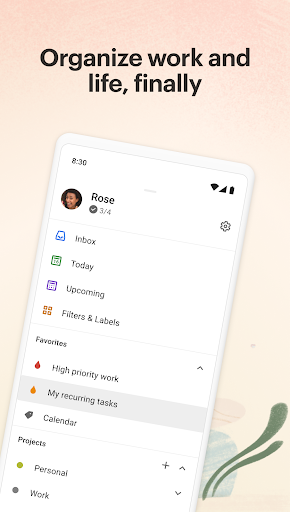
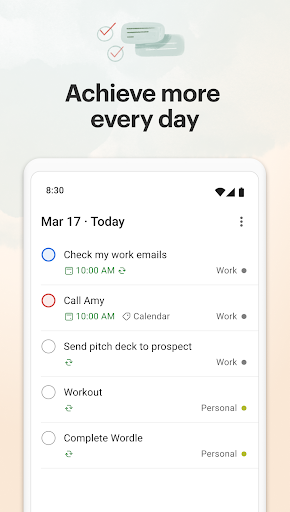
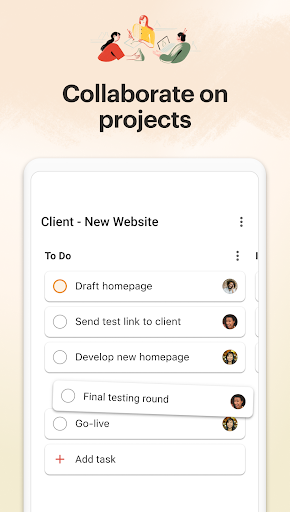
App Feature
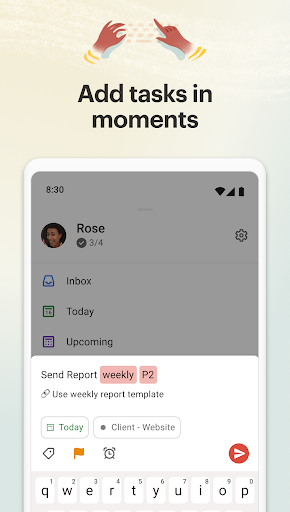
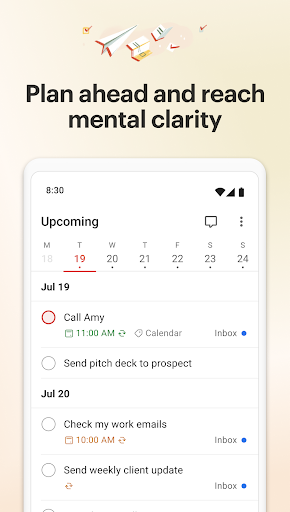
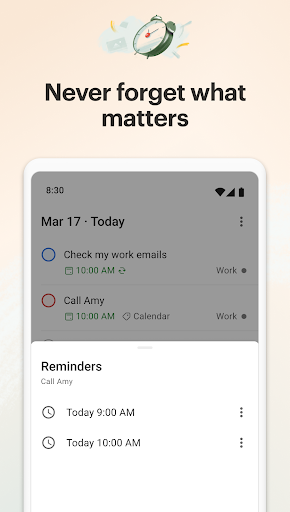
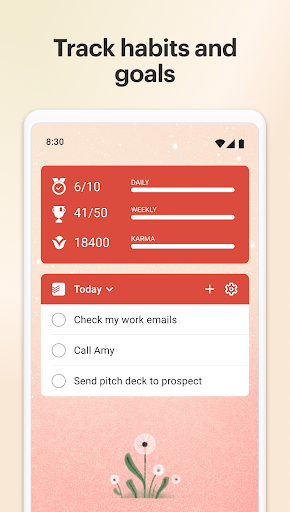
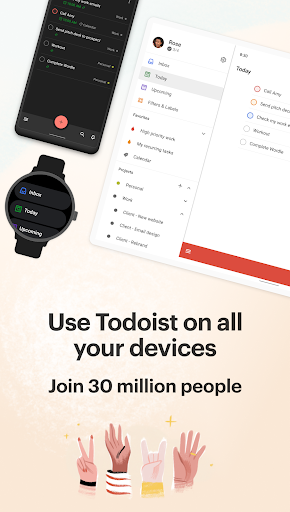
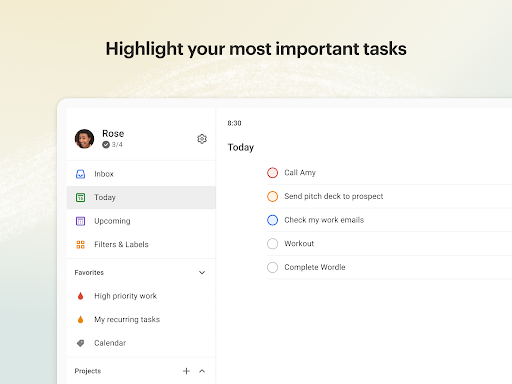
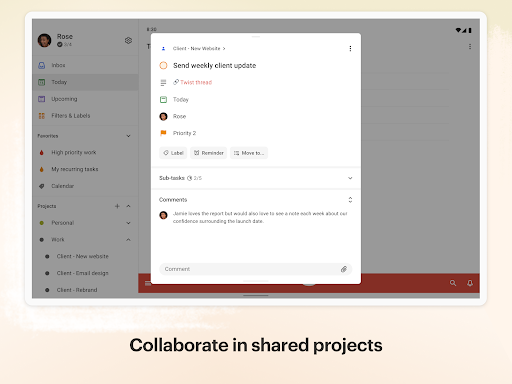
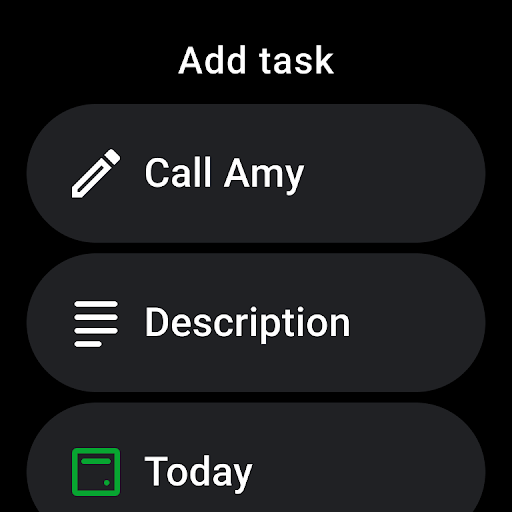
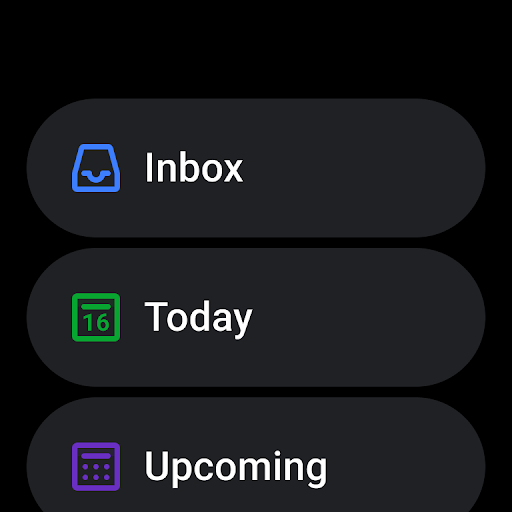
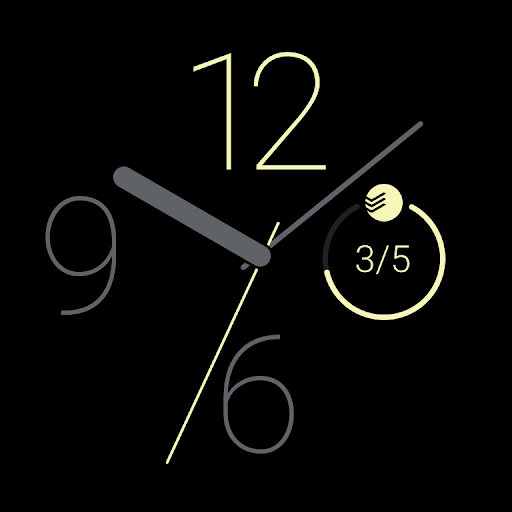
Todoist is a cross‑platform to‑do list, calendar, and habit tracker that streamlines task capture (voice and natural language), flexible views (list/board/calendar), recurring tasks, labels/priority, reminders, and lightweight collaboration with project sharing and comments. It syncs across mobile, desktop, web, and Wear OS with widgets and calendar integrations.
Verdict
Verdict: A polished, cross‑platform task manager ideal for personal and team productivity, though power users may hit occasional workflow and widget quirks.
Who is it for
Best for:
- People who want fast capture (voice/NLP) and reliable cross‑device sync
- GTD practitioners and habit builders using recurring tasks and priorities
- Small teams needing simple, low‑friction collaboration and project sharing
Not ideal for:
- Users needing heavy project management (Gantt, dependencies, advanced reporting)
- Anyone who refuses subscriptions or wants a one‑time lifetime license
- Those who require deep offline calendar/alarms tightly coupled inside one app
Real-world User Experience
Users like it:
Lightning‑fast task entry and intuitive navigation; rich free tier; smooth sync across phone, desktop, browser, and watch; useful calendar integration; responsive developers who act on feedback and ship quick fixes; adaptable for GTD and personal or team workflows; stable and aesthetically pleasing UI.
Users complain about:
Occasional Android widget glitches and calendar sync hiccups (often fixed quickly); some friction setting due dates/times; missing conveniences like moving entire sections between projects or selecting multiple labels at creation; requests for features like an integrated alarm clock and a one‑time premium purchase.
Is it Worth Paying For?
Yes for busy professionals or teams: Pro/Business unlocks more reminders, views, and collaboration depth, and the trials (7‑day Pro, 14‑day Business) help you gauge value. Many users find the free tier generous for personal use, but frequent reminders, advanced filters/labels at scale, and team management typically justify the subscription.
How it Compares to Alternatives
Compared to Microsoft To Do and Google Tasks, Todoist offers faster natural‑language capture, better cross‑platform consistency, labels/filters, and project structure. Versus TickTick, it’s cleaner and more collaboration‑focused but lacks some built‑in extras (e.g., native Pomodoro, full calendar depth). Against Any.do, Todoist feels more robust for power users and teams. Notion can handle tasks inside docs but lacks Todoist’s speed, reminders, and frictionless capture.
Summary
Todoist stands out as a thoughtfully designed planner that balances simplicity with power: rapid capture via natural language and voice, flexible list/board/calendar views, recurring tasks for habits, and practical team collaboration—backed by reliable sync across devices and a responsive dev team. While there are occasional widget or sync bumps and some workflow niceties are still on wish lists, the core experience is fast, stable, and scalable from personal to small‑team use. The free tier covers most individual needs; the paid plans add worthwhile capabilities for heavier users and teams. If you want a streamlined, cross‑platform task system that you can grow with, Todoist is an excellent choice.
Ratings
Trending APP












Alternative to this app









