
Copyright 2026 © swekartor. All Rights Reserved.


Information about PDF Reader - All PDF Viewer
App Feature
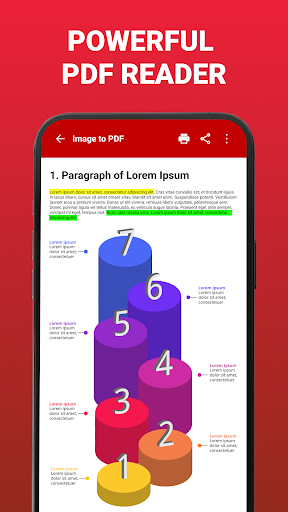
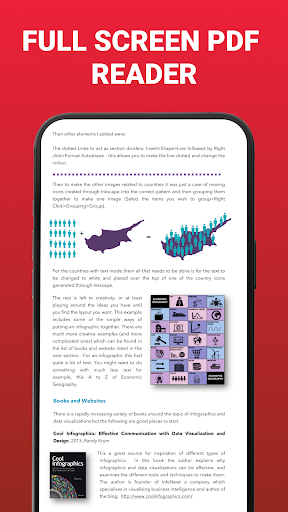
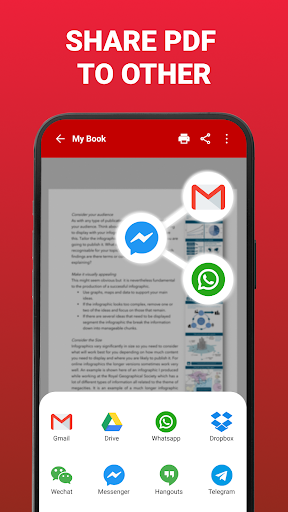
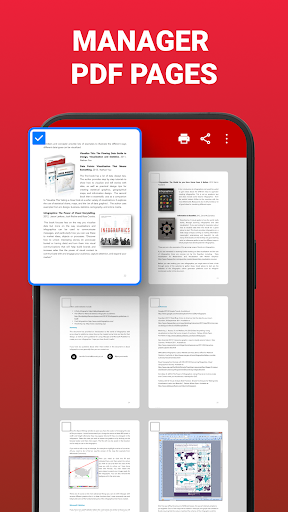
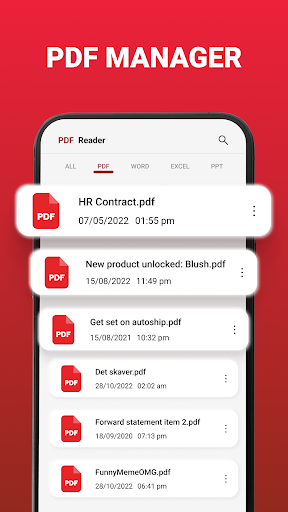
PDF Reader - All PDF Viewer is a free, ad-supported tool to open, browse, and manage PDFs on Android. It offers fast viewing, search, bookmarks, night mode, zoom, share/print, basic annotations/highlights, and an image-to-PDF converter. It also claims integrated viewing for Office formats (Doc, Slides, Excel).
Verdict
Verdict: A capable, lightweight PDF viewer with handy basics and conversion, but ad-heavy and not suited for advanced editing or workflow needs.
Who is it for
Best for:
- Students and casual readers who need quick viewing, highlighting, and night mode
- Users who want simple image-to-PDF conversion and offline access
Not ideal for:
- Power users needing advanced editing, form filling, e-signing, or OCR
- Teams requiring cloud sync, collaboration, or enterprise-grade security
Real-world User Experience
Users like it:
Ease of use and reliability for everyday viewing; convenient conversion and printing; helpful for checking downloads and organizing documents; some users appreciate perceived security features.
Users complain about:
Ads can be frequent or intrusive for some; occasional confusion or concerns related to pop-up ads; limited pro features compared to full-fledged editors.
Is it Worth Paying For?
The app is free and contains ads with no in-app purchases listed. There’s nothing to pay for; value depends on your tolerance for ads and need for only basic features.
How it Compares to Alternatives
Compared to Adobe Acrobat Reader, Xodo, or Foxit, this app is lighter and simpler but lacks advanced tools (form fill/e-sign, OCR, cloud sync, collaboration). Versus Google Drive PDF viewer, it offers more on-device features like bookmarks, night mode, and conversion, but with more ads. Xodo/Foxit typically provide richer annotations and cloud workflows with fewer ad interruptions.
Summary
PDF Reader - All PDF Viewer focuses on fast, straightforward PDF access with a clean interface, solid navigation, basic annotations, and a useful image-to-PDF converter. It’s well-suited for students and casual readers who primarily view, highlight, print, and share documents on the go. Reviews highlight convenience and reliability, though ads can be intrusive and advanced capabilities are limited. If you want a no-cost, lightweight viewer and can tolerate ads, it does the essentials well; if you need robust editing, e-signing, or cloud collaboration, alternatives like Adobe Acrobat Reader, Xodo, or Foxit are better fits.
Ratings
Trending APP












Alternative to this app









