Copyright 2026 © swekartor. All Rights Reserved.


Information about Diary with Lock: Daily Journal
App Feature
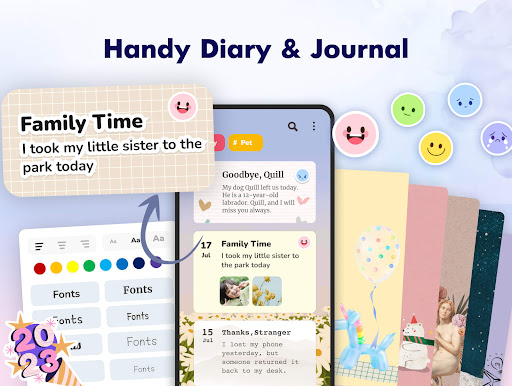
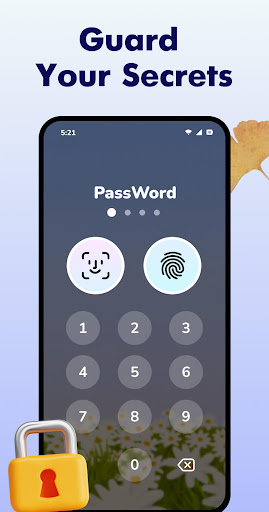
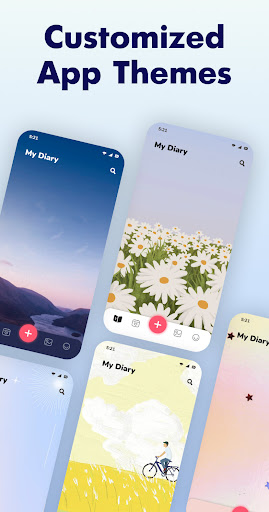
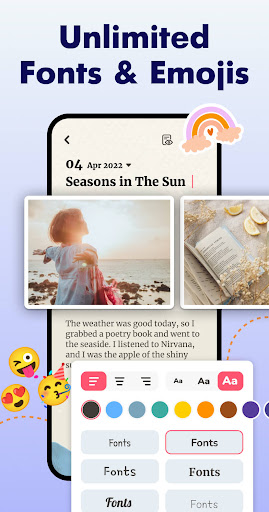
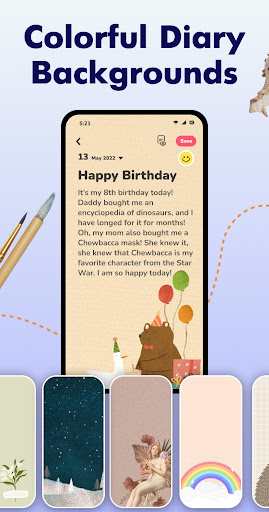
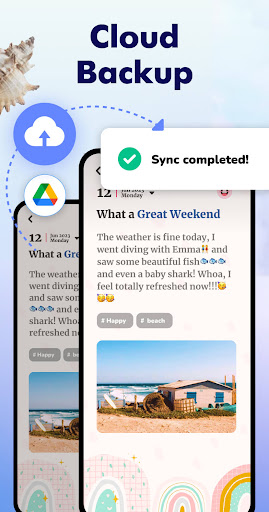
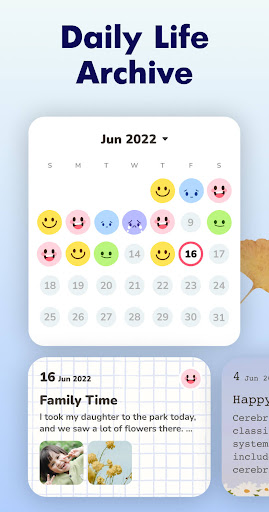
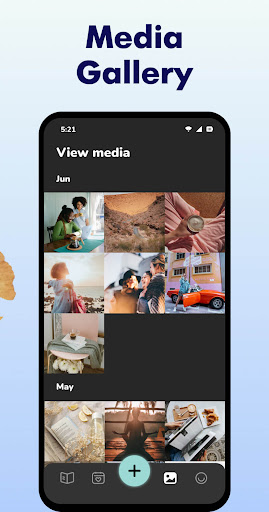
A free, privacy-focused journaling app that secures entries with pattern/PIN/fingerprint locks, supports photo and audio attachments, mood tracking with a calendar view, Google Drive sync/backup, keyword/tag search, and rich customization (themes, fonts, backgrounds, app icon) plus reminders.
Verdict
Verdict: A polished, secure daily journal ideal for quick, customizable entries, though power users may miss advanced editing and media flexibility.
Who is it for
Best for:
- Beginners and casual journalers who want a secure, attractive, easy-to-use diary
- Users who value mood tracking, reminders, and Google Drive sync
- People who like strong customization (themes, fonts, backgrounds, app icon)
Not ideal for:
- Writers needing advanced formatting, per-line styles, or robust in-entry search
- Heavy media diarists who need unlimited images per entry or freeform image placement
- Those seeking cross-platform ecosystems with desktop/web clients and pro exports
Real-world User Experience
Users like it:
Clean, fast, and reliable with excellent themes and customization; strong privacy with lock options; easy photo insertion, mood picker, and calendar overview; helpful reminders; Google Drive backup restores across devices; minimal or unobtrusive ads in the free tier; overall simplicity that encourages consistent journaling.
Users complain about:
Photo limit per entry (often cited as five) feels restrictive; limited font choices and inability to change size per line; lack of in-entry word search and flexible image positioning; occasional ads (e.g., banner or between actions); some UI changes (e.g., opening animation) not customizable.
Is it Worth Paying For?
Yes for many. The free version is generous and usable with light ads; the subscription (reported around $2.99/month by a user) removes ads and unlocks premium aesthetics/features. If you journal daily and care about an ad-free, highly themed experience, the upgrade offers good value. If you’re fine with occasional ads and the core feature set, the free plan suffices.
How it Compares to Alternatives
Compared to premium journals like Day One or Journey, it’s simpler and more customization-forward, with strong mobile privacy locks and Google Drive sync but fewer pro tools (desktop/web apps, advanced exports, markdown, end-to-end encryption, rich media layout). Versus other free diaries, it stands out for polish, themes, mood calendar, and low ad pressure.
Summary
Diary with Lock: Daily Journal delivers a secure, delightful mobile journaling experience that lowers friction with reminders, mood tracking, and quick photo notes. Users praise its customization, privacy locks, and smooth Google Drive backup that keeps entries safe across devices. The free tier is generous and relatively light on ads, while the paid tier suits those who want an ad-free, premium aesthetic. Its main trade-offs are basic text controls, a per-entry photo limit, and limited in-entry search/layout flexibility. If you want an attractive, privacy-first diary for daily reflections without pro-level complexity, this app is an excellent choice.
Ratings
Trending APP





Alternative to this app