Copyright 2026 © swekartor. All Rights Reserved.



Information about HD Camera for Android: XCamera
App Feature
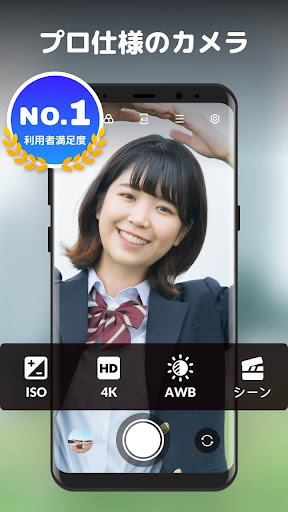
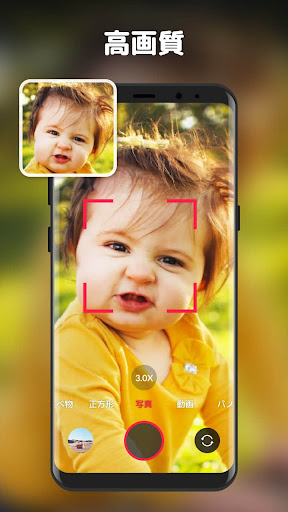
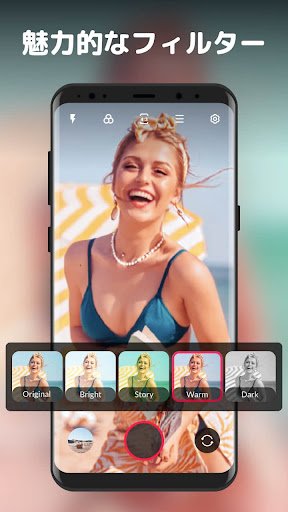
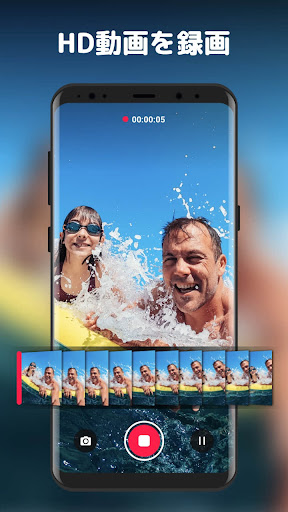
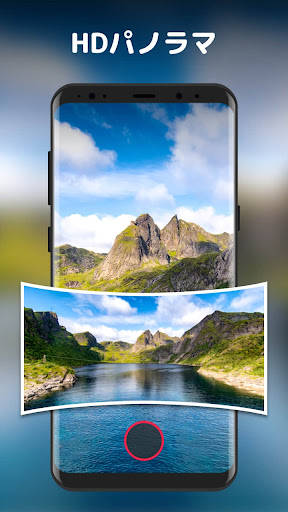
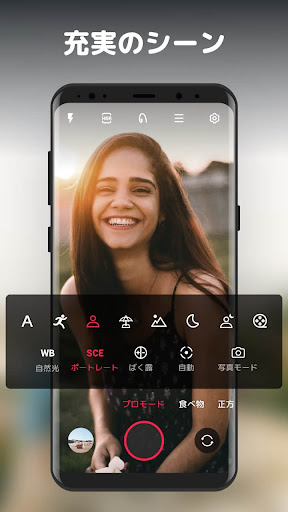
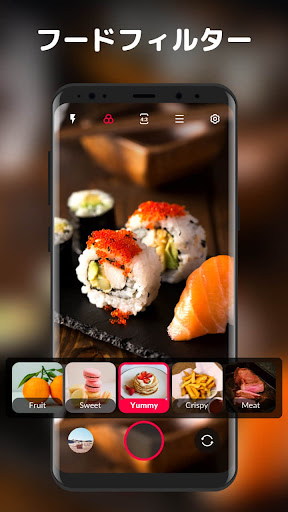
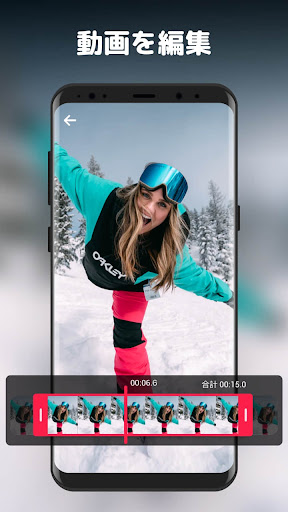
A free, easy-to-use HD camera and selfie app offering multiple shooting modes (photo, video, pro, panorama, square), real-time filters, HDR, and manual controls (focus, white balance, exposure) plus conveniences like touch/volume shutter, timers, burst, steady shot, and basic editing/collage.
Verdict
Verdict: A reliable, user-friendly camera upgrade with pro tweaks, best for everyday photos and videos rather than cutting-edge computational photography.
Who is it for
Best for:
- Users dissatisfied with stock camera limits (e.g., video time caps, sluggish apps).
- Casual shooters wanting clear images, HDR, filters, and simple manual controls.
- Sellers/content creators needing quick aspect-ratio changes (e.g., square) and stable recording.
Not ideal for:
- Photographers seeking Pixel-level computational features (Night Sight, advanced stabilization).
- Macro specialists needing precise close-up autofocus and focus stacking.
- Anyone who refuses ads or subscriptions and won’t pay to remove them.
Real-world User Experience
Users like it:
Stable recordings without ad interruptions; sharper, more detailed photos than some default apps; strong in low light; fast, straightforward UI with useful customization; square/aspect-ratio flexibility; effective HDR and focus lock; dependable replacement when stock camera fails or limits recording length.
Users complain about:
Occasional autofocus/multiple rapid frames causing blur; macro performance can be finicky; one-off reports of app failing to open; audible shutter click can scare wildlife; presence of ads and an optional yearly subscription.
Is it Worth Paying For?
The free version is fully usable and ads generally don’t interfere with shooting. Paying to remove ads (or subscribing) is worthwhile if you use it heavily, want an ad-free interface, or value ongoing development; casual users can comfortably stick with the free tier.
How it Compares to Alternatives
Compared to Open Camera (its GPL base), XCamera delivers a cleaner UI and more approachable presets while retaining key manual controls. Versus Google Camera on supported devices, it lacks advanced computational features like Night Sight and superior stabilization but runs broadly across Android models. Against pro-focused apps (e.g., Camera FV-5), it’s simpler, quicker, and more consumer-friendly, with enough control for most users and better day-to-day usability.
Summary
HD Camera for Android: XCamera is a polished, cross-device camera replacement that balances simplicity and control. It offers multiple modes, real-time filters, HDR, and accessible manual adjustments, producing crisp photos and stable videos that often beat stock camera apps—especially when those are buggy, limited, or slow. Users praise its reliability, clarity, and intuitive interface, though macro shooters and power users seeking flagship-level computational tricks may find it limited. Ads are present but generally unobtrusive; removing them is optional. If you want a dependable, easy camera with practical pro tweaks and broad device support, this is an excellent pick.
Ratings
Trending APP












Alternative to this app