
Copyright 2026 © swekartor. All Rights Reserved.


Information about DJ Music mixer - DJ Mix Studio
App Feature
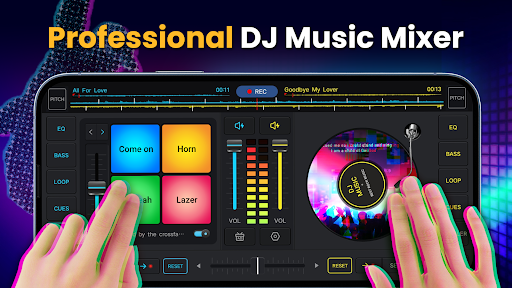
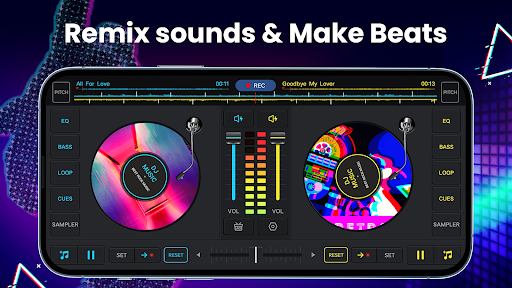
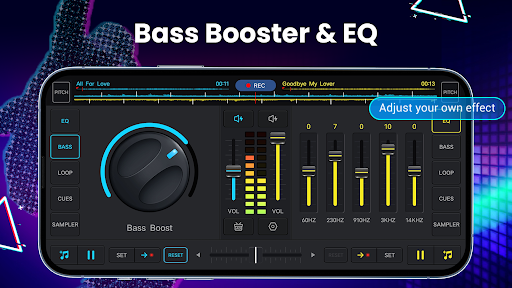
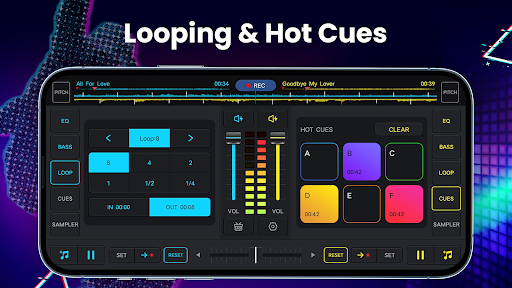
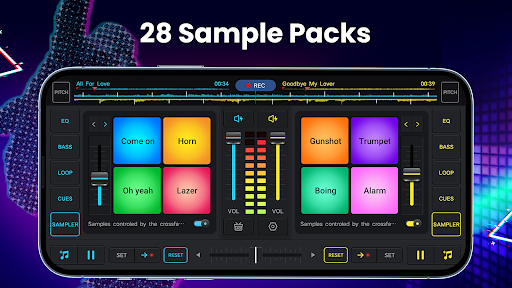
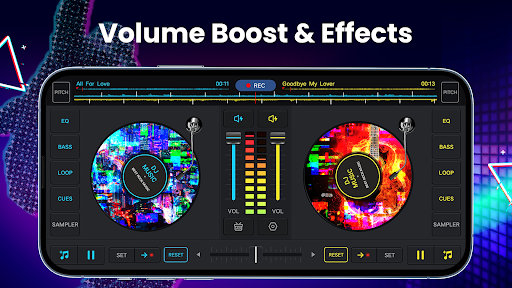
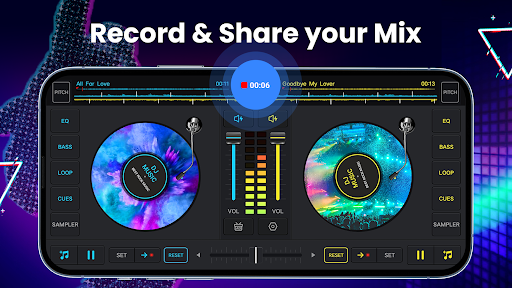
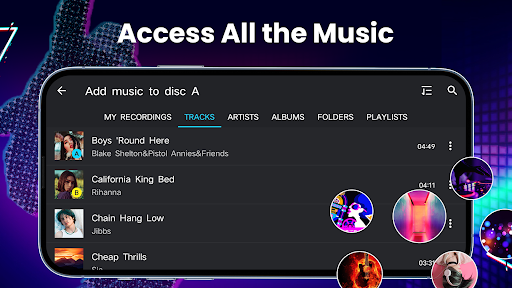
A free, mobile DJ mixer with two virtual decks, real crossfader, hot cues and looping, 5‑band EQ with bass boost, sample pads, tempo/pitch controls, auto beat‑matching, and built‑in recording (mic or internal on supported Android). It reads your device library and lets you build playlists for quick mixing.
Verdict
Verdict: A capable, beginner‑friendly DJ app with surprising power, though pros may miss advanced features and tighter library/IO options.
Who is it for
Best for:
- Beginners learning beatmatching, EQ, and crossfading on mobile
- Casual party mixes and quick mashups using local files
- Creators who want simple recording and bass‑boosted output
Not ideal for:
- Professional DJs needing split‑cue, multi‑output routing, or controller support
- Users relying on streaming services or cloud library sync
- Audiophiles seeking studio‑grade effects and granular loop/tempo editing
Real-world User Experience
Users like it:
Consistently praised for being easy to use, having strong, loud output with clear bass and EQ, smooth crossfades, responsive pitch/speed controls, useful sample pads, and reliable recording. Many report getting good results on the first try and enjoy the clean interface on phones.
Users complain about:
Needs locally downloaded tracks; some want better loop/tempo fine‑tuning, auto‑return to last folder, and improved sampler sounds. A few note gallery/library continuity issues, desire for left/right deck split output and voice recording options, and occasional confusion about where recordings are saved.
Is it Worth Paying For?
The free version is fully usable but ad‑supported. In‑app purchases likely remove ads/unlock extra sample packs or features; given the strong free feature set, most casual users won’t need to pay. If you use it frequently, paying to remove ads and expand sound packs can be worthwhile.
How it Compares to Alternatives
Compared to edjing Mix or Algoriddim djay, this app focuses on simplicity and offline local files rather than deep pro features like stem separation, advanced FX chains, controller mapping, or cloud sync. Cross DJ offers tighter sync and more pro‑grade controls; djay/edjing may have richer FX and ecosystem support. DJ Music mixer trades breadth for a straightforward, high‑volume, easy workflow that suits beginners and quick mixes.
Summary
DJ Music mixer – DJ Mix Studio delivers an approachable two‑deck DJ experience with effective EQ, bass boost, looping, hot cues, sample pads, and recording—enough to learn fundamentals and craft party‑ready mixes from local files. Reviews highlight its intuitive interface and loud, clean output, while common requests include finer loop/tempo tools, better folder memory, improved sampler sounds, and pro routing (split outputs). With 50M+ installs and a 4.3 rating, it’s a strong free pick for newcomers and casual mixing; professionals will likely prefer apps with advanced FX, hardware support, and more robust library/IO features.
Ratings
Trending APP










Alternative to this app









