Copyright 2026 © swekartor. All Rights Reserved.



Information about Gamers GLTool Free with Game Turbo & Game Tuner
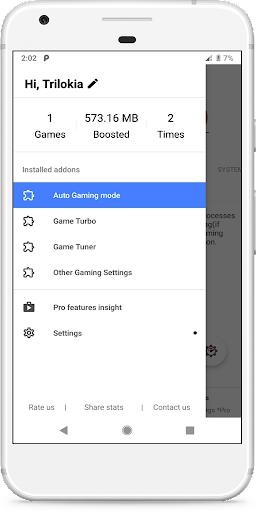
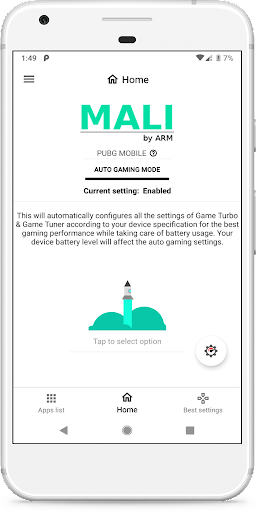
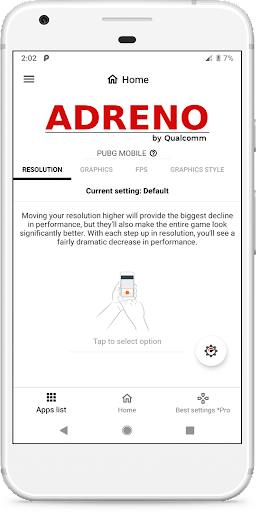
App Feature
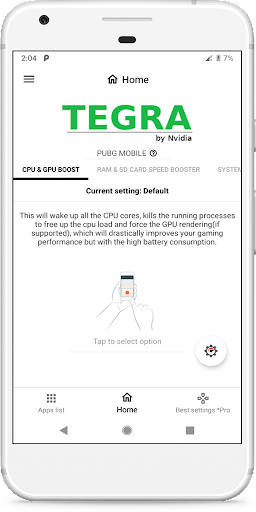
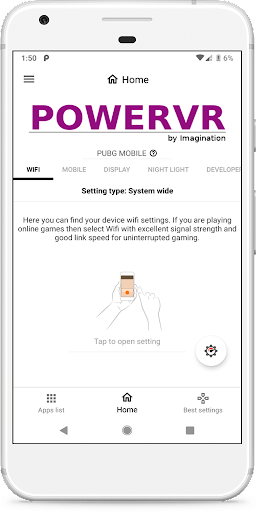
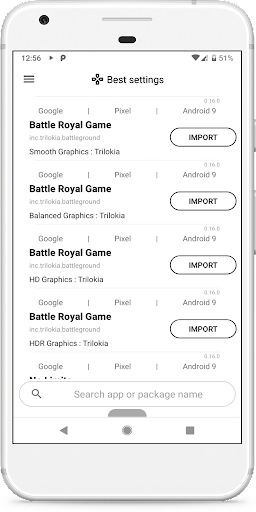
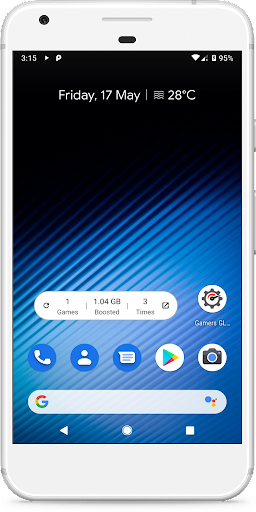
Gamers GLTool Free with Game Turbo & Game Tuner helps optimize Android gaming by tweaking graphics, resolution, FPS caps, and CPU/GPU behaviors. It includes Auto Gaming Mode for device-based presets, a Game Turbo performance tuner, a Game Tuner (GFX tool) for granular controls like MSAA and shadows, plus quick boost/launch utilities and a widget. The free version is ad-supported and feature-limited compared to Pro.
Verdict
Verdict: A capable Android game optimizer that meaningfully improves smoothness on many devices, but advanced controls and reliability are better in the paid version or with native OEM boosters.
Who is it for
Best for:
- Players of demanding titles (e.g., PUBG Mobile, Genshin) on mid-range or older phones seeking higher/stable FPS
- Users who want granular GFX controls like resolution, FPS, MSAA, and CPU/GPU tuning
Not ideal for:
- Gamers expecting guaranteed per-game feature enforcement (e.g., disabling shadows in all titles)
- Users who dislike ads or want a set-and-forget tool with fully transparent auto settings
Real-world User Experience
Users like it:
Noticeable FPS gains and smoother play in heavy games; reduced lag, stutter, and crashes; Auto Gaming Mode and rich options (MSAA, resolution, FPS caps) that outperform many 'booster' apps; works even on lower-end hardware to reach playable 30–40 FPS; helps avoid thermal throttling on capable phones limited by defaults.
Users complain about:
Some graphics toggles don’t apply in certain games (e.g., shadows in CODM/PUBG after updates); effects can degrade over time requiring reinstalls; limited clarity on what auto mode changes vs. manual settings; the free version includes ads and fewer features.
Is it Worth Paying For?
Free, with ads and limited features; no IAP. If you benefit from the tuning and want more consistent results and controls, the Pro upgrade is likely worth it—especially for power users who need persistent, transparent settings across game updates.
How it Compares to Alternatives
Compared to generic 'game boosters,' this app offers deeper, game-relevant controls (GFX, resolution, MSAA) and delivers more consistent FPS improvements. Versus OEM boosters (e.g., Xiaomi/Realme/Samsung), it can unlock better stability when OEM limits kick in, though OEM tools may integrate more reliably with system schedulers. Against other GFX tools, GLTool Free stands out for breadth of options and Auto Gaming Mode, but some settings may still be overridden by game engines or updates; the Pro version competes more directly with top-tier alternatives.
Summary
Gamers GLTool Free is a robust GFX optimizer and game tuner that often turns choppy sessions into stable, playable experiences, especially on mid-range or aging devices. Users report tangible FPS improvements, fewer crashes, and less stutter in demanding titles thanks to controls over resolution, FPS caps, and anti-aliasing, plus a helpful Auto Gaming Mode. Trade-offs include ads, occasional settings that don’t stick due to game updates/engine limits, and limited transparency in auto-applied tweaks. If you see gains with the free version and want more reliability and control, upgrading to Pro makes sense; otherwise, it still outperforms many basic boosters and can complement or surpass OEM game modes on devices that throttle aggressively.
Ratings
Trending APP



Alternative to this app