
Copyright 2026 © swekartor. All Rights Reserved.



Information about My Apps
App Feature
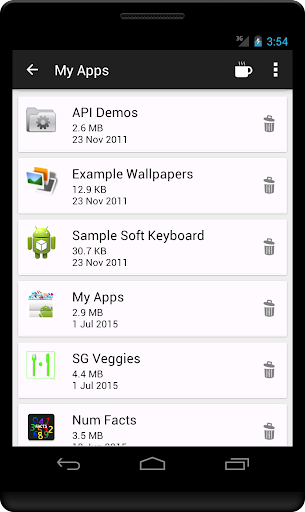
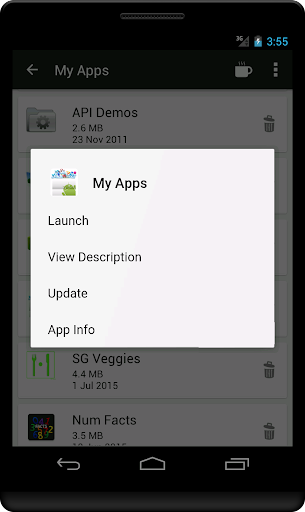
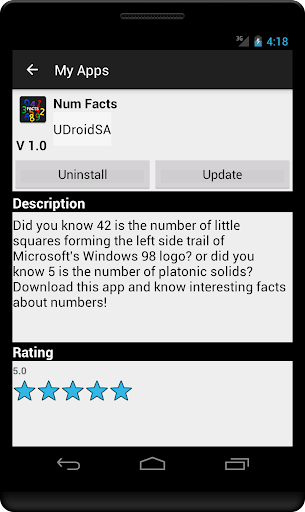
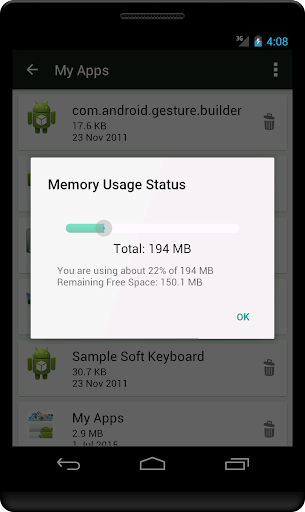
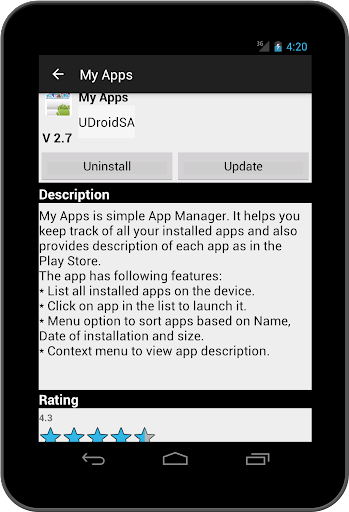
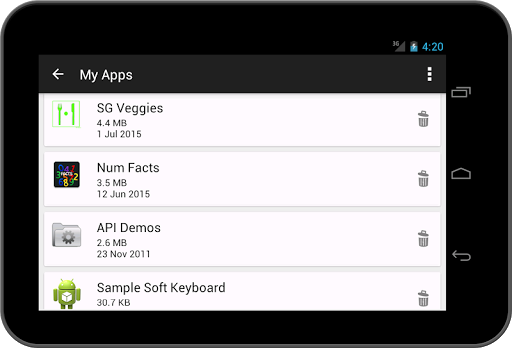
My Apps is a lightweight app manager that lists all installed apps, lets you launch them with a tap, sort by name/install date/size, view app details, and (per the feature list) organize apps into folders and receive personalized recommendations based on usage.
Verdict
Verdict: A simple, effective app manager for organizing and launching apps, but not a full replacement for in-depth system tools.
Who is it for
Best for:
- Users who want a clean, fast way to list, launch, and sort installed apps
- People on older or low-spec devices needing a lightweight manager
- Anyone who appreciates optional recommendations and basic app organization
Not ideal for:
- Power users needing deep system controls (storage breakdowns, SD migration, cache/data management)
- Those who want built-in battery analytics or automation tools
- Users who dislike any ads or donation-style IAPs
Real-world User Experience
Users like it:
Reliably surfaces all installed apps (including those easy to miss), helps audit and remove unwanted apps, runs smoothly even on very old devices, and provides straightforward sorting and launching.
Users complain about:
Lacks quick shortcuts into Android’s detailed app settings (e.g., SD card location and data usage), doesn’t handle cases where uninstalling fails at the system level, and offers limited advanced insights beyond listing/sorting.
Is it Worth Paying For?
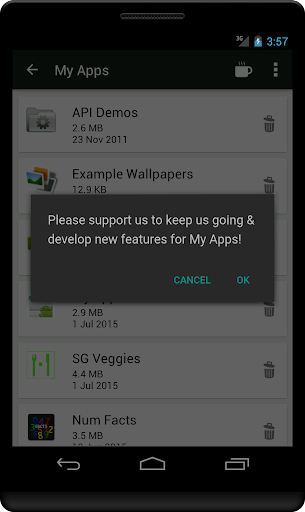
Core functionality is free with ads; the IAP appears to be a tip/donation. Given the app’s utility and light footprint, the free version is sufficient for most. Consider the IAP to support the developer if you use it regularly.
How it Compares to Alternatives
Compared to Google Play’s built-in Manage apps & device and Files by Google, My Apps is lighter and faster for listing/launching/sorting but offers fewer maintenance tools. Versus advanced managers like AppMgr III (App 2 SD) or SD Maid, it’s far simpler and less feature-rich—no deep storage, cache, or migration controls. Its strengths are speed, clarity, and compatibility with older devices.
Summary
My Apps focuses on the essentials: listing, launching, sorting, and inspecting installed apps through a clear, low-overhead interface. User feedback suggests it excels at revealing all apps (helpful for cleaning up unwanted installs) and performs well on aging hardware. However, it stops short of being a comprehensive system utility—there’s no in-app deep dive into storage, SD card placement, or battery metrics, and some system-level tasks still require Android’s settings. If you want a lightweight app catalog and launcher with optional recommendations and simple organization, it’s a strong free choice; if you need robust device maintenance features, you’ll likely pair it with a more advanced tool.
Ratings
Trending APP












Alternative to this app









