
Copyright 2026 © swekartor. All Rights Reserved.


Information about PDF Reader Pro- All PDF Viewer
App Feature
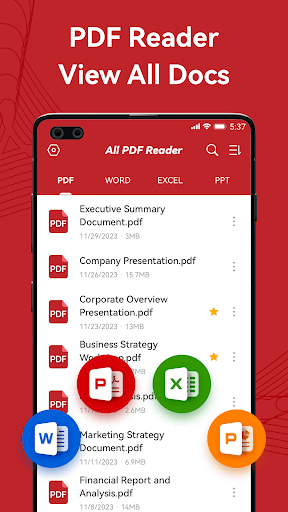
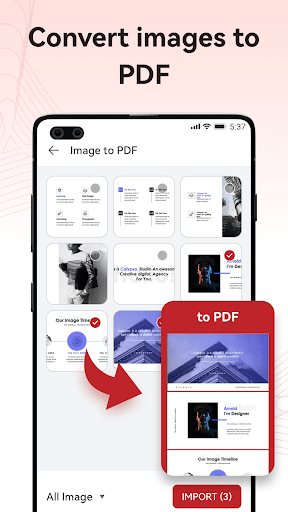
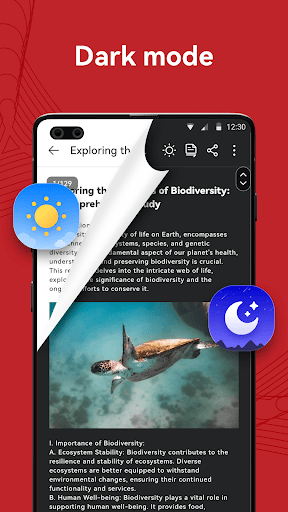
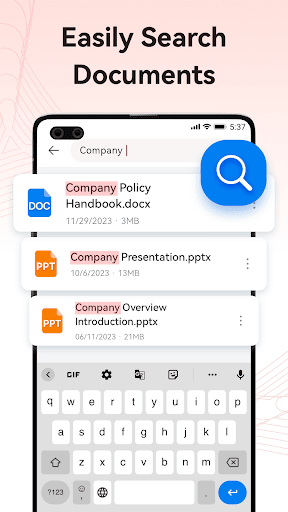
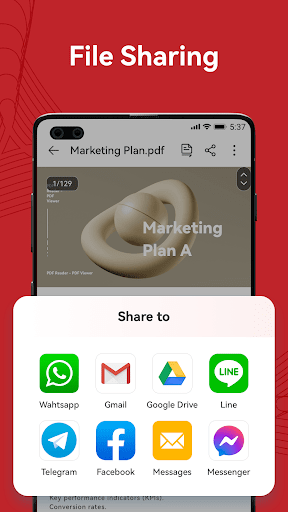
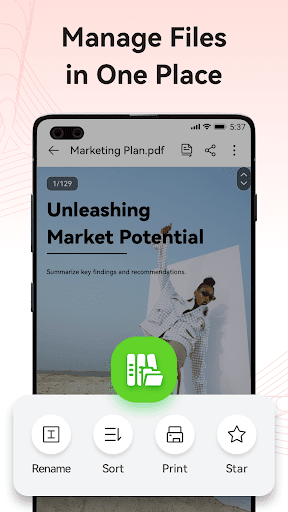
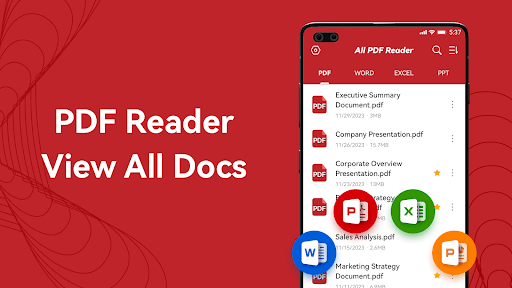
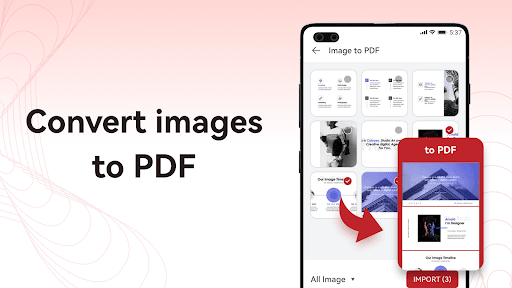
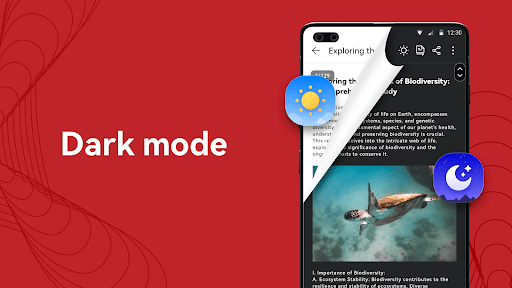
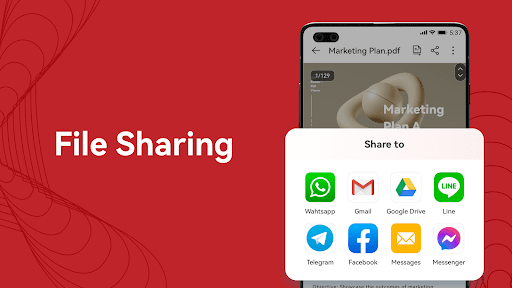
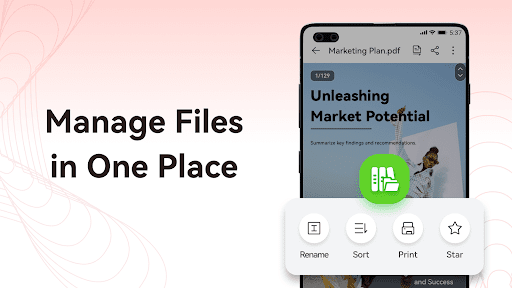
All-in-one PDF and office document reader for Android with annotation, basic editing (merge/split/reorder, add text/images/shapes), AI-powered summaries, offline access, file management, printing/sharing, dark mode, and cloud storage integration.
Verdict
Verdict: A capable, free all‑in‑one PDF/office viewer with handy annotations and AI summaries, but ad-supported and not for heavy-duty PDF editing.
Who is it for
Best for:
- Students and professionals needing a fast, offline PDF/Office viewer
- Users who want quick annotations and AI summaries of long PDFs
- People who manage many files across phone and cloud services
Not ideal for:
- Power users requiring advanced PDF editing or form workflows
- Anyone who prefers an ad-free experience without interruptions
- Users needing enterprise features like e-sign, collaboration, or OCR at scale
Real-world User Experience
Users like it:
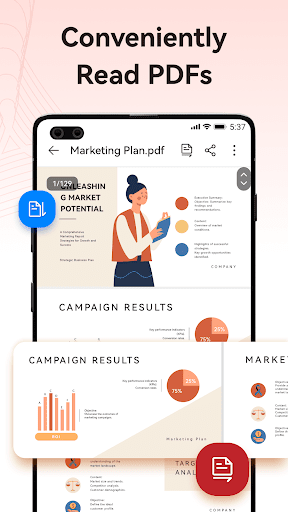
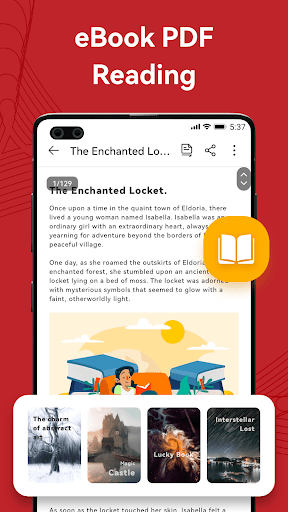
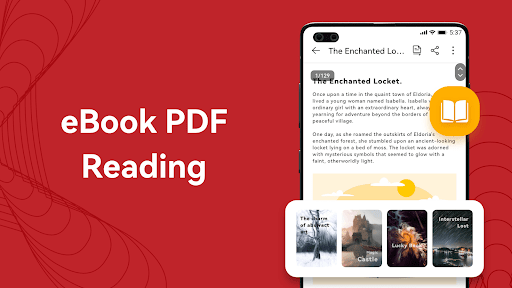
Easy setup with automatic file discovery; clear reading experience with dark mode; quick opening of PDFs and Office files; simple annotations/highlights; helpful image-to-PDF and summarization prompts; generally smooth and reliable.
Users complain about:
Ad presence can be distracting for some; a few users find parts of the interface or workflows confusing; advanced editing depth is limited compared to pro tools.
Is it Worth Paying For?
The app is free with ads and offers no in‑app purchases, so there’s nothing to buy; value is strong if you’re comfortable with ads.
How it Compares to Alternatives
Compared with Adobe Acrobat Reader and Xodo, it matches core viewing/annotation and adds AI summaries and broad Office support, but lags in pro editing, forms, and collaboration. Versus Google PDF Viewer (basic) and WPS Office (suite-first), it’s lighter than WPS yet more feature-rich than Google’s viewer, with better file management and AI assist. Cloud integration is on par with leading options.
Summary
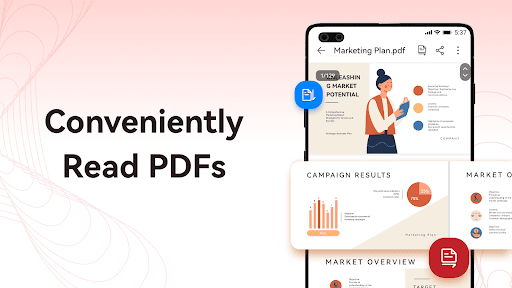
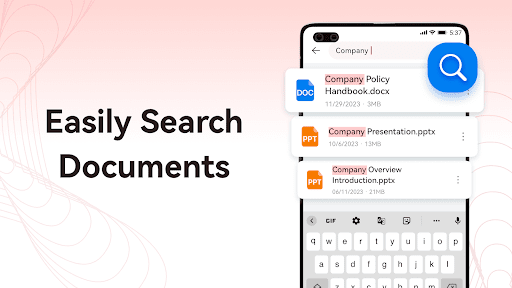
PDF Reader Pro—All PDF Viewer focuses on fast, reliable reading of PDFs and common Office formats, wrapped with practical tools like annotation, page operations, image-to-PDF, printing/sharing, and cloud access. Its AI Summary stands out for quickly digesting long documents, and the app’s automatic file discovery, dark mode, and offline support make everyday use convenient. It’s ad-supported and not a replacement for professional-grade PDF editing or form workflows, but for most mobile viewing and light edits, it’s a smooth, capable choice with a strong free value proposition.
Ratings
Trending APP












Alternative to this app









