Copyright 2026 © swekartor. All Rights Reserved.


Information about Cast to TV - Chromecast, Roku
App Feature
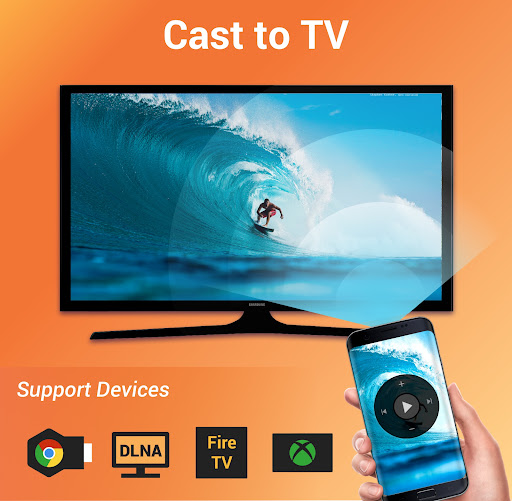
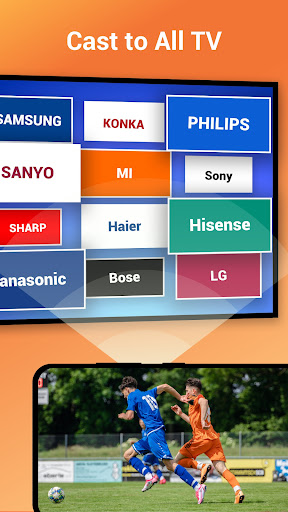
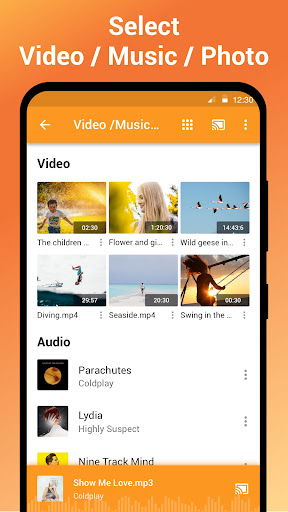
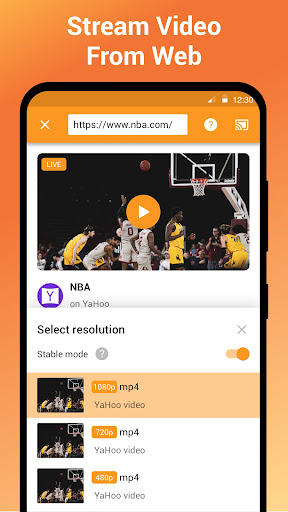
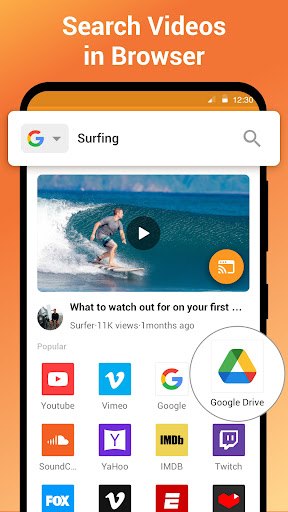
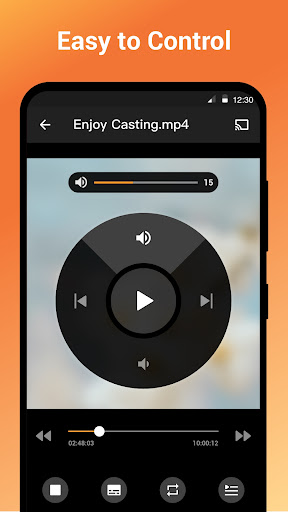
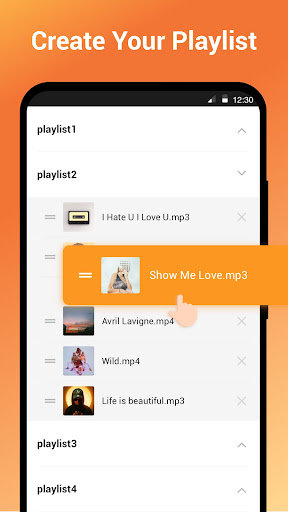
Cast to TV - Chromecast, Roku is a media-casting and screen mirroring app that streams online videos, live streams, and local photos/music/videos from Android devices to Chromecast, Roku, Fire TV/Stick, Apple TV (AirPlay), Xbox, and DLNA-enabled smart TVs. It includes a built-in web browser for web video casting, playback controls (pause, seek, volume), playlists/queue, shuffle/loop, and automatic device discovery.
Verdict
Verdict: A versatile, reliable casting app that outperforms many rivals, especially for Roku and mixed-device households.
Who is it for
Best for:
- Users who want easy casting of local media and web videos to Roku, Chromecast, and smart TVs
- Households with multiple streaming devices (Roku, Fire TV, DLNA TVs) needing one simple solution
- People who value quick setup, stable playback, and straightforward controls
Not ideal for:
- Those needing true, system-wide screen mirroring on devices without Miracast support
- Users who refuse ads or companion installations (e.g., Roku XCast channel) in the free tier
- Anyone expecting guaranteed playback of every codec/website without network/setup tweaks
Real-world User Experience
Users like it:
Consistently connects quickly and works across Roku, Chromecast, Fire TV, and various smart TVs; smooth, stable playback with good seeking/fast-forward; simple UI and fast setup; handles many formats (including some MKV) and supports adding subtitles; better reliability than several competitors; free version is usable with tolerable ads.
Users complain about:
Screen mirroring depends on Miracast and may not be available on some phones; Roku often requires installing the XCast/companion channel; occasional buffering or playback stops typical of wireless streaming; web casting may fail to detect devices in some cases; VPNs or network issues can block connection; built-in player preferences are limited for some users.
Is it Worth Paying For?
Yes for frequent casters: the free version works well but includes ads and occasional prompts; upgrading removes ads and unlocks premium conveniences. Given strong reliability and broad device support, the IAP is good value if you cast often, while casual users can comfortably stay on the free tier.
How it Compares to Alternatives
Compared to Google Home/Google Cast, it supports more ecosystems (Roku, DLNA, Fire TV) and easier web video casting. Versus Roku’s official tools or Play on Roku, users report fewer breaks after firmware updates and better format handling. It outperforms Web Video Caster and AllCast in stability and seeking for many users, and some find it more reliable than VLC’s casting. It’s not a full Miracast replacement for phones lacking that protocol, but as a media caster it’s broad and dependable.
Summary
Cast to TV - Chromecast, Roku excels as an all-in-one casting solution for Android users with mixed streaming devices. It discovers devices quickly, streams local and web media with smooth controls and good format support, and makes it easy to queue and manage playback. Real-world reviews highlight reliable performance on Roku and Chromecast, straightforward setup, and meaningful extras like subtitle support. Limitations include dependence on Miracast for true screen mirroring, occasional network-related hiccups, and the need for a Roku companion channel. With a generous free version and worthwhile premium upgrade, it’s a top pick for turning your phone into a flexible media hub for the big screen.
Ratings
Trending APP












Alternative to this app