
Copyright 2026 © swekartor. All Rights Reserved.


App Feature
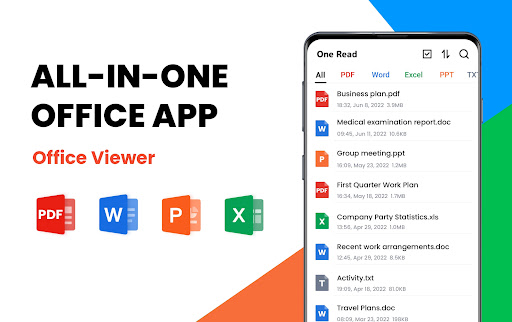
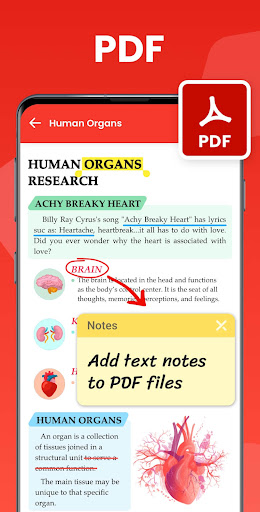
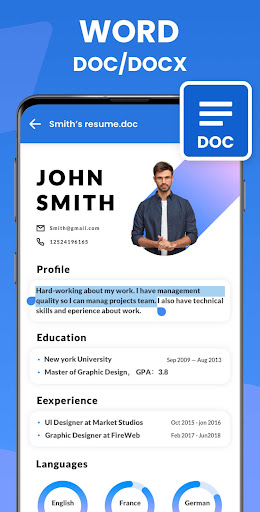
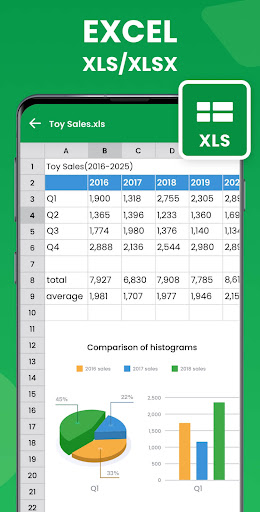
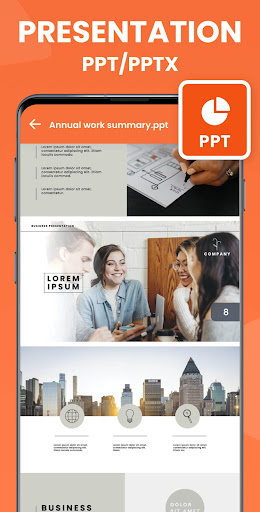
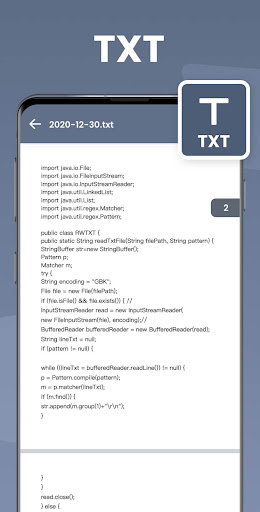
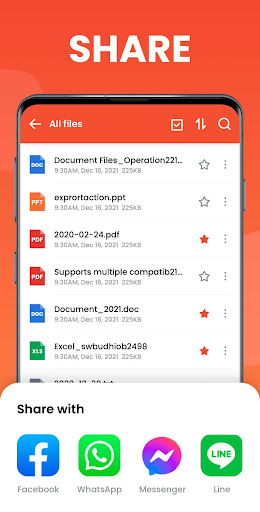
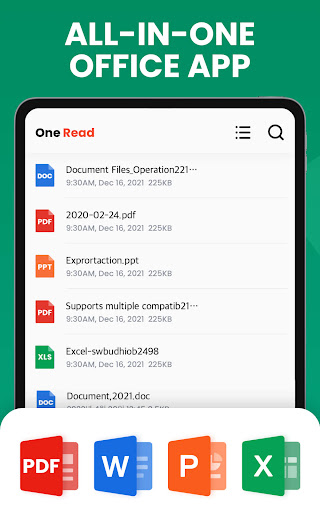
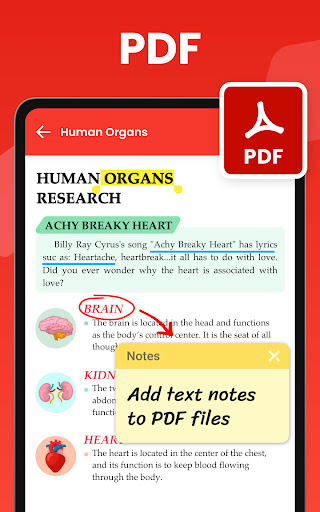
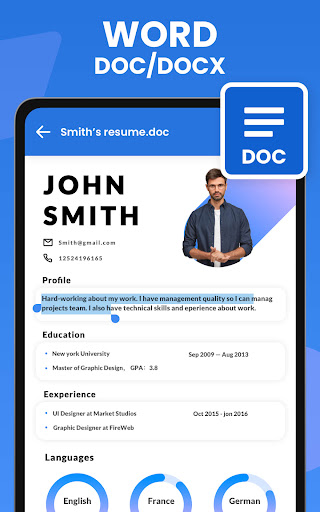
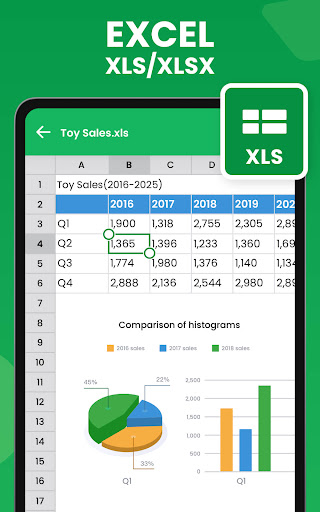
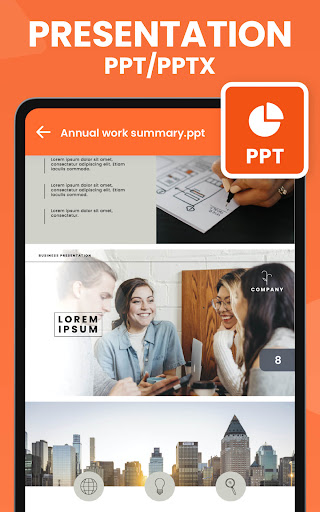
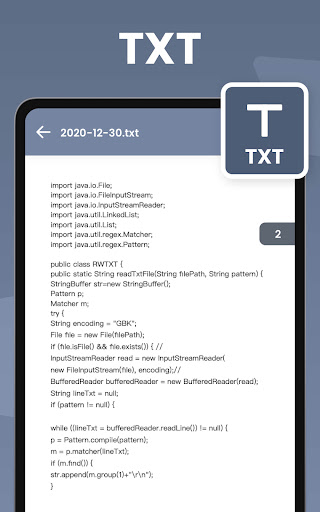
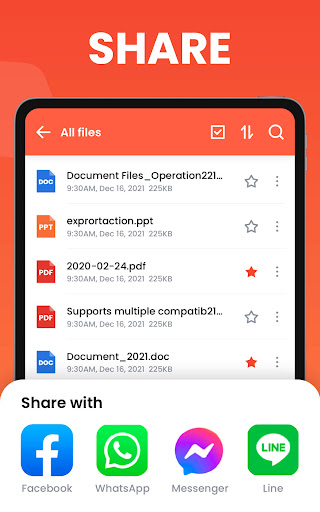
All Document Reader - One Read is an all-in-one document viewer and light editor that scans your device and neatly organizes files, opening PDFs, Word (DOC/DOCX), Excel (XLS/XLSX), PowerPoint (PPT/PPTX), and TXT with fast rendering, simple navigation, and basic tools like favorites, search, sorting, renaming, sharing, PDF-to-image/image-to-PDF conversion, and adding text to PDFs.
Verdict
Verdict: A fast, lightweight all-in-one document viewer that replaces multiple office apps, though ads and limited advanced editing may deter power users.
Who is it for
Best for:
- Users who want a single, lightweight app to open most office file types quickly
- Students and professionals who primarily read, manage, and lightly annotate/convert PDFs
- Anyone seeking an offline-friendly, simple file viewer to declutter multiple viewers
Not ideal for:
- Power users needing full document editing, collaboration, or advanced PDF markup
- Those who are highly sensitive to startup ads and prefer an ad-free experience by default
- Teams requiring cloud integration, versioning, or enterprise-grade workflows
Real-world User Experience
Users like it:
Very fast file opening across formats; clean, intuitive UI; small app size; reliable file scanning and categorization; easy file browsing via in-app manager; useful PDF tools (add text, convert, compress/merge praised by some); dark mode support mentioned by users; minimal friction compared with heavier alternatives; works offline; many find ads tolerable and would pay to remove them.
Users complain about:
Startup/pop-up ads annoy some users; occasional confusion with similar-looking apps/logos and an 'app expiring' dialog reported by one user; requests for more robust editing (Word/Docs), additional conversions, and more file types; a few users want an immediate, clearly available ad-free purchase option.
Is it Worth Paying For?
The core app is free with ads and offers IAP. Given its speed and breadth of formats, a reasonably priced, one-time ad‑removal (or modest subscription) would be good value for frequent readers. If you need advanced editing or collaboration, paying for a full office suite may deliver more utility than upgrading here.
How it Compares to Alternatives
Compared with Adobe Acrobat or Microsoft 365, One Read is lighter, faster to open, and simpler for viewing varied formats, but lacks deep editing, collaboration, and cloud features. Versus WPS Office or Google’s viewers, it’s less bloated and more offline-friendly, but behind on full document creation/editing and enterprise integrations. Its built-in conversions and PDF text-adding beat many basic viewers, making it a strong reader/utility rather than a full office suite.
Summary
All Document Reader - One Read delivers a speedy, lightweight way to open and manage PDFs, Word, Excel, PowerPoint, and TXT in one place. It scans and organizes files automatically, offers straightforward navigation, and includes handy utilities like PDF text insertion and file conversions. Users consistently praise its fast performance, clean design, and ability to replace multiple apps. Downsides are mainly ads on launch and limited advanced editing, with occasional confusion around similar apps. If your primary need is viewing, basic PDF tweaks, and quick conversions without heavy office overhead, it’s an excellent, free choice—worth paying a small fee to remove ads if you use it daily.
Ratings
Trending APP












Alternative to this app









