
Copyright 2026 © swekartor. All Rights Reserved.


App Feature
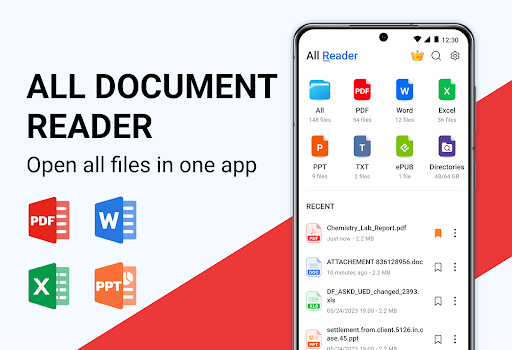
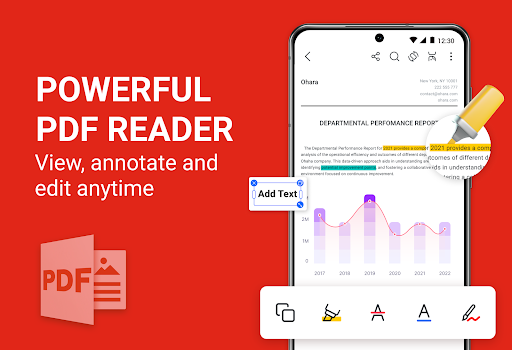
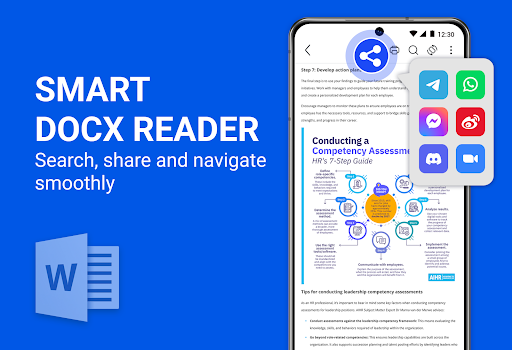
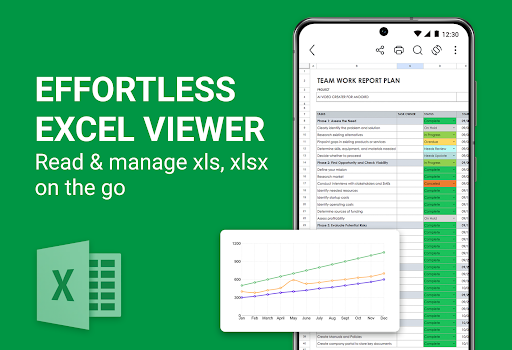
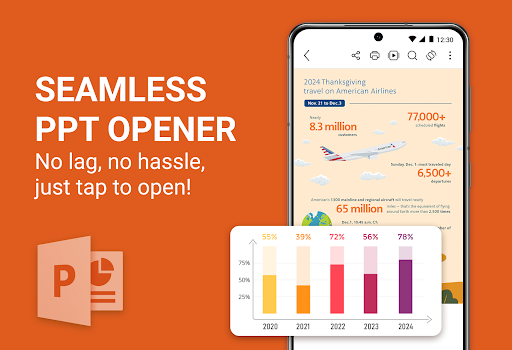
All Document Reader - PDF, DOC is a free, all-in-one viewer and basic editor for PDFs, Word documents, Excel spreadsheets, and more, combining broad file compatibility with a clean, intuitive interface and essential tools for annotating, highlighting, and making simple text adjustments.
Verdict
Verdict: An easy, versatile document reader with handy basic edits, best for everyday viewing rather than deep, pro-grade editing.
Who is it for
Best for:
- Users who need a single app to open most document types
- Students and professionals wanting quick annotations and highlights
- Anyone prioritizing a clean, straightforward interface
Not ideal for:
- Power users needing advanced PDF editing, OCR, or complex layouts
- Teams requiring deep collaboration, track changes, or version control
- Users who depend on desktop-like formatting fidelity
Real-world User Experience
Users like it:
The high 4.7 rating and 1M+ downloads suggest users appreciate its broad file support, fast access to documents, and a simple UI that makes reading and basic edits (annotate/highlight) straightforward.
Users complain about:
Some users likely find the editing toolkit limited for professional workflows and may notice occasional formatting constraints compared to full desktop suites.
Is it Worth Paying For?
It’s free; there’s no information about paid plans or IAP. As a no-cost download offering wide file support and core editing tools, it provides strong value without financial risk.
How it Compares to Alternatives
Compared to Adobe Acrobat Reader, it offers broader non-PDF file coverage but fewer advanced PDF features. Versus Microsoft Office or WPS Office, it’s lighter and quicker for viewing and simple markup but lacks deep editing, templates, and collaboration. It’s a more capable all-format reader than basic viewers like Google Drive’s built-in preview, with added annotation tools.
Summary
All Document Reader - PDF, DOC focuses on versatility and simplicity: it opens a wide array of document formats and covers everyday needs with clean navigation and essential markup tools. Its strong rating and adoption indicate a reliable, user-friendly experience, especially for reading, highlighting, and quick edits on the go. While it won’t replace full desktop editors or specialized PDF suites, it’s an excellent default reader and light editor to streamline daily document access without juggling multiple apps.
Ratings
Trending APP












Alternative to this app









