
Copyright 2026 © swekartor. All Rights Reserved.


App Feature
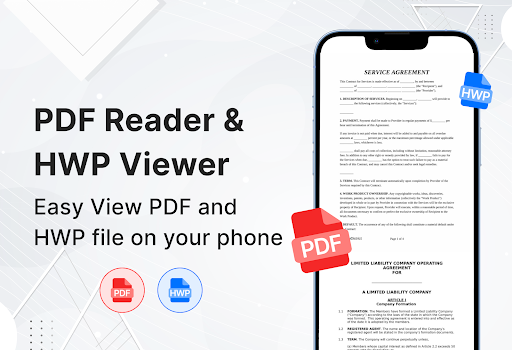
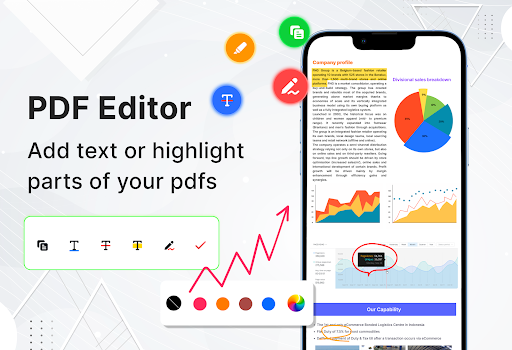
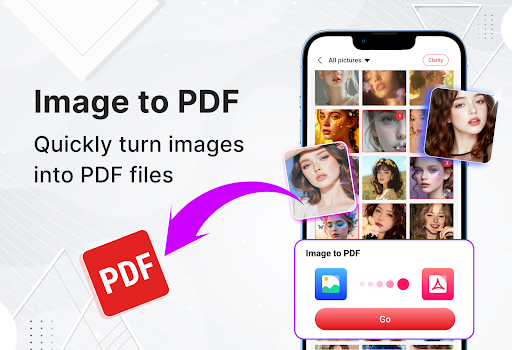
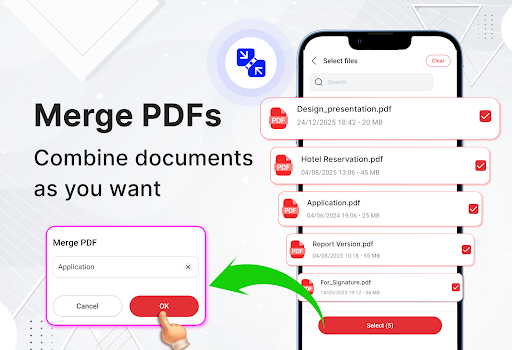
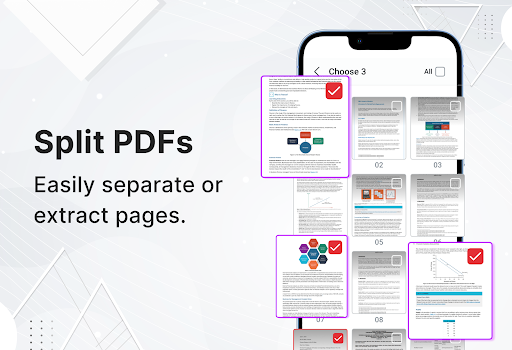
All PDF Reader, PDF Viewer is a lightweight, free PDF manager focused on quick viewing, scanning, and essential document tools. Core functions include automatic device scan, viewing, annotating and basic editing (highlight, draw, notes, copy text), image-to-PDF conversion, merge/split PDFs, dark mode, page jump, print support, file sharing, and even HWP file viewing.
Verdict
Verdict: A capable all‑in‑one PDF utility for everyday tasks, but power users may outgrow its editing depth and tolerate ads.
Who is it for
Best for:
- Students and professionals needing quick view/annotate, merge/split, and image-to-PDF on mobile
- Users who prefer a simple, lightweight interface with dark mode and basic print/share tools
- Anyone who occasionally handles HWP files alongside PDFs
Not ideal for:
- Users needing advanced PDF editing (complex layout edits, forms automation, OCR accuracy tuning)
- Those sensitive to ads or who want a fully free experience without upsells
- Heavy enterprise workflows that require cloud collaboration and robust security controls
Real-world User Experience
Users like it:
An overall 3.7 rating (1,600+ ratings) suggests many find it easy to use, fast to open documents, and handy for everyday tasks like merging, splitting, annotating, and converting images to PDF. The lightweight feel and straightforward navigation are recurring positives.
Users complain about:
The middling score implies mixed feedback around ads and paywalled features, and some users likely encounter occasional bugs or limitations with advanced edits and formatting fidelity on complex PDFs.
Is it Worth Paying For?
The app is free with ads and offers in-app purchases. Paying likely removes ads or unlocks premium tools. If you often merge/split, annotate, and convert images on mobile, a small purchase can be worthwhile for an ad-free, smoother workflow. If you only view PDFs occasionally, the free version should suffice.
How it Compares to Alternatives
Compared to Adobe Acrobat Reader, it offers more built-in utilities (merge/split, image-to-PDF) without relying on separate services, but Acrobat still leads for reliability, form filling, and ecosystem integration. Xodo provides strong free annotation and cloud sync with fewer paywalls. Foxit balances speed with advanced features but can feel heavier. Google Drive/Docs viewer is simplest for viewing only but lacks the editing and conversion tools this app includes. The unique HWP support and all-in-one toolkit are differentiators, while ads and less robust advanced editing trail premium alternatives.
Summary
All PDF Reader, PDF Viewer is a practical, lightweight tool that consolidates everyday PDF tasks—viewing, annotating, merging/splitting, image-to-PDF conversion, page navigation, printing, sharing, and even HWP viewing—into a clean, approachable interface. Its feature breadth makes it a convenient one-stop utility for students and busy professionals who need quick edits and conversions on the go. With a 3.7 rating, user sentiment appears broadly positive but mixed, likely reflecting trade-offs such as ads, in-app purchases, and limitations for advanced editing or complex layouts. If you want an easy, multifunction PDF companion for routine tasks, it’s a strong pick; if you depend on enterprise-grade editing, collaboration, or a fully ad-free experience without paying, consider established alternatives like Xodo, Foxit, or Acrobat.
Ratings
Trending APP












Alternative to this app









