
Copyright 2026 © swekartor. All Rights Reserved.



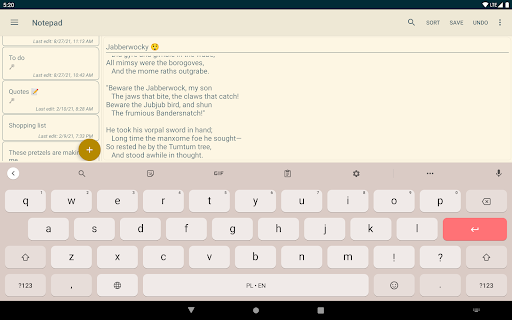
App Feature
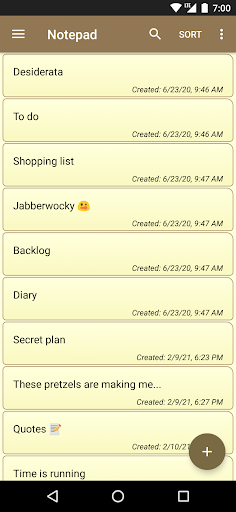
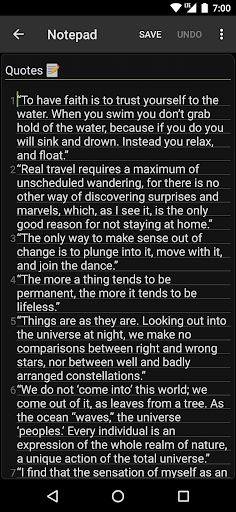
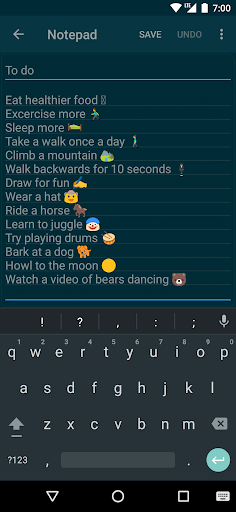
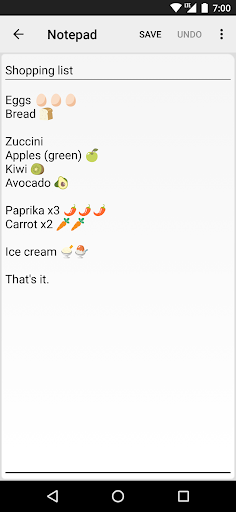
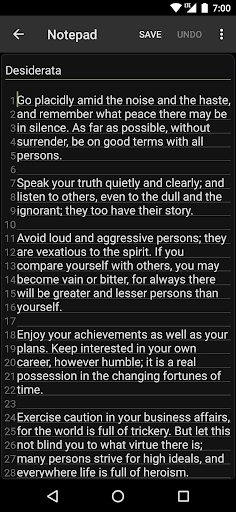
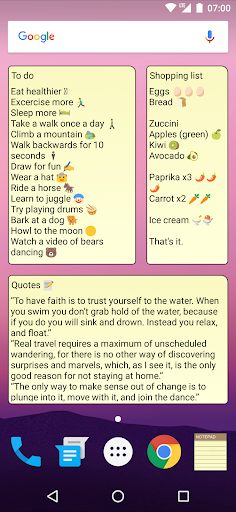
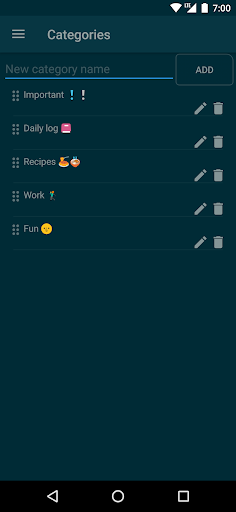
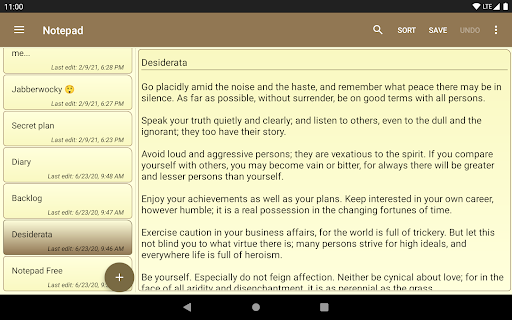
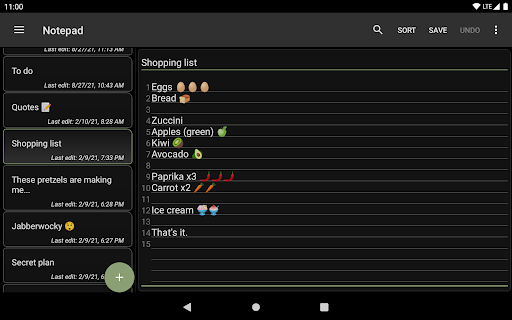
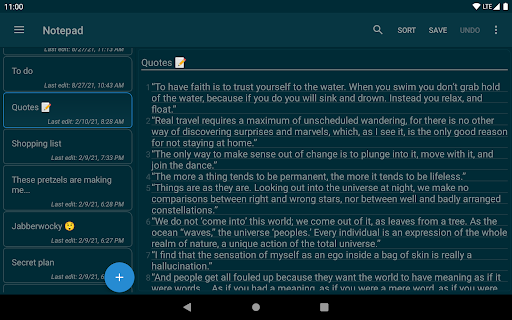
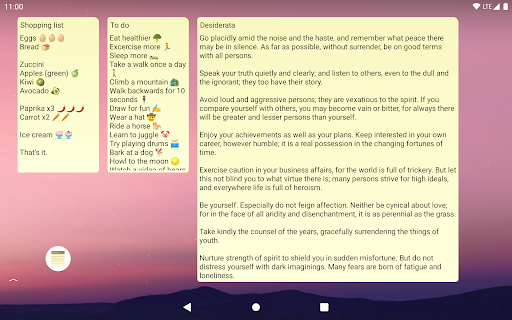
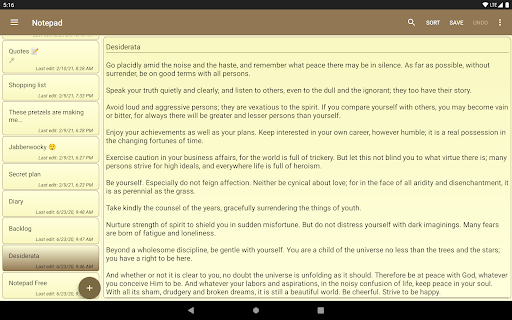
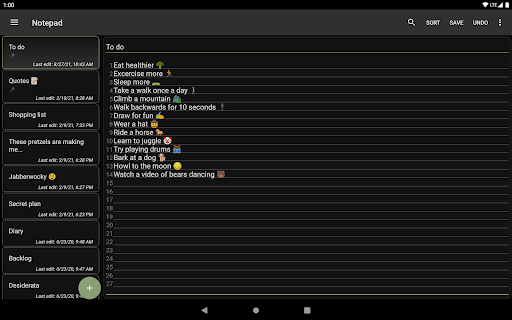
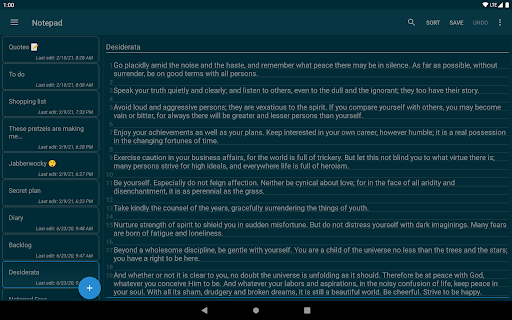
A lightweight, offline-first notepad for quick plain-text notes, lists, and memos with autosave, categories, checklists, search, widgets, backups/import-export (TXT/ZIP), themes, and optional app lock with biometrics.
Verdict
Verdict: A fast, distraction-free notes app that excels at simple, local text capture, but falls short if you need multi-device sync or rich formatting.
Who is it for
Best for:
- Users who want a minimal, speedy notepad for quick lists and memos
- Privacy-minded or offline users who prefer local storage and backups
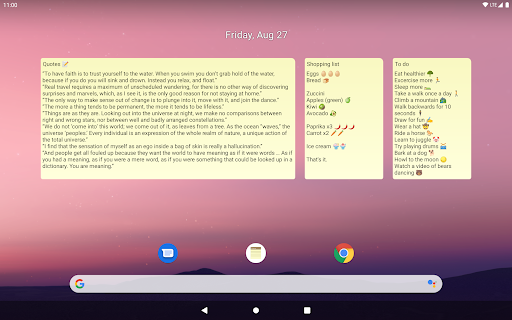
- People who like home-screen widgets and simple category organization
Not ideal for:
- Users who need automatic cloud sync across phone, tablet, and desktop
- Those wanting rich text, collaboration, or advanced formatting
- Power users seeking deep integrations, reminders, or automation
Real-world User Experience
Users like it:
Long-time users praise its stability, speed, and simplicity; autosave prevents loss; categories and search make large note collections manageable; new checklist option is appreciated; widgets and quick-add (+) speed up capture; ads are minimal and can be disabled for days by watching a short video; easy TXT export/import and ZIP backups provide peace of mind.
Users complain about:
No built-in sync across devices is the most common complaint; occasional annoyances like cursor not returning to last position; category loss during manual migration if backups are done incorrectly; some wish for folders/richer formatting; ads exist (though generally unobtrusive) and there’s no direct paid remove-ads option.
Is it Worth Paying For?
The app is free with small banner ads and no IAP. You can temporarily disable ads by watching a short video. Since there’s no paid tier and ads are minimal, the free value is excellent; there’s nothing to buy and little to lose.
How it Compares to Alternatives
Compared to Google Keep, Notepad is lighter, faster, and more private offline, but lacks Keep’s multi-device sync, reminders, OCR, and collaboration. Versus Simplenote or Standard Notes, it trades cloud sync and markdown for zero setup, speed, and simple local TXT handling. Against ColorNote or similar lightweight notepads, it’s competitive on speed and widgets but still behind apps that include built-in cloud sync.
Summary
Notepad - simple notes delivers exactly what its name promises: a fast, distraction-free space for plain-text notes, lists, and ideas. It shines for everyday capture thanks to autosave, categories, widgets, backups, and an optional lock, all wrapped in a tiny footprint with minimal ads. Power features like cross-device sync, rich formatting, and collaboration are intentionally absent, which keeps it snappy but limits it for complex workflows. If you want a dependable, offline, no-frills notepad that just works, it’s an easy recommendation; if you live across multiple devices or need rich text and integrations, consider a cloud-synced alternative.
Ratings
Trending APP












Alternative to this app









