
Copyright 2026 © swekartor. All Rights Reserved.



App Feature
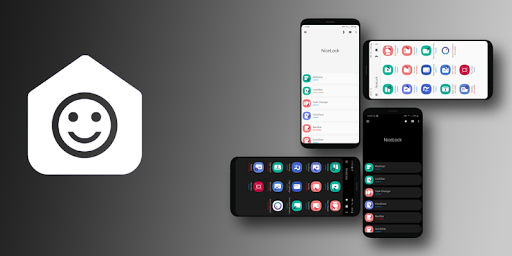
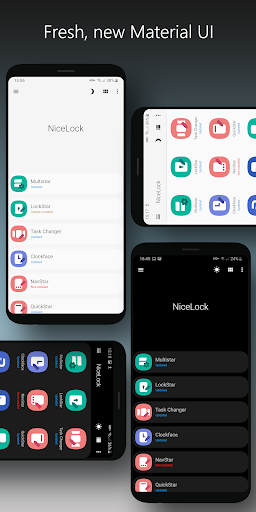
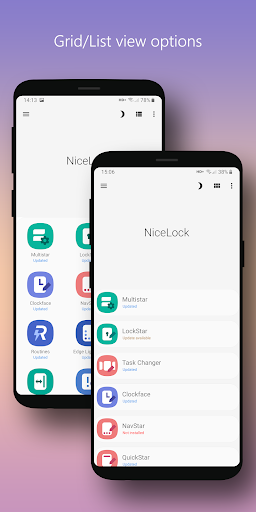
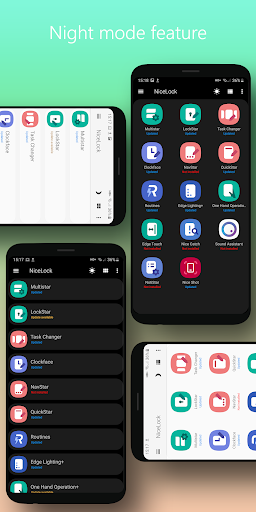
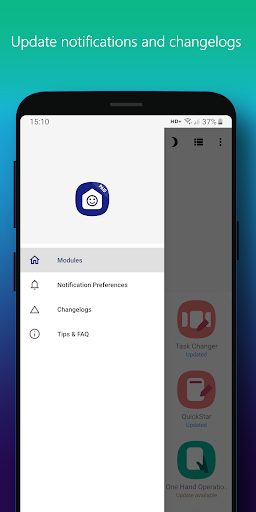
A dedicated launcher for Samsung’s Good Lock modules that centralizes access to installed customization tools, checks for module updates via a cloud database, sends update notifications, and offers Night Mode; the paid variant removes ads and adds homescreen shortcuts.
Verdict
Verdict: A handy, lightweight launcher for Good Lock power users, but limited if you expect it to install or replace the modules themselves.
Who is it for
Best for:
- Samsung users who manually install Good Lock modules in unsupported regions
- Customization enthusiasts wanting a clean hub with update notifications
- Anyone who prefers a simple, Material-designed launcher for Good Lock
Not ideal for:
- Users expecting the app to install/enable Good Lock modules automatically
- Non-Samsung or Good Lock–incompatible devices
- Those who dislike ads and won’t consider the paid ad-free version
Real-world User Experience
Users like it:
Smooth, reliable access to Good Lock modules even in regions where the official app isn’t available; helpful update notifications; thoughtful design and Night Mode; broadly works as advertised for Android 10/11/12 era devices.
Users complain about:
Cannot install modules due to Play Store rules, requiring manual setup; occasional UI/gesture quirks (e.g., indicators while swiping with Task Changer); ads in the free version and some features (shortcuts) gated to the paid app.
Is it Worth Paying For?
The core launcher is free with ads. The separate paid version removes ads and enables homescreen shortcuts. If you frequently use multiple modules and want faster access plus an ad-free experience, the small upgrade is reasonable; otherwise, the free version suffices.
How it Compares to Alternatives
Compared to Samsung’s official Good Lock (where available), NiceLock doesn’t provide modules or deeper system integration; it’s a convenience hub and update notifier. Versus other third-party launchers like Fine Lock, the differences center on UI polish, ads vs. paid experience, and ancillary features (e.g., cloud rollout and notifications); choose based on design preference and whether you want an ad-free one-time purchase.
Summary
NiceLock for Samsung streamlines life with Good Lock by acting as a centralized, well-designed launcher with update awareness and Night Mode. It’s especially valuable for users outside officially supported regions who sideload modules and need a clean way to access them. While it cannot install or manage the modules themselves, it reliably surfaces what you’ve got, alerts you to updates, and keeps things tidy. Expect ads in the free build and minor gesture/UI quirks; upgrading to the ad-free version adds shortcuts and a smoother experience. For Samsung customization fans, it’s a practical companion rather than a replacement for Good Lock.
Ratings
Trending APP












Alternative to this app









