
Copyright 2026 © swekartor. All Rights Reserved.



App Feature
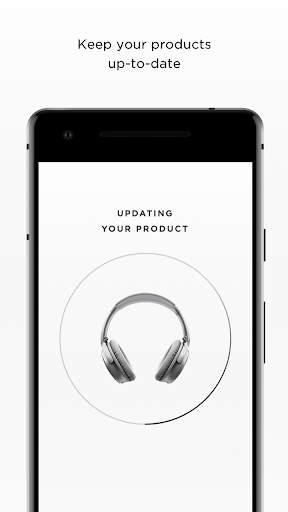
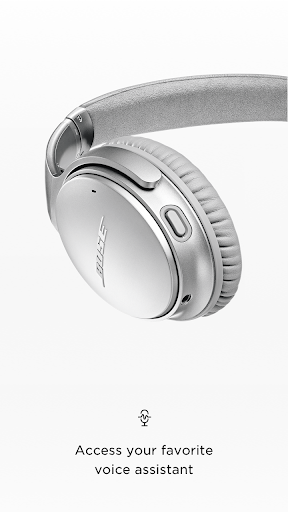
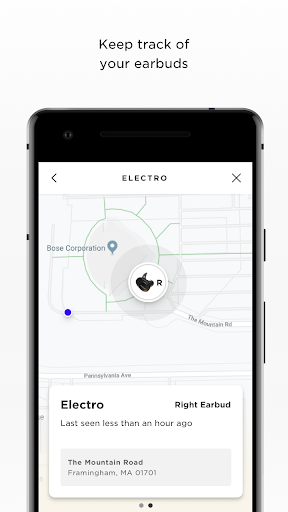
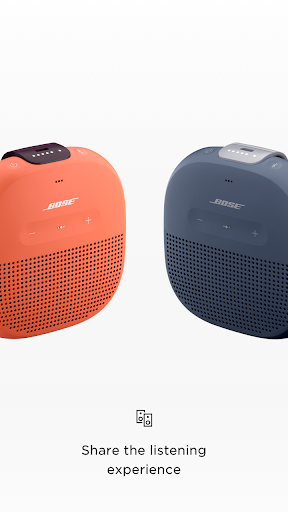
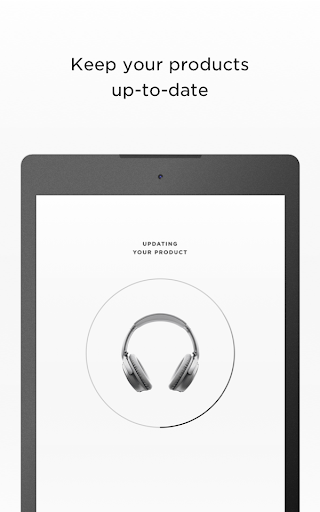
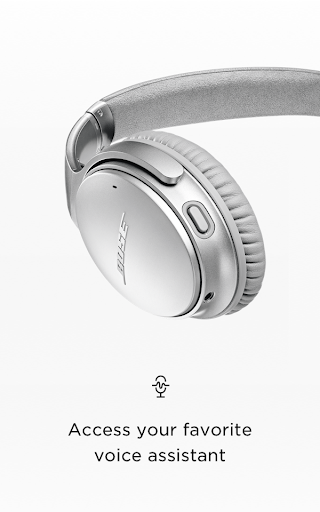
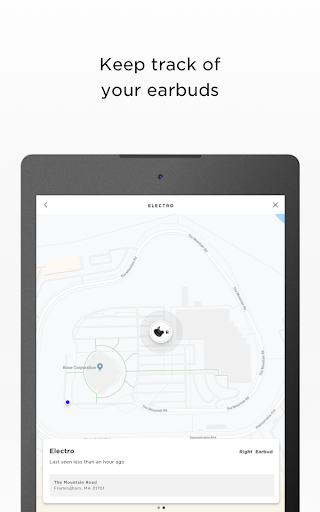
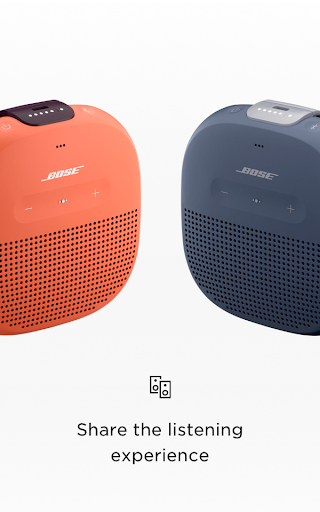
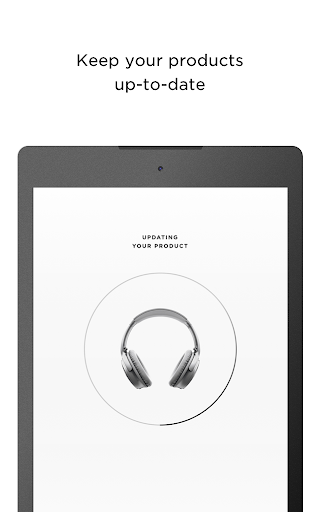
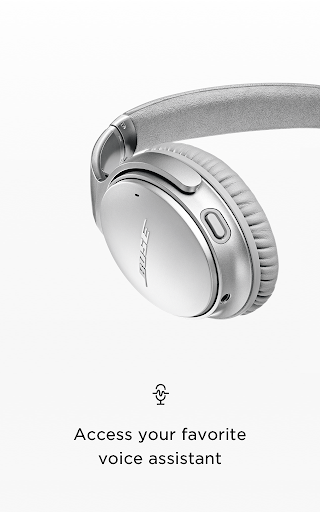
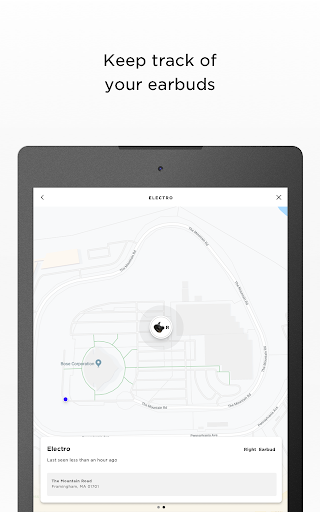
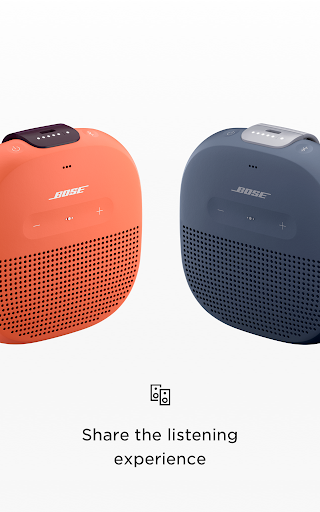
Bose Connect is a companion app that unlocks and manages features on supported Bose Bluetooth products, including quick pairing/switching, battery and volume controls, auto‑off timer, firmware updates, noise cancellation adjustments (QC30), heart‑rate readouts (SoundSport Pulse), and multi-device listening modes like Music Share, Party Mode, and Stereo Mode.
Verdict
Verdict: A polished, no‑cost companion that smartly extends Bose gear, though limited to specific (often older) models and occasionally finicky Bluetooth behavior.
Who is it for
Best for:
- Owners of supported Bose headphones and speakers who want easy device management and updates
- People who value features like dual‑headphone sharing, Party Mode, and simple NC tweaking
Not ideal for:
- Users with the latest Bose devices that require the Bose Music app instead
- Anyone seeking a universal Bluetooth manager for non‑Bose hardware
Real-world User Experience
Users like it:
Smooth initial pairing and quick switching between previously connected devices; clear battery readouts and simple controls; fun extras like Music Share, Party Mode, and Stereo Mode; convenient firmware updating and product personalization.
Users complain about:
Occasional connection drops or difficulty reconnecting; firmware updates can be slow or fail over Bluetooth; feature availability varies by model leading to confusion; some users report UI responsiveness issues on certain phones.
Is it Worth Paying For?
The app is free, with no ads or IAPs, and provides meaningful value (feature unlocks, updates, and multi-device modes) at no cost—so yes, it’s worth having if you own a supported Bose device.
How it Compares to Alternatives
Compared with Sony Headphones Connect and JBL Portable, Bose Connect is similarly clean and focused but targets an older/support-specific Bose lineup; its Music Share and Party/Stereo modes are standout perks, while advanced EQ and deep customization are more limited than Sony’s. For newer Bose products, Bose Music is the better alternative; for generic Bluetooth management, your phone’s native settings offer broader compatibility but far fewer product-specific features.
Summary
Bose Connect delivers a streamlined way to manage supported Bose headphones and speakers, adding real utility through quick pairing, battery and control access, and firmware updates. Its marquee features—Music Share and Party/Stereo Mode—make shared listening and multi-room setups easy, while model-specific tools like adjustable noise cancellation and heart-rate monitoring add useful extras. Performance is generally solid for a 4.2‑star app, though some users encounter Bluetooth quirks and slow updates, and the feature set varies by device. If you own compatible Bose hardware, this free app is an easy recommendation; if you have newer products, check Bose Music instead.
Ratings
Trending APP









Alternative to this app









