
Copyright 2026 © swekartor. All Rights Reserved.



App Feature
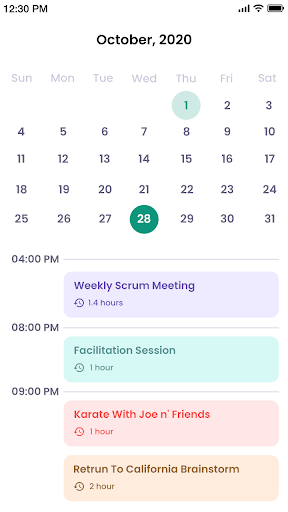
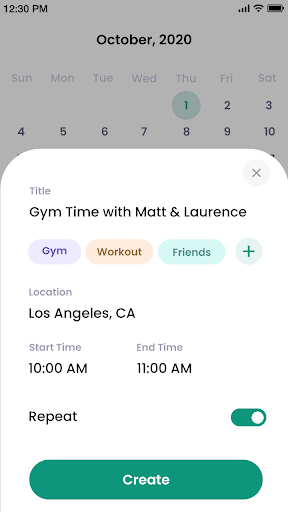
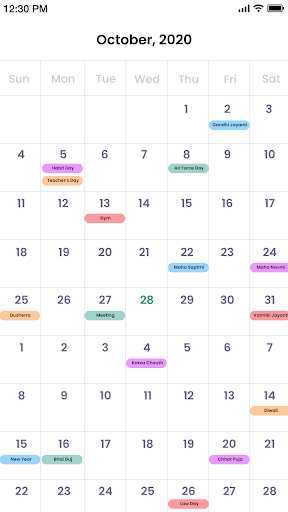
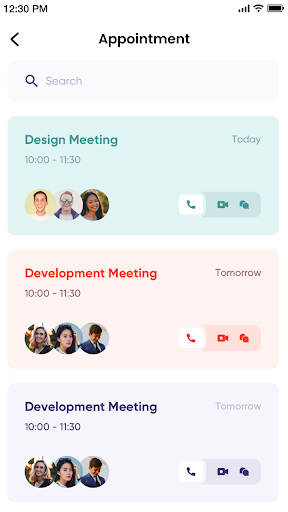
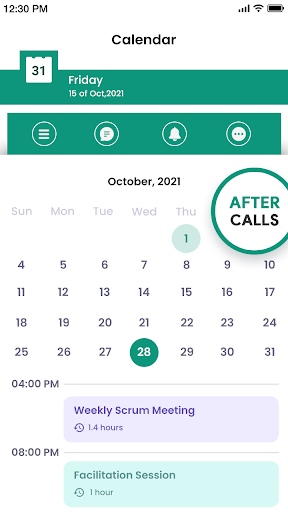
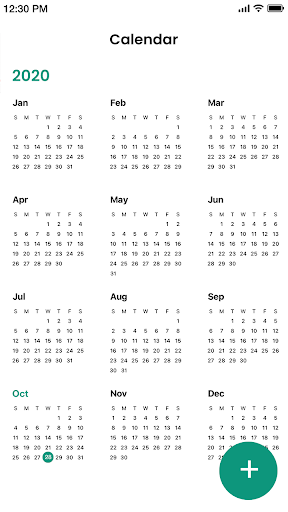
Calendar is a straightforward planner that combines event scheduling, to‑do lists, reminders, and widgets with multiple views (day, week, month, year), Google sync, holiday calendars, location tagging, categories/hashtags, themes, and a post‑call screen to quickly add follow‑ups.
Verdict
Verdict: A clean, capable everyday calendar for straightforward planning, best if you want simplicity with sync and reminders.
Who is it for
Best for:
- Users who want an easy, no‑frills calendar with clear month/week views
- People who rely on Google sync and quick event entry with reminders
- Families or teams needing simple sharing and holiday calendars
Not ideal for:
- Power users needing advanced automation, deep task management, or project views
- Anyone who dislikes ads or post‑call prompts without paying to remove ads
Real-world User Experience
Users like it:
Very easy to navigate and input events; clear month view showing appointments, birthdays, and holidays; quick editing and event sharing; helpful cross‑device usage.
Users complain about:
Occasional glitches (e.g., stuck date) and presence of ads after reinstall; some desire for always‑visible date on the phone without opening the app; post‑call prompts may feel intrusive to some.
Is it Worth Paying For?
Yes if you use it daily—removing ads for around $1.99 is inexpensive and improves a solid free experience. Core features (events, reminders, sync) work well without paying, so ad tolerance determines the value.
How it Compares to Alternatives
Compared with Google Calendar and Microsoft Outlook, Calendar is simpler and lighter with quicker entry and clearer month displays but fewer enterprise features (rooms, advanced scheduling, email integration). Versus aCalendar or Simple Calendar Pro, it’s similarly user‑friendly but leans on extras like post‑call follow‑ups and hashtags. For task‑centric workflows (Any.do, Todoist), it can complement but won’t replace robust task hierarchies, collaboration, or analytics.
Summary
Calendar focuses on clarity and ease: quick event entry, readable month/week views, reliable reminders, and seamless Google sync. Add‑ons like holiday calendars, categories, themes, and a post‑call screen make it handy for everyday planning without complexity. Users praise its simplicity and visibility of key dates, while minor stability hiccups and ads are the main downsides. If you want a lightweight, reliable planner and can either tolerate or cheaply remove ads, this is a strong, user‑friendly choice for personal, family, or small team schedules.
Ratings
Trending APP












Alternative to this app









