
Copyright 2026 © swekartor. All Rights Reserved.


App Feature
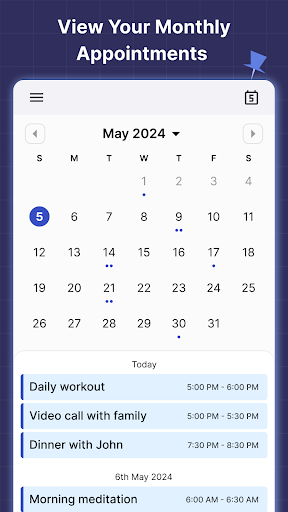
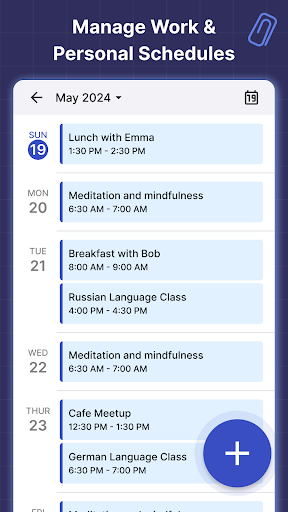
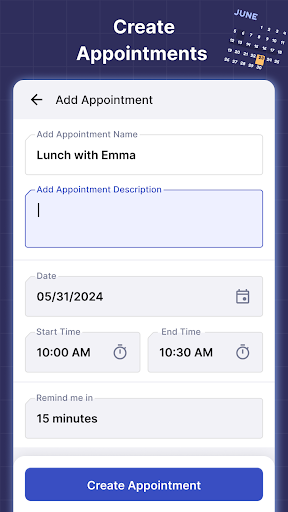
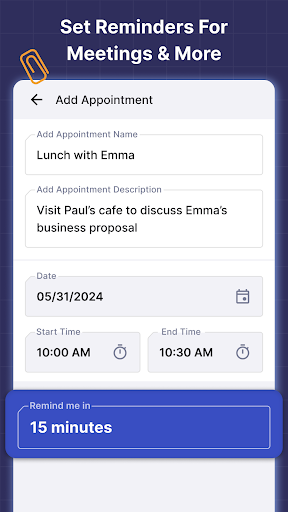
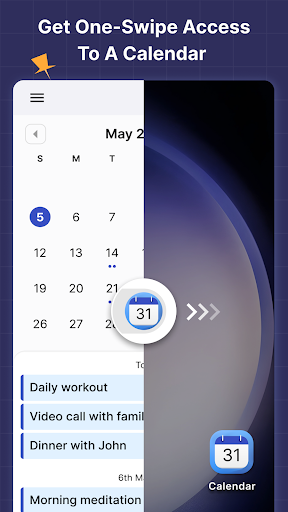
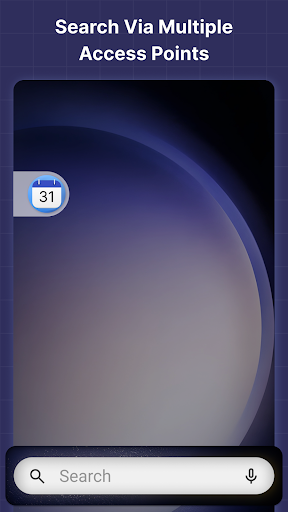
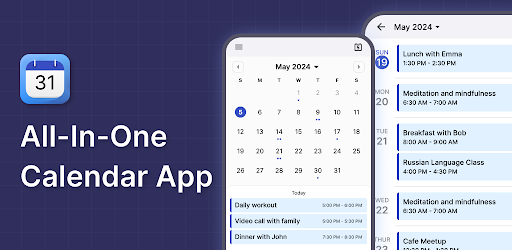
A lightweight launcher-based calendar that puts a monthly calendar, event creation, and reminders one swipe from the home screen. It doubles as a home screen launcher with widgets (time/weather), wallpapers, and built-in search, offering quick access to schedules and app/web search.
Verdict
Verdict: A simple, fast calendar-launcher hybrid that’s great for basic scheduling, but not for power users who need advanced calendar views or deep integrations.
Who is it for
Best for:
- Users who want instant, one-swipe access to a basic monthly calendar
- People who prefer a simple, senior-friendly interface for events and reminders
- Anyone okay with a launcher replacing/rearranging the default home screen
Not ideal for:
- Power users needing advanced views (agenda/week), collaboration, or rich integrations
- Anyone particular about their current launcher layout and app positions
- Users who dislike ads or want extensive customization beyond basics
Real-world User Experience
Users like it:
Ease of use and simplicity; quick access from the home screen; effective for doctor appointments, birthdays, and day descriptions; data auto-populating from other apps; responsive performance; approachable even for less tech-savvy users.
Users complain about:
The app can replace the default launcher and reorganize the home screen, which may be jarring; ads are present; feature set is basic compared to full-fledged calendar suites.
Is it Worth Paying For?
Free with ads and no in-app purchases. There’s nothing to pay for; the value is solid if you’re fine with ads and a basic feature set.
How it Compares to Alternatives
Compared to Google Calendar or aCalendar, this is far simpler with fewer views, sharing, and cross-account features. Its unique angle is being a launcher for one-swipe access and a home-screen widget set (time/weather/wallpapers), closer to minimalist launchers like Niagara or Smart Launcher but with a stronger focus on a monthly calendar. Choose this for speed and simplicity; choose mainstream calendars for collaboration, multi-calendar syncing, and advanced scheduling.
Summary
2025 Calendar Launcher (listed as 2026 on Google Play) is a straightforward, ad-supported calendar that also serves as your phone’s launcher. It emphasizes a clean monthly view, quick event creation, and reminders, plus convenient home-screen features like a clock-weather widget, wallpapers, and multi-point search. Reviews highlight its simplicity and reliability for everyday scheduling, especially for users who want minimal setup and fast access. The main trade-offs are that it can rearrange your home screen when set as the default launcher, it shows ads, and it lacks advanced calendar capabilities. If you value quick, basic scheduling from the home screen, it’s an easy recommendation; if you need pro-grade features or don’t want your launcher changed, consider a traditional calendar app instead.
Ratings
Trending APP












Alternative to this app









